Skip to content
TechBone
Samsung

Samsung: Turn Off the Camera Shutter Sound

Every photo you snap on a Samsung phone triggers a loud shutter click, even when the ringer is off. Samsung does not offer a dedicated toggle for this release sound inside the Camera app, so many owners assume it is stuck on permanently. The fix actually lives in the system media volume, not in the camera settings themselves.

3 min4 steps
VersionAndroid 10 · One UI 2

Step by step

1 / 4

Step 1 of 4: Open the **Settings**

1

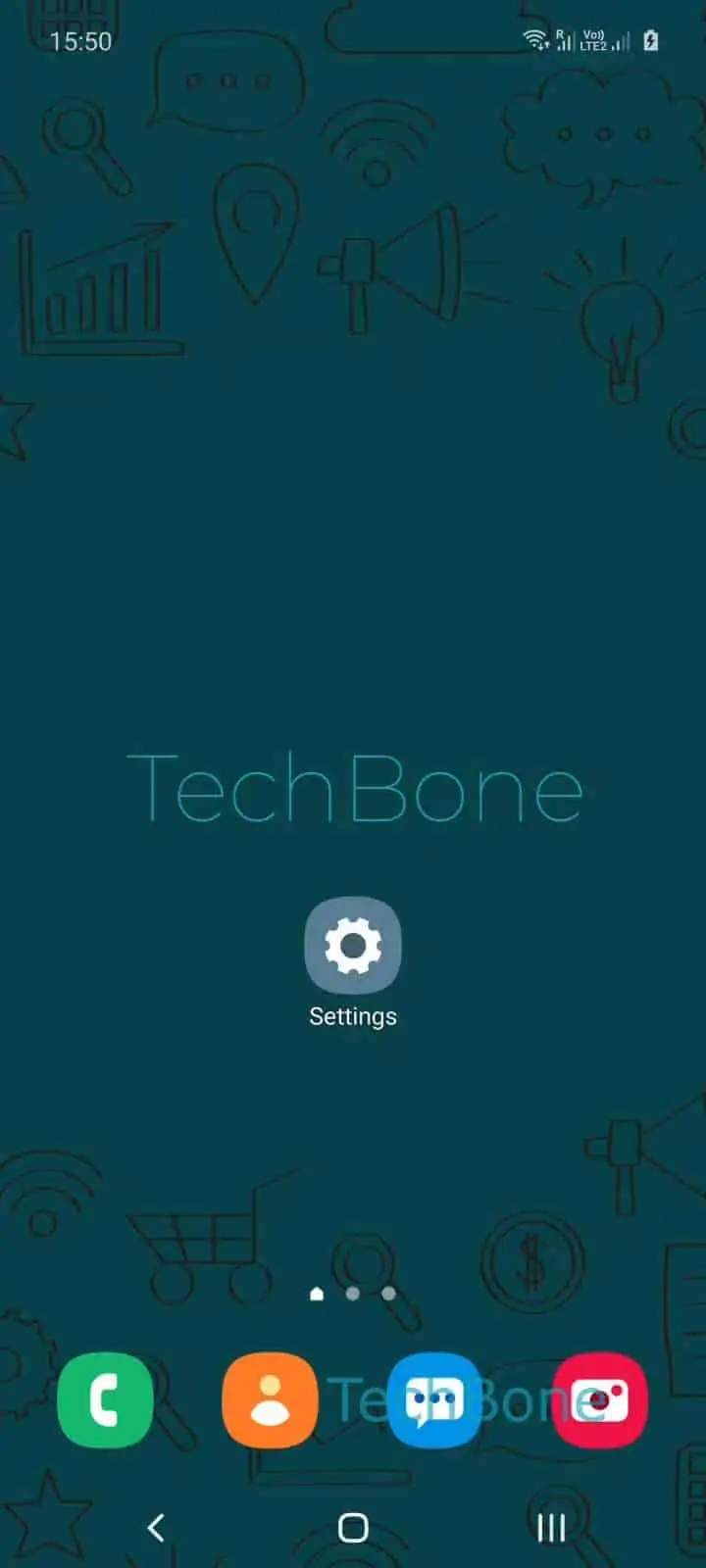
Open the Settings

Live simulator

Android 10 · One UI 2
Turn Off Camera Shutter Sound – One UI 2: step 1 – Open the Settings
Open the Settings
1 / 4

Scroll or use the buttons for the next step

Feedback

Was the guide correct?

Help others: confirm the path or report a problem.

98

Confirmations

Forum verified this path

Samsung

Turn Off Camera Shutter Sound auf Samsung

On newer Samsung phones the camera shutter click is tied to the general media volume, not to a separate camera setting. Samsung removed the dedicated shutter-sound switch from the Camera app years ago, so you cannot toggle it from inside the app anymore.

To silence the sound you have to lower the system media volume instead. Open SettingsSounds and vibrationVolume, then move the slider all the way to the left. This sets the media stream to zero, which also mutes the shutter click.

This slider controls every media playback source, including videos, games and music through the speaker. If you want to keep other media audible but still mute the camera, you need to lower the slider right before shooting and raise it again afterward.

In some regions with mandatory camera-sound regulations, mainly parts of Asia, Samsung disables this option completely and the shutter sound cannot be turned off through any setting.

Frequently asked questions

The ringer and media volume are separate channels, and the shutter sound rides on media volume. To silence it, lower Volume under Sounds and vibration as well.

Compatible devices

Tap your device — opens its hub with matching guides.

Android 10 · One UI 2

No compatible devices are listed for this version.