Skip to content
TechBone
Samsung

Samsung: Switch Between Camera Modes

Stuck on Photo mode and cannot find Panorama, Night, or Pro on your Samsung camera? Many of these modes sit behind a More menu instead of showing in the main swipe bar, which makes them easy to overlook. This is especially confusing on devices that also offer extra modes like Food or Hyperlapse next to the standard Photo and Video options.

3 min3 steps
Version

Step by step

1 / 3

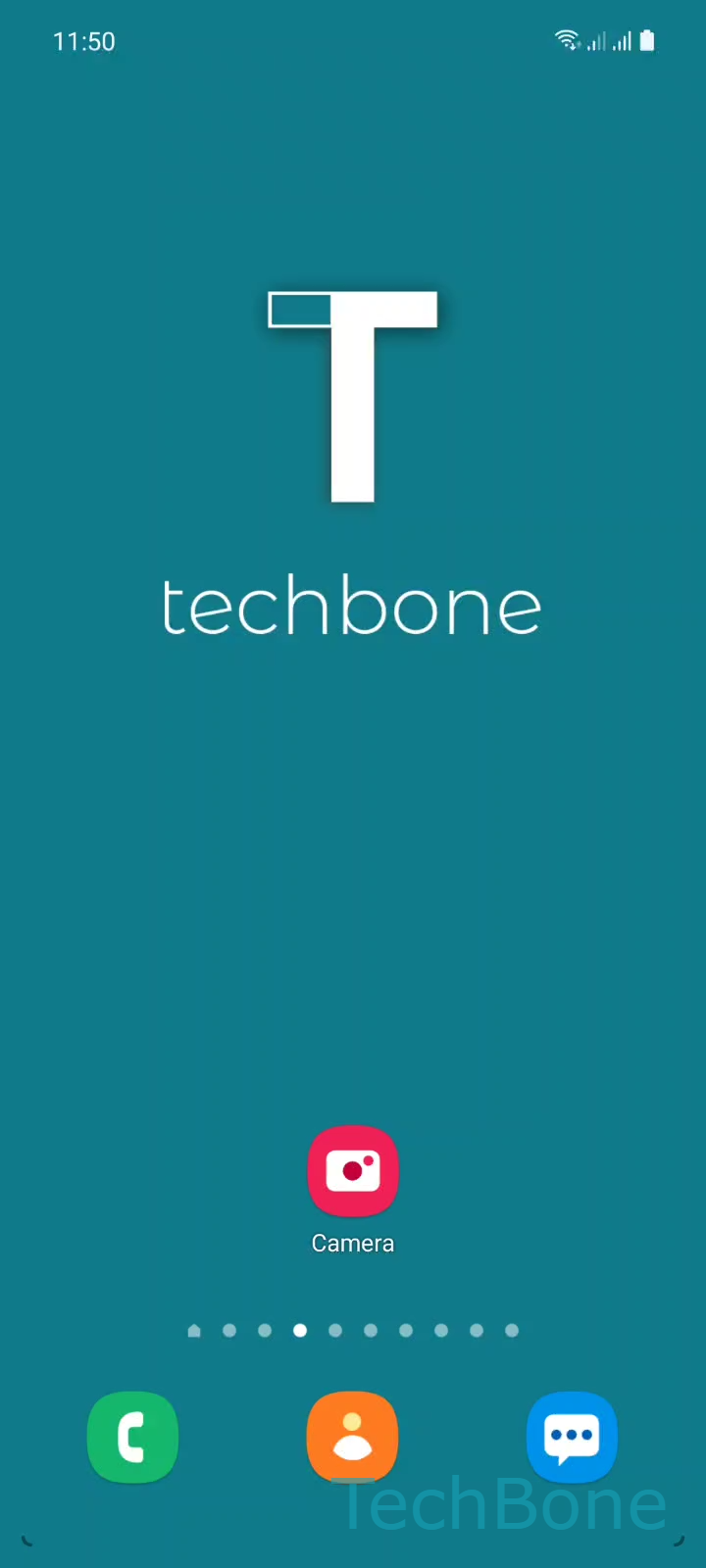
Step 1 of 3: Tap on **Camera**

1

Tap on Camera

Live simulator

Android 11 · One UI 3
Switch Camera Mode – One UI 3: step 1 – Tap on Camera
Tap on Camera
1 / 3

Scroll or use the buttons for the next step

Feedback

Was the guide correct?

Help others: confirm the path or report a problem.

73

Confirmations

Forum verified this path

Samsung

Switch Camera Mode auf Samsung

Samsung's camera app shows only a handful of modes in the main swipe bar, usually Photo and Video plus one or two extras. Modes like Panorama, Pro, Macro, Food, Night, or Hyperlapse sit behind a separate menu, which is why they seem to disappear on some devices.

To switch modes, go to Tap on CameraSelect a Camera mode or tap on MoreSelect a Camera mode. Which modes appear directly in the swipe bar depends on the device tier: mid-range phones usually show fewer default options, while higher-end models add options like slow motion or super slow motion straight to the bar.

The list under More also depends on the camera hardware. A phone without a dedicated macro lens will not offer a true Macro mode, even if a similar entry still exists for close-up shots through software processing.

If a mode you expect is missing entirely, check whether the camera app itself has a pending update, since new modes are sometimes added through app updates rather than a full system update.

Frequently asked questions

Only a few modes are shown directly in the swipe bar by default. The rest are grouped under More, reachable via Tap on CameraSelect a Camera mode or tap on MoreSelect a Camera mode. Which modes exist at all also depends on your device's camera hardware.

Compatible devices

Tap your device — opens its hub with matching guides.

Android 11 · One UI 3

No compatible devices are listed for this version.