
Skip to content
TechBone
Samsung

Samsung: Set the Date Manually

If the date field on your Samsung phone is greyed out, the device is still pulling the date from the mobile network. You need to turn off that automatic sync before you can pick a specific day, month or year yourself. This usually happens after a SIM swap, while traveling, or when testing an app that behaves differently on certain dates.

5 min6 steps
Version

Step by step

1 / 6

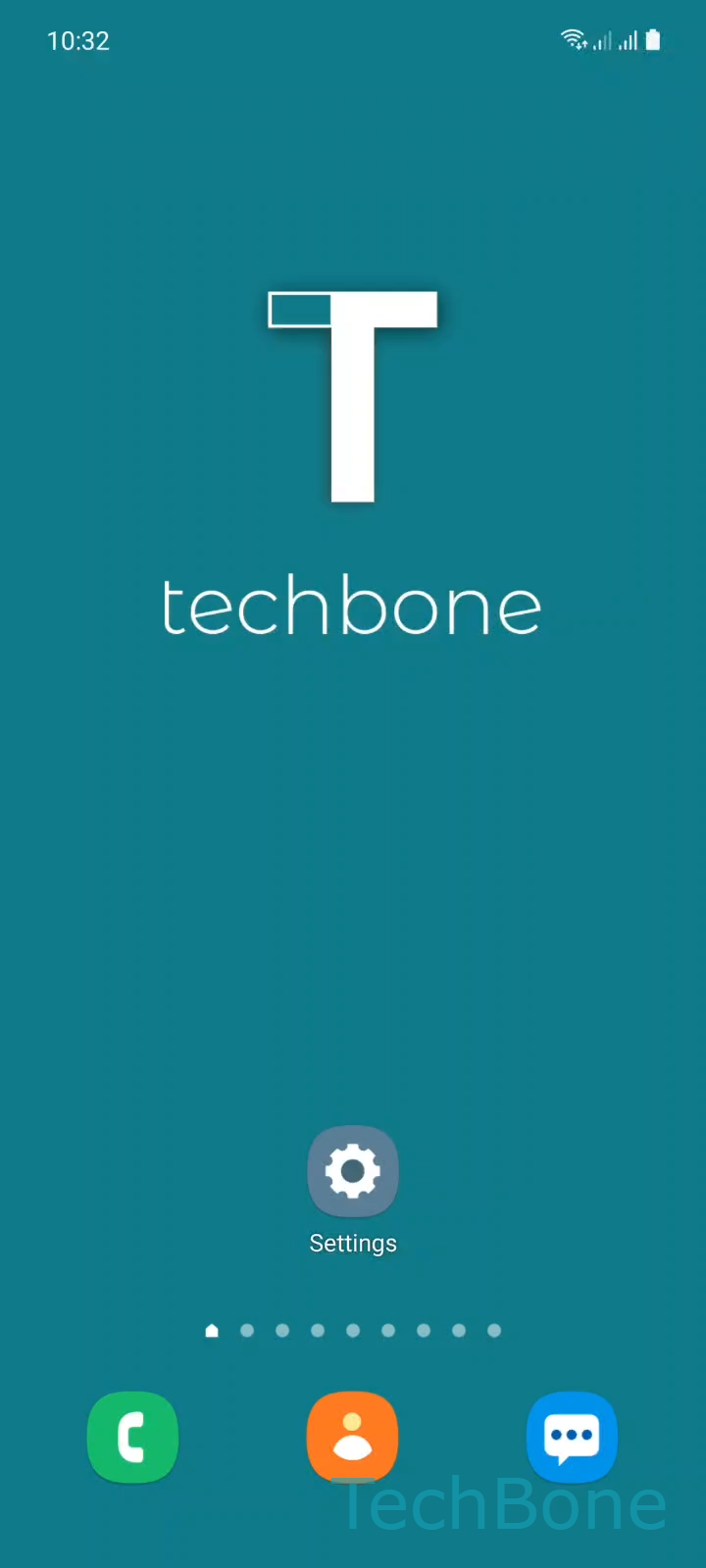
Step 1 of 6: Tap on **Settings**

1

Tap on Settings

Live simulator

Android 11 · One UI 3
Set Date Manually – One UI 3: step 1 – Tap on Settings
Tap on Settings
1 / 6

Scroll or use the buttons for the next step

Feedback

Was the guide correct?

Help others: confirm the path or report a problem.

21

Confirmations

Forum verified this path

Samsung

Set Date Manually auf Samsung

Samsung phones normally take the date from the mobile network or from a connected Wi-Fi source. This keeps the calendar, apps and security certificates in sync without any manual input.

If you need a different date - for testing, after a SIM change, or because the network signal is unreliable - the date field stays locked as long as automatic sync is active. You have to switch that function off first before the phone lets you pick a day, month and year on your own.

Menu path to set the date manually

Open Tap on SettingsTap on General managementTap on Date and timeTurn Off Automatic date and time. Once the toggle is off, tap Tap on Set date, choose the date you need and confirm with Set the Date and tap Done.

Keep in mind that a manually set date can drift out of sync over time, since the phone no longer corrects itself against the network. If you only had a brief signal issue, turning automatic date and time back on afterward is usually the safer long-term option.

Frequently asked questions

The field stays locked while Automatic date and time is turned on, because the device takes the date directly from the mobile network. Turn that setting off under Tap on SettingsTap on General managementTap on Date and time to unlock the field.

Compatible devices

Tap your device — opens its hub with matching guides.

Android 11 · One UI 3

No compatible devices are listed for this version.