Skip to content
TechBone
Samsung

Samsung: Change Default Apps for Browser, Messaging and More

If tapping a link always opens the wrong browser, or a newly installed messaging app never launches automatically, a leftover default app assignment is still active. Samsung keeps separate default apps for actions like opening links, sending texts or making calls, and a fresh install does not take over automatically. Until you reassign it, the old app keeps handling those actions.

3 min4 steps
Version

Step by step

1 / 4

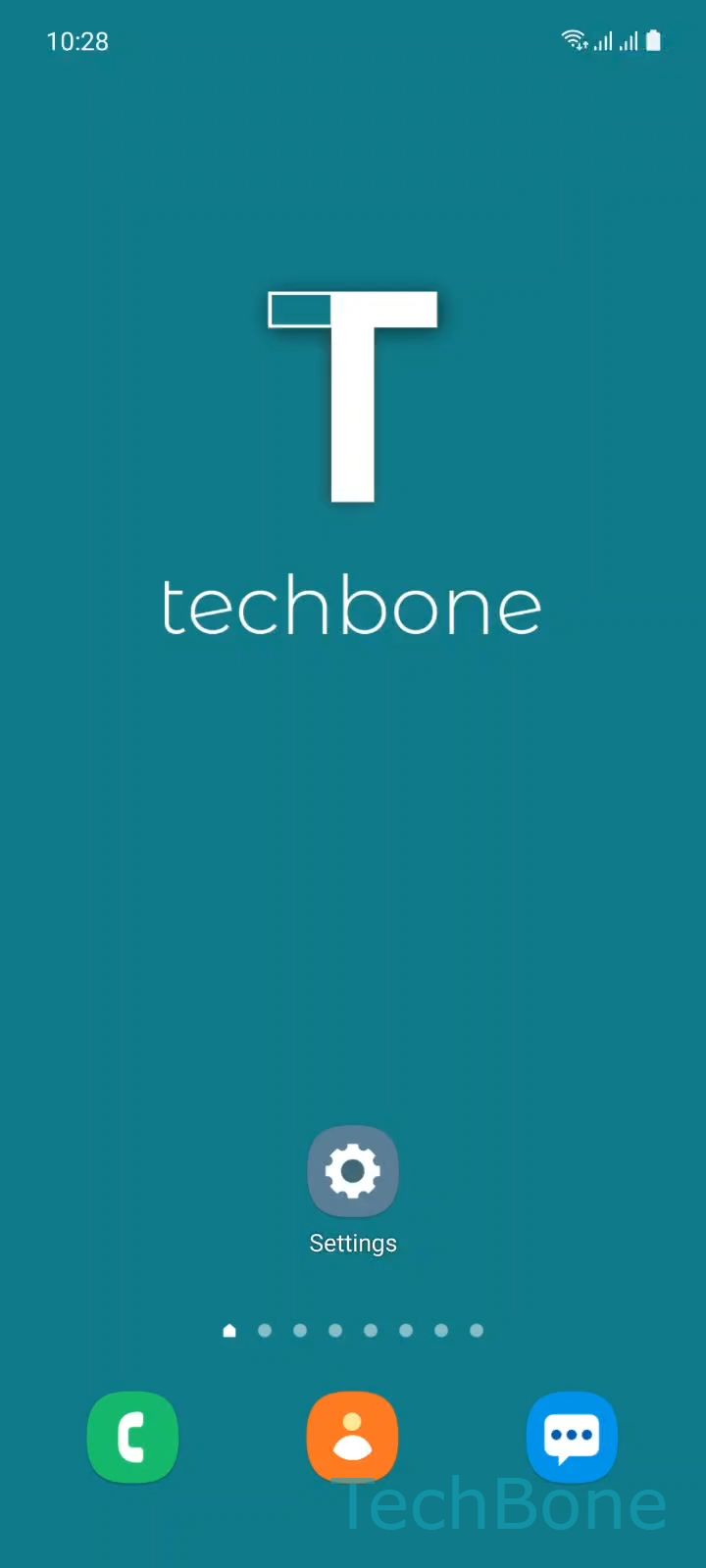
Step 1 of 4: Tap on **Settings**

1

Tap on Settings

Live simulator

Android 11 · One UI 3
Change Default Apps – One UI 3: step 1 – Tap on Settings
Tap on Settings
1 / 4

Scroll or use the buttons for the next step

Feedback

Was the guide correct?

Help others: confirm the path or report a problem.

11

Confirmations

Forum verified this path

Samsung

Change Default Apps auf Samsung

Samsung assigns a default app to specific actions, such as opening web links, sending text messages or handling calls. These defaults come pre-set to apps like the browser or the messaging app that shipped with the device.

When you install an alternative app, for example a different browser or messenger, it does not automatically become the default. The system keeps using the previously assigned app until you change the setting manually. That is why a new app sometimes appears installed but never actually opens when you tap a link or a contact.

To change the default, open SettingsAppsChoose default appsChoose an Option to set the Default App. From this screen you pick which installed app should handle a given action going forward.

This setting only affects apps installed on the device. If the app you want is not listed, it usually still needs to be installed or updated before it appears as an option.

Changing a default app has no effect on other categories. Switching the default browser, for instance, does not change which app handles messages or calls. Each action type keeps its own independent default.

Frequently asked questions

Some links open through an app-specific handler instead of the system default, especially inside other apps. Check SettingsAppsChoose default apps again to confirm the new browser is selected, and clear any conflicting link preferences in the old browser's own settings.

Compatible devices

Tap your device — opens its hub with matching guides.

Android 11 · One UI 3

No compatible devices are listed for this version.