Skip to content
TechBone
Samsung

Samsung: Change the Device Name (Phone Name)

If your Samsung phone shows up under an old or generic name when you connect via Bluetooth, Wi-Fi Direct, or NFC, other people nearby see that name too. This happens because the device name is set once during setup and rarely gets updated afterward.

3 min4 steps
Version

Step by step

1 / 4

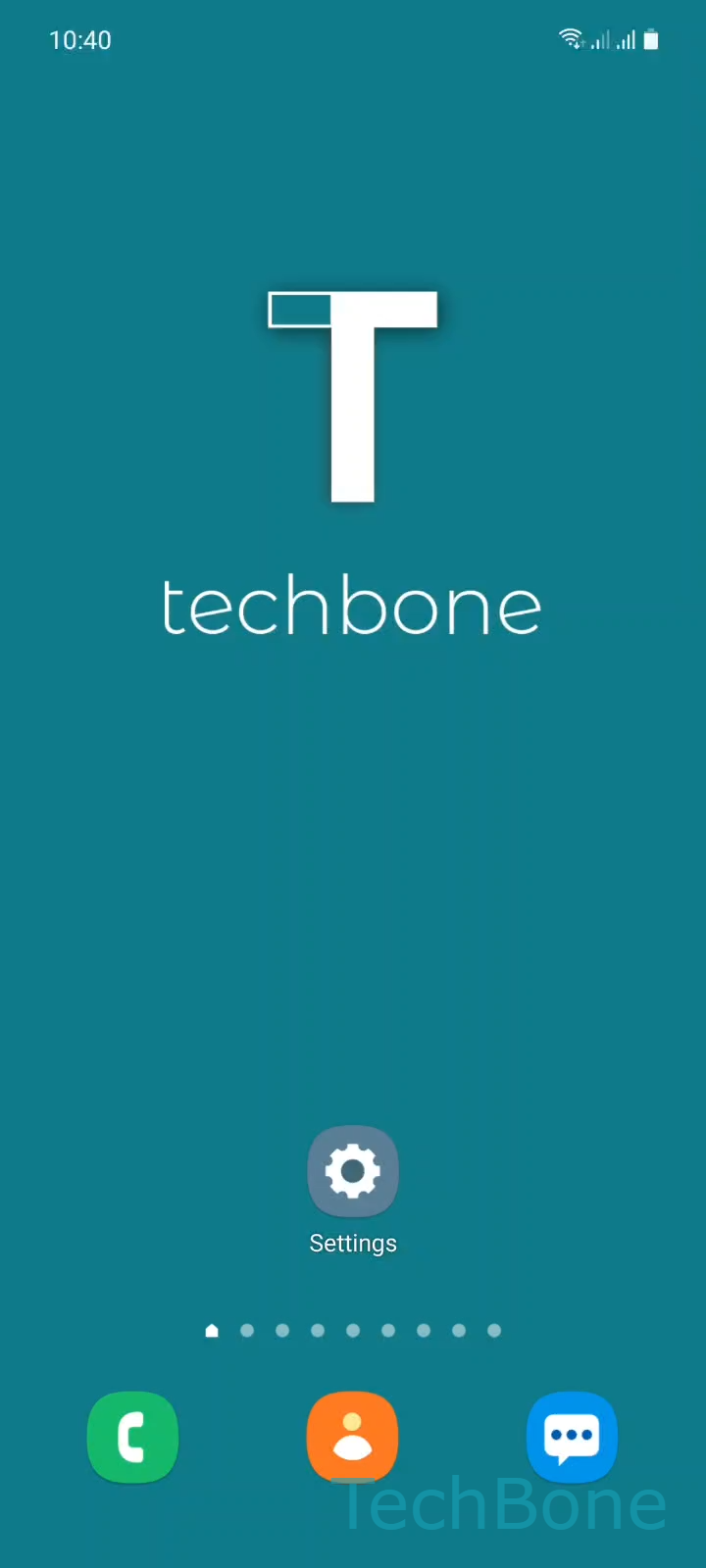
Step 1 of 4: Tap on **Settings**

1

Tap on Settings

Live simulator

Android 11 · One UI 3
Change Device Name – One UI 3: step 1 – Tap on Settings
Tap on Settings
1 / 4

Scroll or use the buttons for the next step

Feedback

Was the guide correct?

Help others: confirm the path or report a problem.

50

Confirmations

Forum verified this path

Samsung

Change Device Name auf Samsung

The device name on a Samsung phone is what appears on other screens during Bluetooth pairing, Wi-Fi Direct transfers, NFC sharing, or when the phone is detected as a nearby device. Many users never change it after setup, so it keeps a factory default or an old name from a previous account.

This name has no effect on performance or security. It only controls how your phone identifies itself to other devices during a connection.

How to change it

Open Settings on your Samsung phone, then go to About phone. Tap Edit next to the current device name.

Enter a new name and tap Done to save it. The change applies immediately across Bluetooth, Wi-Fi Direct, and NFC connections.

If the name still shows up as the old one on another paired device, forget the connection on that device and reconnect. Cached device names sometimes stay stored locally on the other side until a fresh pairing happens.

Frequently asked questions

No. The device name only controls how the phone appears to other devices over Bluetooth, Wi-Fi Direct, or NFC. It is separate from your Samsung account name and does not touch backups or synced data.

Compatible devices

Tap your device — opens its hub with matching guides.

Android 11 · One UI 3

No compatible devices are listed for this version.