
Samsung
Switch Keyboard Language While Typing auf Samsung
The Samsung keyboard only lets you swap languages on the fly once more than one input language is turned on. With a single language enabled, the space bar behaves like a normal key and the swipe gesture has nothing to switch to.
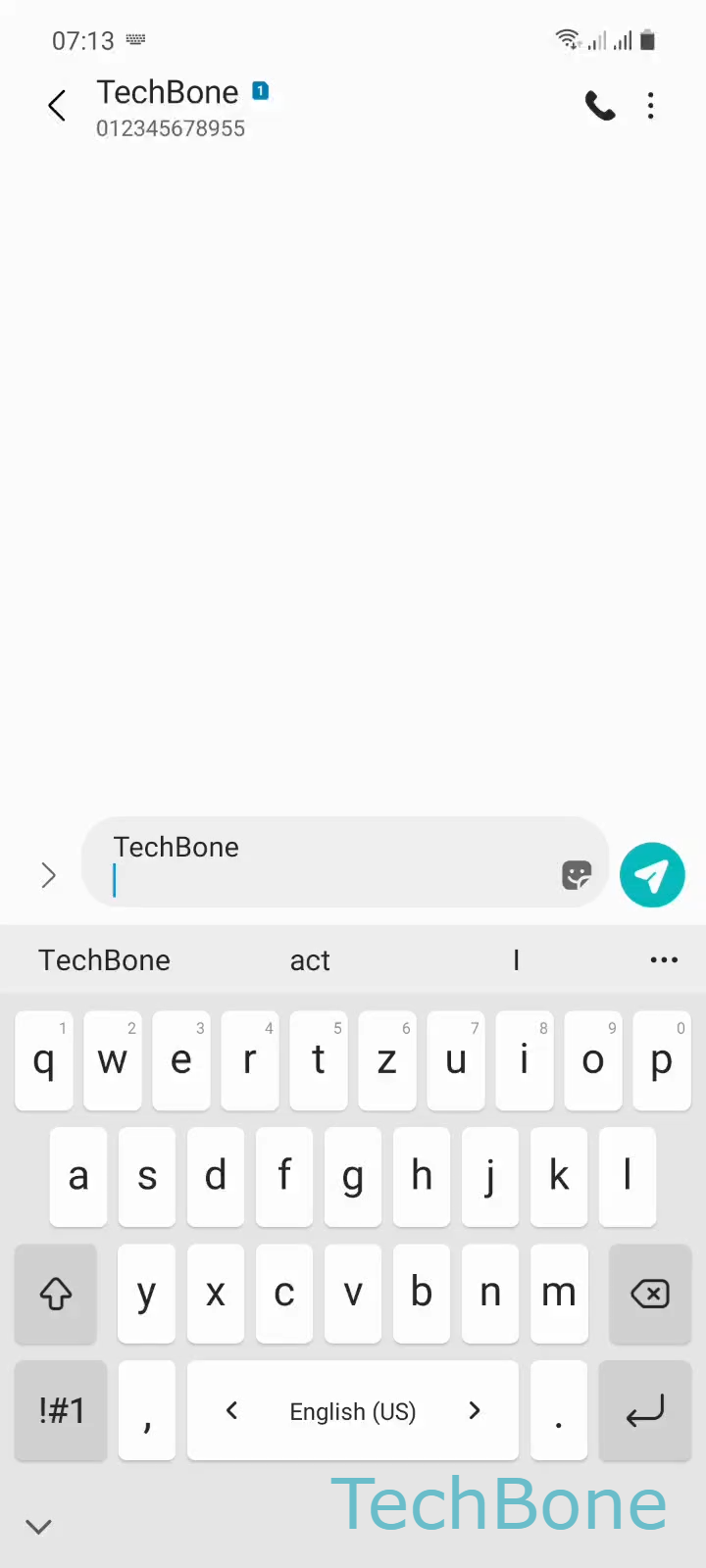
Once a second language is added, swiping the space bar reveals the language switcher. The action is straightforward: Swipe left or right on the space bar ➔ Release the space bar to select a keyboard language. Releasing at the right moment locks in the language you land on.
If the swipe still does nothing after adding a language, check that both languages are actually enabled at the same time in your keyboard's input language list, not just installed. Some keyboard layouts also need their own dictionary download before they show up in the swipe order.
This gesture only affects the typing language, not your phone's system language. If you need the entire interface in another language, that change happens in the general system language settings instead, not on the keyboard.