Skip to content
TechBone
Samsung

Samsung: Change the Theme on Your Home Screen

If your icons still look the same after downloading a new theme from the Galaxy Store, chances are the theme was never actually applied. Themes on Samsung phones control icons, wallpaper, and sometimes the style of stock apps, but they only take effect once you select and confirm them inside the Themes app. Simply installing a theme is not enough to change the look of your home screen.

5 min6 steps
Version

Step by step

1 / 6

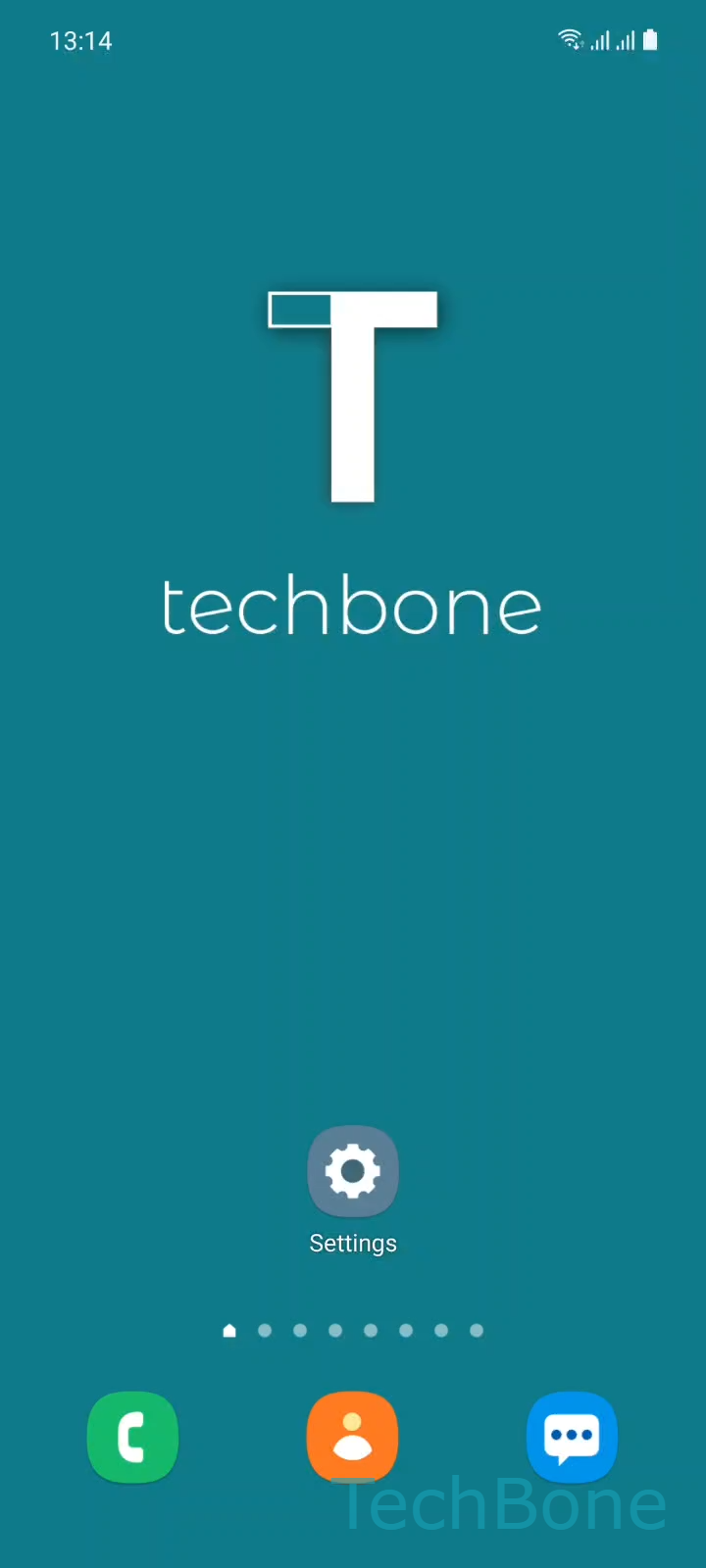
Step 1 of 6: Tap on **Settings**

1

Tap on Settings

Live simulator

Android 11 · One UI 3
Change Theme (Display & Home Screen) – One UI 3: step 1 – Tap on Settings
Tap on Settings
1 / 6

Scroll or use the buttons for the next step

Feedback

Was the guide correct?

Help others: confirm the path or report a problem.

52

Confirmations

Forum verified this path

Samsung

Change Theme (Display & Home Screen) auf Samsung

Samsung phones running One UI store personalization options separately from the wallpaper settings you might already know. A theme bundles icons, background, and in some cases the visual style of built-in apps into one package. Downloading a theme from the Galaxy Store only saves it to your device. It does not automatically replace your current look.

To apply a downloaded theme, open SettingsThemes. Inside the Themes app, open the menu and tap My stuff. This section lists every theme you have downloaded or purchased. Choose the theme you want, then confirm with Apply.

If the theme you expected is missing from My stuff, it likely was not downloaded correctly or was removed in a previous cleanup. Re-downloading it from the Galaxy Store usually fixes this.

Applying a theme changes icons and background together. If you only want a new wallpaper without touching icon style, use the separate wallpaper settings instead of the Themes app.

Frequently asked questions

Not every theme covers every app. Themes typically restyle stock Samsung apps and system icons first. Third-party apps keep their original icon unless the theme creator specifically included icon packs for them.

Compatible devices

Tap your device — opens its hub with matching guides.

Android 11 · One UI 3

No compatible devices are listed for this version.