Skip to content
TechBone
Samsung

Samsung: Set the Time Manually

If your Samsung phone shows the wrong time even though it pulls it from the mobile network, a weak signal or a carrier sync issue is usually behind it. This throws off scheduled alarms, calendar entries and app timestamps until the automatic date and time source is disabled. Once that toggle is off, you can enter the correct time yourself.

5 min6 steps
Version

Step by step

1 / 6

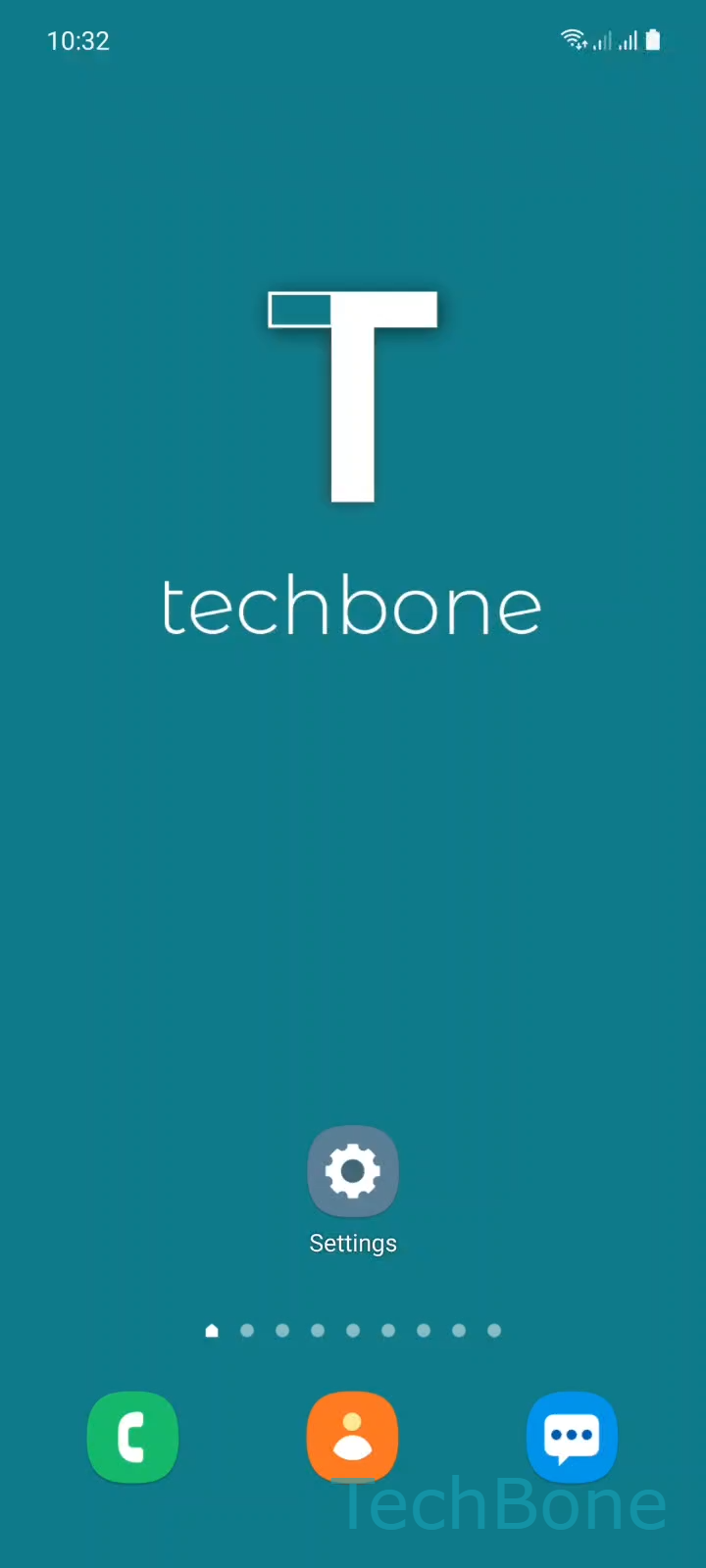
Step 1 of 6: Tap on **Settings**

1

Tap on Settings

Live simulator

Android 11 · One UI 3
Set Time Manually – One UI 3: step 1 – Tap on Settings
Tap on Settings
1 / 6

Scroll or use the buttons for the next step

Feedback

Was the guide correct?

Help others: confirm the path or report a problem.

29

Confirmations

Forum verified this path

Samsung

Set Time Manually auf Samsung

Samsung phones normally pull the current time from the mobile network. That works reliably in most areas, but a weak signal, a carrier outage or a SIM swap can cause the displayed time to drift or freeze at an old value.

To fix this, disable the automatic sync and enter the time yourself. Go to Tap on SettingsTap on General managementTap on Date and timeTurn Off Automatic date and time.

With automatic sync off, tap Tap on Set time, scroll to the correct hour and minute, then confirm with Set the Time and tap Done.

Manual time only makes sense as a temporary fix. If your phone regularly shows the correct time through the network, leave automatic date and time enabled instead of correcting it by hand every day.

Note that turning off automatic time does not automatically disable automatic time zone. If you travel, check that setting separately or your clock may still shift unexpectedly.

Frequently asked questions

Some Samsung devices re-enable network sync after a restart if a strong mobile signal is detected. Check Tap on SettingsTap on General managementTap on Date and time again and make sure Automatic date and time is still off.

Compatible devices

Tap your device — opens its hub with matching guides.

Android 11 · One UI 3

No compatible devices are listed for this version.