Skip to content
TechBone
Samsung

Samsung: Turn Charging Vibration On or Off

Your Samsung plays a short tone every time you plug in the charger, even when you would rather feel a quiet vibration instead. This behavior is tied to the System sound/vibration control settings, which decide whether charging triggers sound, vibration, or stays silent. Get this setting wrong and you either miss charging confirmations in loud environments or get startled by tones during meetings.

3 min4 steps
VersionAndroid 11 · One UI 3

Step by step

1 / 4

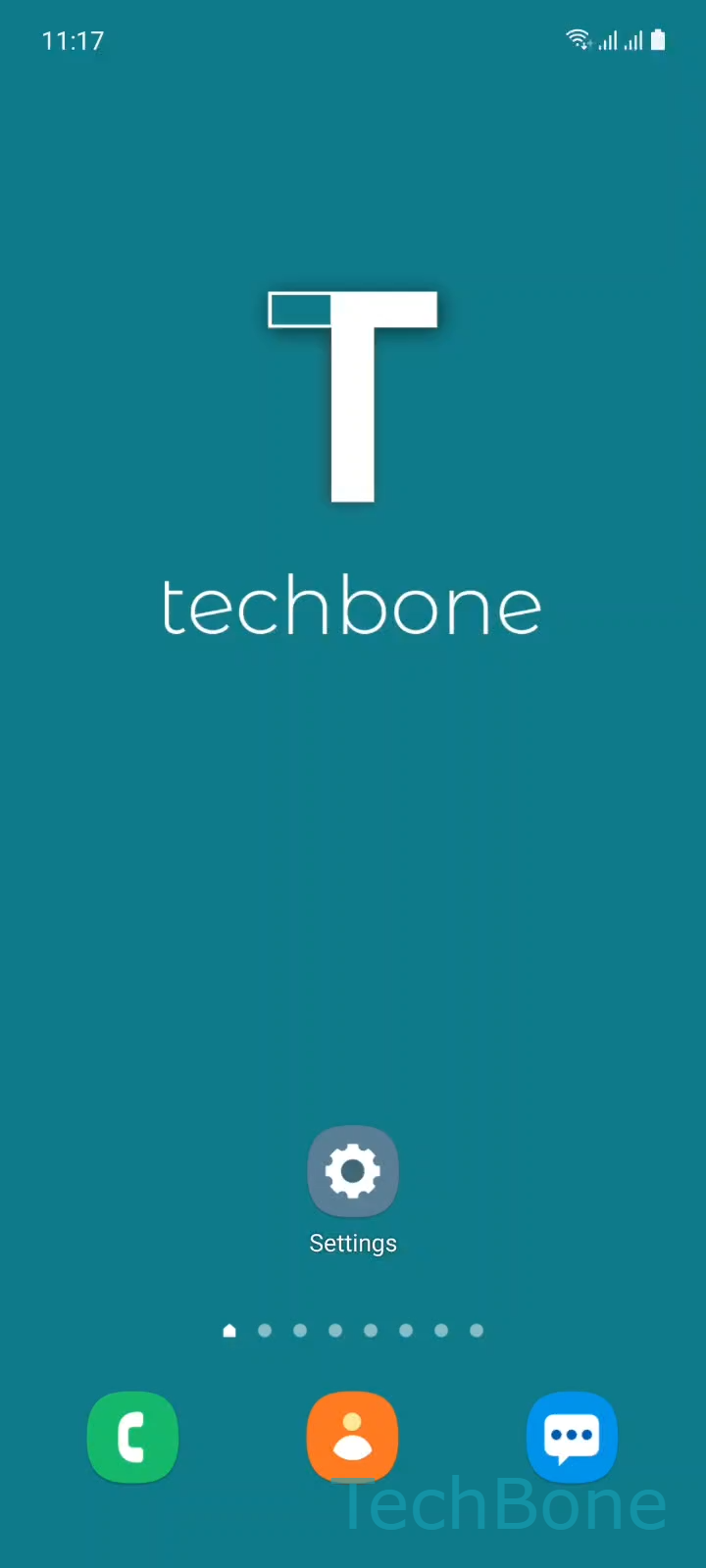
Step 1 of 4: Tap on **Settings**

1

Tap on Settings

Live simulator

Android 11 · One UI 3
Turn Charging Vibration On or Off – One UI 3: step 1 – Tap on Settings
Tap on Settings
1 / 4

Scroll or use the buttons for the next step

Feedback

Was the guide correct?

Help others: confirm the path or report a problem.

16

Confirmations

Forum verified this path

Samsung

Turn Charging Vibration On or Off auf Samsung

By default, Samsung phones confirm a connected charger with a short audio tone rather than a vibration. This is controlled by a dedicated entry inside the sound and vibration settings, separate from ringtone or notification sound controls.

Open Tap on SettingsTap on Sounds and vibrationTap on System sound/vibration controlEnable or disable Charging. Toggling this entry switches the charging feedback to vibration and turns the tone off, or reverses it back to sound depending on the current state.

This setting only affects the charging confirmation itself. It does not change ringtone volume, notification vibration, or Do Not Disturb behavior, so it will not fix a phone that stays silent for calls or messages.

If your phone still does not vibrate on charging after enabling this option, check that the overall vibration intensity is not set to zero and that Do Not Disturb is not suppressing all haptic feedback during certain hours. A device in a case can also mute the physical sound of a vibration without it being disabled.

Frequently asked questions

Yes. The Charging entry under System sound/vibration control switches between tone and vibration, it does not run both at the same time.

Compatible devices

Tap your device — opens its hub with matching guides.

Android 11 · One UI 3

No compatible devices are listed for this version.