Skip to content
TechBone
Samsung

Samsung: How to Check for Software Updates

If your Samsung phone still shows the old software version, the automatic background check may not have run yet. Update search only happens at set intervals, so a released patch can sit unnoticed for hours or longer. Triggering a manual check tells you right away whether a new version is actually available.

3 min3 steps
Version

Step by step

1 / 3

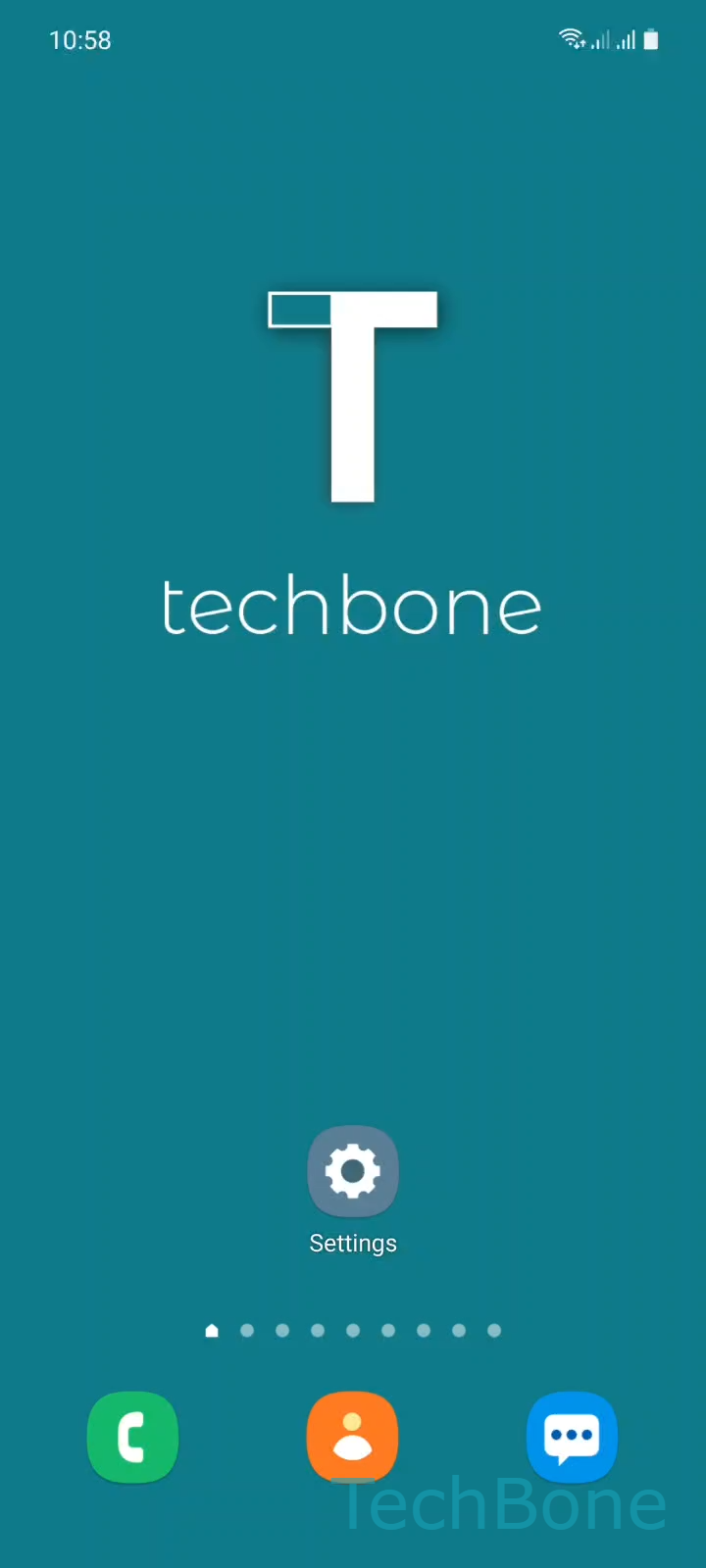
Step 1 of 3: Tap on **Settings**

1

Tap on Settings

Live simulator

Android 11 · One UI 3
Check for Software Updates – One UI 3: step 1 – Tap on Settings
Tap on Settings
1 / 3

Scroll or use the buttons for the next step

Feedback

Was the guide correct?

Help others: confirm the path or report a problem.

42

Confirmations

Forum verified this path

Samsung

Check for Software Updates auf Samsung

Samsung phones search for new firmware on their own, but only at fixed intervals set by the system. Between those checks, a released update can already be available without your phone noticing it. That gap is why a manual check often shows a result faster than waiting for the automatic scan.

Trigger the check manually

Open Tap on SettingsTap on Software updateTap on Download and install. This forces the device to contact Samsung servers right away instead of waiting for the scheduled background check.

If a new version exists, the download starts immediately and you get a size estimate and release notes before installing. If nothing new is found, your software is already current for your region and carrier.

Manual checks are useful right after a public release, before a factory reset, or when troubleshooting a bug that a patch might fix. A stable Wi-Fi connection speeds up the download and avoids interruptions.

Frequently asked questions

Automatic checks run on a schedule, not continuously. A manual check through SettingsSoftware updateDownload and install forces an immediate lookup instead of waiting for the next scheduled scan.

Compatible devices

Tap your device — opens its hub with matching guides.

Android 11 · One UI 3

No compatible devices are listed for this version.