Skip to content
TechBone
Samsung

Samsung: Clear the Internet Browser Cache

If Samsung Internet keeps showing an outdated version of a website, images that will not update, or a page that fails to load correctly, stored cache files are usually the cause. The browser saves data locally to speed up loading times, but that same cache can hold on to broken or old content. Clearing it forces the browser to fetch a fresh copy of the page.

5 min6 steps
Version

Step by step

1 / 6

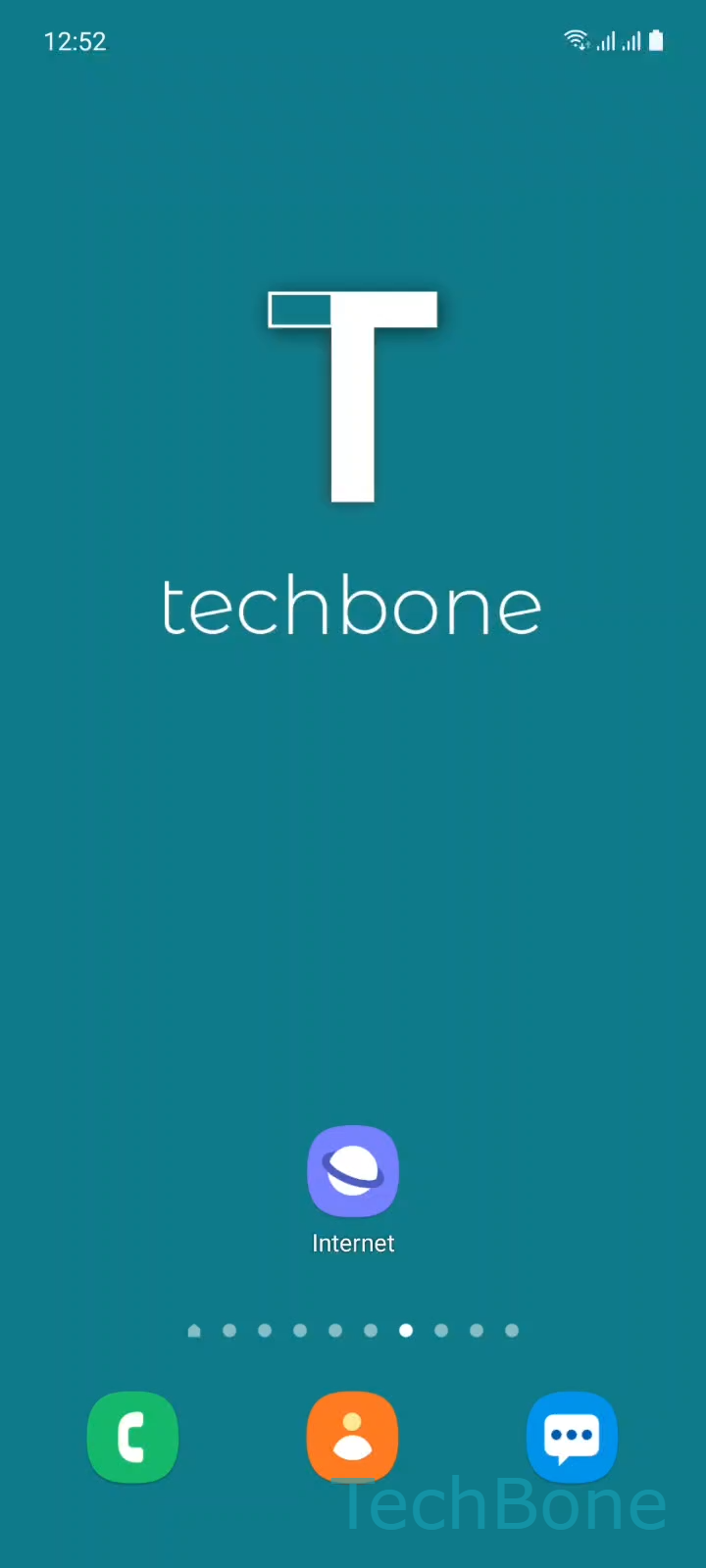
Step 1 of 6: Tap on **Internet**

1

Tap on Internet

Live simulator

Android 11 · One UI 3
Clear Samsung Internet Browser Cache – One UI 3: step 1 – Tap on Internet
Tap on Internet
1 / 6

Scroll or use the buttons for the next step

Feedback

Was the guide correct?

Help others: confirm the path or report a problem.

36

Confirmations

Forum verified this path

Samsung

Clear Samsung Internet Browser Cache auf Samsung

Samsung Internet stores temporary files such as images, scripts, and page layouts so websites load faster the next time you open them. This cache sits in the app's own storage and is separate from saved passwords, bookmarks, or your browsing history.

Problems show up when the cache holds an outdated version of a page. A recent site update, a broken image, or a login error that will not go away is often caused by files the browser refuses to refresh on its own.

To clear it, open Internet and tap Menu. Go to Settings, then Personal data. Tap Delete browsing data, select Cache, and confirm with Delete.

This removes only cached files, not saved passwords or bookmarks, unless you select those categories too in the same screen. If clearing the cache does not fix the issue, the problem may sit with the website itself or with cookies rather than cached files, so clearing cookies or checking your connection is the next step.

Expect Samsung Internet to load pages slightly slower right after clearing the cache, since it has to rebuild the stored data on your next few visits.

Frequently asked questions

No, unless you also select Passwords or other data types on the Delete browsing data screen. Cache only holds temporary files used to load pages faster.

Compatible devices

Tap your device — opens its hub with matching guides.

Android 11 · One UI 3

No compatible devices are listed for this version.