Skip to content
TechBone
Samsung

Samsung: Clear Browsing History in Samsung Internet

If Samsung Internet keeps suggesting old searches or autofilling addresses you would rather forget, your browsing history is probably still full. The browser stores every visited page except the ones opened in secret mode, and that list keeps growing until you clear it manually. You can remove a single entry or wipe the entire history at once.

5 min6 steps
Version

Step by step

1 / 6

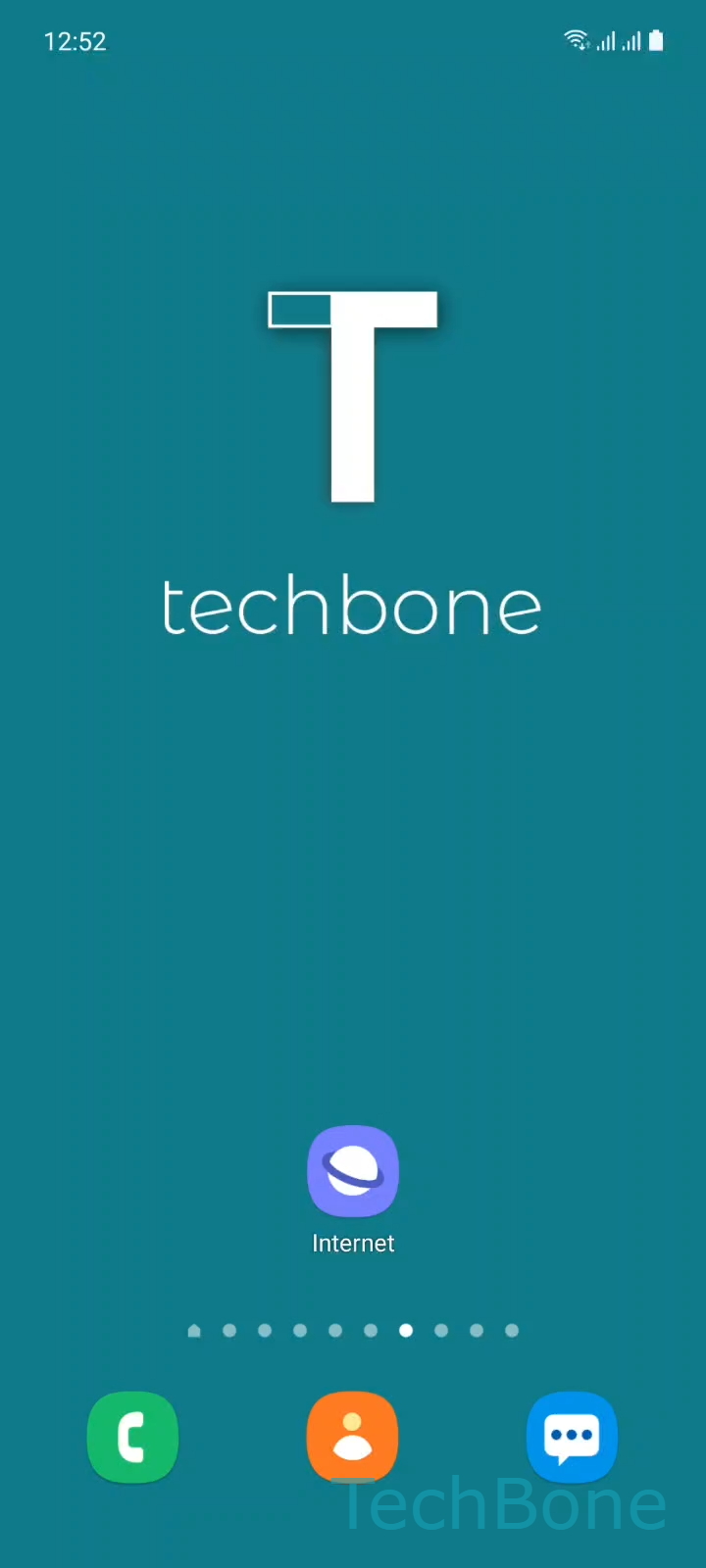
Step 1 of 6: Tap on **Internet**

1

Tap on Internet

Live simulator

Android 11 · One UI 3
Clear Browsing History in Samsung Internet – One UI 3: step 1 – Tap on Internet
Tap on Internet
1 / 6

Scroll or use the buttons for the next step

Feedback

Was the guide correct?

Help others: confirm the path or report a problem.

37

Confirmations

Forum verified this path

Samsung

Clear Browsing History in Samsung Internet auf Samsung

Samsung Internet logs every website you open so it can autofill addresses, suggest recent searches and speed up returning visits. Only pages viewed in secret mode are left out of this list.

Over time the stored entries pile up, which is why old searches or addresses you no longer need keep showing up in the address bar or search suggestions. Clearing the history removes that trail without touching saved passwords, bookmarks or synced tabs.

To delete it, open Internet and tap the Menu icon. Go to Settings, then Personal data and select Delete browsing data. Choose Browsing history and confirm with Delete.

If you only want to remove a single visited page, open the history list from the same menu and delete that one entry instead of the whole list. Clearing the full history also frees a small amount of storage, but it will not fix issues caused by cached files or cookies - those need to be cleared separately under the same Personal data menu.

Frequently asked questions

No. Passwords, bookmarks and autofill data are stored separately and stay untouched when you clear Browsing history under Personal data.

Compatible devices

Tap your device — opens its hub with matching guides.

Android 11 · One UI 3

No compatible devices are listed for this version.