Skip to content
TechBone
Samsung

Samsung: Show Contact Info on the Lock Screen

If your Samsung phone or tablet ends up lost, the lock screen normally gives a stranger no way to reach you. A short contact line - a phone number, email address, or simple message - can sit right on that screen, up to 65 characters long. Anyone who picks up the device sees this text without unlocking it, so think twice before adding sensitive details.

3 min4 steps
Version

Step by step

1 / 4

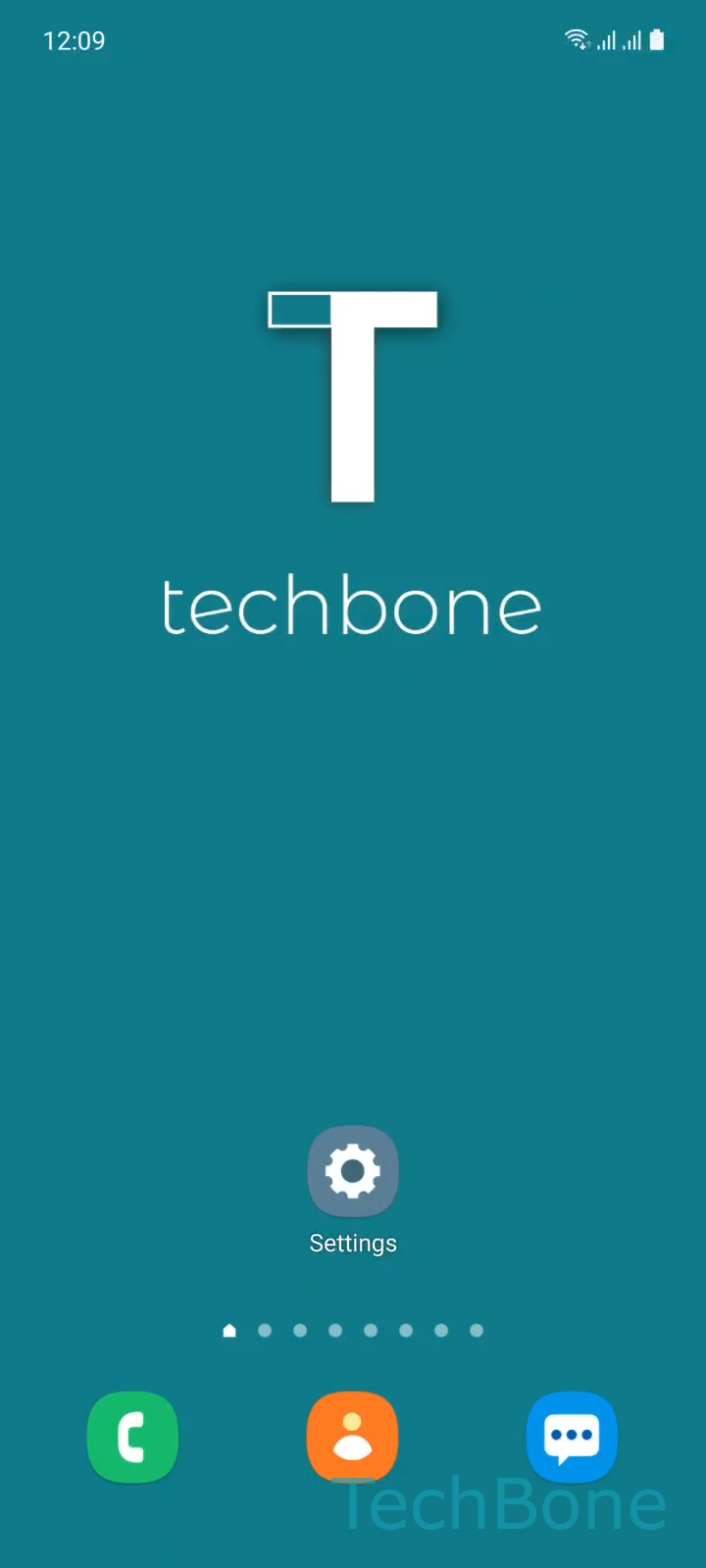
Step 1 of 4: Tap on **Settings**

1

Tap on Settings

Live simulator

Android 11 · One UI 3
Show Contact Info on the Lock Screen – One UI 3: step 1 – Tap on Settings
Tap on Settings
1 / 4

Scroll or use the buttons for the next step

Feedback

Was the guide correct?

Help others: confirm the path or report a problem.

32

Confirmations

Forum verified this path

Samsung

Show Contact Info on the Lock Screen auf Samsung

Samsung lets you place a short text on the lock screen even when the device is locked. This is meant for situations where the phone or tablet gets lost: a finder can read a phone number or email address without needing to unlock anything.

Where to set it up

Go to SettingsLock screenContact information. Type the text you want to show, then tap Done. The field accepts up to 65 characters, so keep it short: a number and a first name is usually enough.

This is not a full recovery tool. It does not track the device, lock it remotely, or hide personal data behind a password. Anyone who sees the lock screen sees this text, whether they attempt to unlock the phone or not.

If you want stronger protection instead of a visible message, look at Samsung's Find My Mobile options, which can lock, locate, or erase the device remotely. Use the contact info field as a lightweight addition, not a replacement for that.

Turning the feature off works the same way: open the same menu and clear the text field, then tap Done again.

Frequently asked questions

Yes. The text you enter under SettingsLock screenContact information shows up on the lock screen itself, before any PIN, pattern, or fingerprint check.

Compatible devices

Tap your device — opens its hub with matching guides.

Android 11 · One UI 3

No compatible devices are listed for this version.