
Skip to content
TechBone
Samsung

Samsung: Change How Incoming Calls Appear While Using Apps

If a call pop-up covers half your screen every time someone rings while you are gaming or watching a video, the default call display setting is likely set to full screen or a large pop-up. Samsung lets you shrink that overlay to a mini pop-up so it stops blocking whatever app you are using. This setting sits in the call settings and controls only how calls look while an app is open in the foreground.

4 min5 steps
Version

Step by step

1 / 5

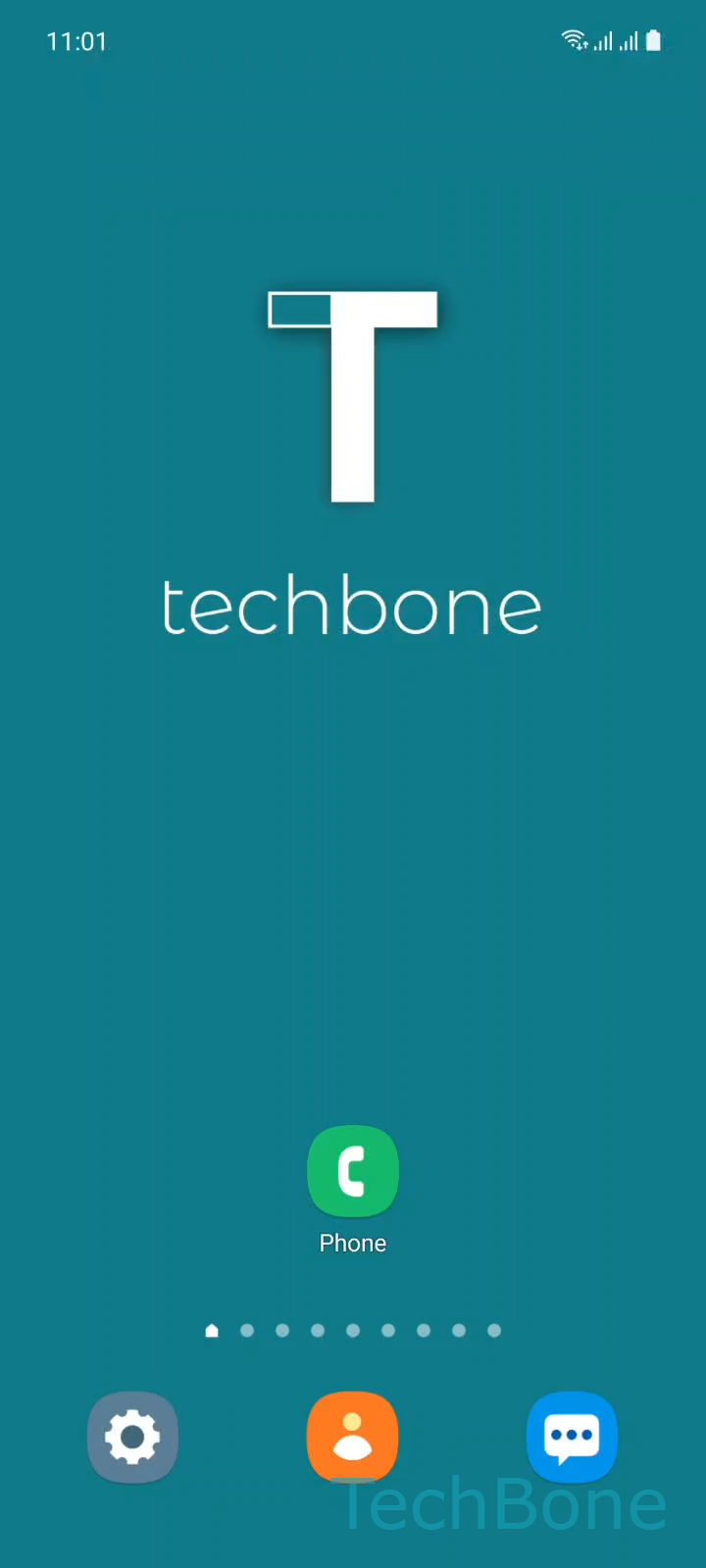
Step 1 of 5: Tap on **Phone**

1

Tap on Phone

Live simulator

Android 11 · One UI 3
Change Incoming Call Display While Using Apps – One UI 3: step 1 – Tap on Phone
Tap on Phone
1 / 5

Scroll or use the buttons for the next step

Feedback

Was the guide correct?

Help others: confirm the path or report a problem.

96

Confirmations

Forum verified this path

Samsung

Change Incoming Call Display While Using Apps auf Samsung

On Samsung phones, an incoming call while an app is open can appear as a small pop-up, a larger pop-up, or take over the whole screen. This behavior is controlled by a dedicated setting and has nothing to do with notification settings for individual apps.

If the pop-up feels too large and keeps interrupting games, videos, or reading, you can switch it to a smaller mini pop-up. If you prefer to see caller details clearly, full screen keeps the call front and center until you answer or dismiss it.

Where to change the call display setting

Open PhoneOpen the MenuTap on SettingsTap on Call display while using apps. From there choose between Full screen, Pop-up, or Mini pop-up.

Mini pop-up shows only the caller name or number in a small bar, leaving most of the screen visible. Pop-up shows a medium-sized window with answer and decline buttons layered over your app. Full screen switches away from the app entirely, similar to how calls appeared before pop-up options existed.

This setting applies system-wide, so it affects calls received during games, video playback, or any other app in the foreground. It does not change how calls look when the screen is off or locked.

Frequently asked questions

The call display is likely set to Pop-up or Full screen. Switch it to Mini pop-up under PhoneOpen the MenuTap on SettingsTap on Call display while using apps to keep more of the screen visible.

Compatible devices

Tap your device — opens its hub with matching guides.

Android 11 · One UI 3

No compatible devices are listed for this version.