Skip to content
TechBone
Samsung

Samsung: Copy a Text Message from Messages

Retyping a message just to paste an address, a code, or a link somewhere else costs time and often introduces typos. On Samsung phones the Messages app lets you grab the exact text of any message and copy it to your clipboard for reuse in another app.

3 min4 steps
VersionAndroid 11 · One UI 3

Step by step

1 / 4

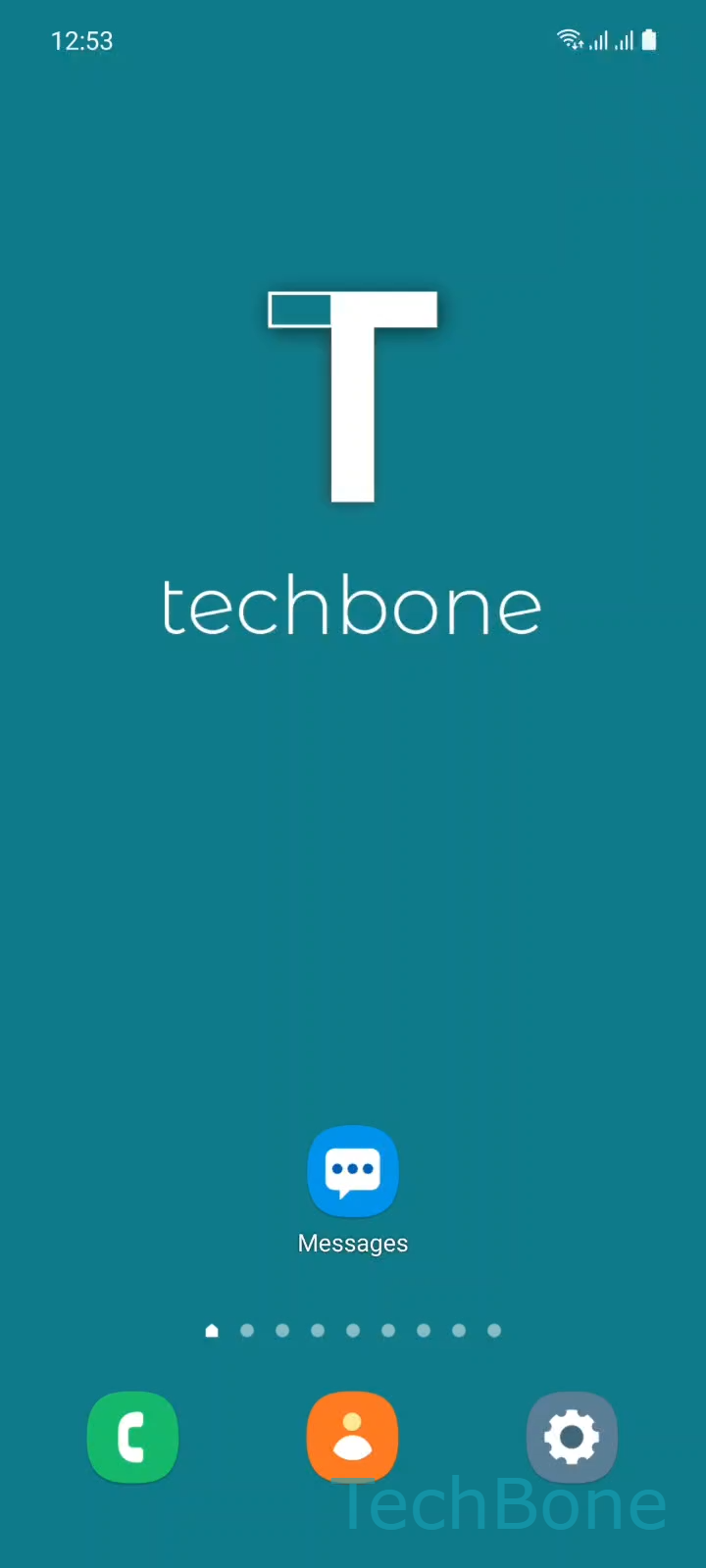
Step 1 of 4: Tap on **Messages**

1

Tap on Messages

Live simulator

Android 11 · One UI 3
Copy a Text Message – One UI 3: step 1 – Tap on Messages
Tap on Messages
1 / 4

Scroll or use the buttons for the next step

Feedback

Was the guide correct?

Help others: confirm the path or report a problem.

85

Confirmations

Forum verified this path

Samsung

Copy a Text Message auf Samsung

Samsung Messages does not show a copy button by default. The function is hidden behind a long press on the message bubble, which opens a context menu with text actions.

This menu is part of the standard text-selection system used across One UI, so the same gesture works for SMS, RCS, and group chats. Once you tap Copy text, the message content sits on the clipboard and can be pasted into any other app, such as Notes, Email, or a browser address bar.

To copy a message: Tap on MessagesChoose a ConversationTap and hold a MessageTap on Copy text.

Only the plain text of the bubble is copied. Attachments like images, stickers, or voice notes are not included and need to be shared separately through the share option in the same context menu.

If you need to send the whole message somewhere instead of just reusing the text, use the Forward option in that menu rather than copy and paste, since it keeps the message as a proper chat item on the receiving end.

Frequently asked questions

Messages that only contain an image, a sticker, or a voice note do not offer a text copy option, since there is no text to select. Use the share icon in the same long-press menu to send the attachment instead.

Compatible devices

Tap your device — opens its hub with matching guides.

Android 11 · One UI 3

No compatible devices are listed for this version.