Skip to content
TechBone
Samsung

Samsung: Set a Custom Ringtone for a Contact Group

If calls from your family, work team or any other contact group sound exactly like everyone else, you cannot tell who is calling without checking the screen. Samsung lets you assign one ringtone to an entire contact group, but that tone only plays as long as the individual caller has no personal ringtone of their own.

6 min8 steps
Version

Step by step

1 / 8

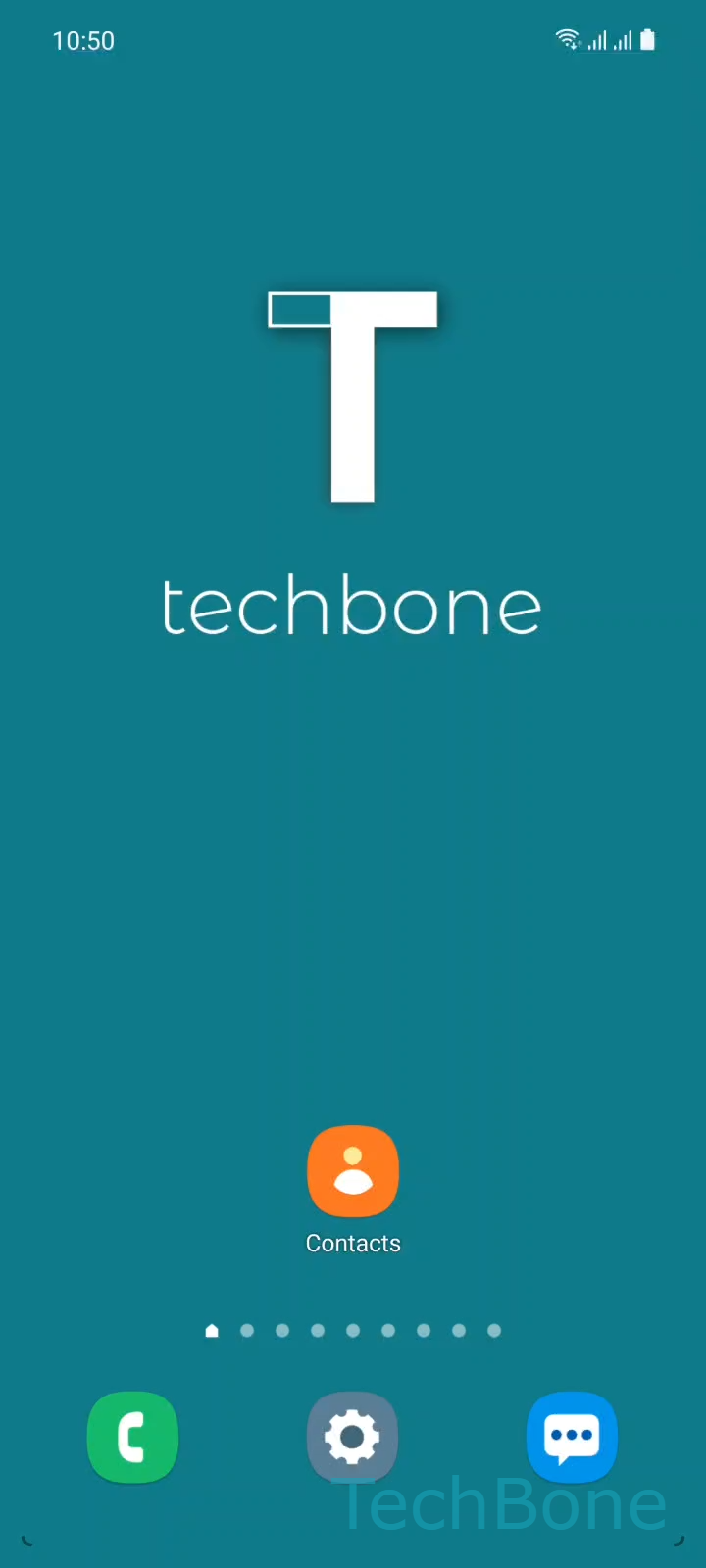
Step 1 of 8: Tap on **Contacts**

1

Tap on Contacts

Live simulator

Android 11 · One UI 3
Custom Ringtone for a Contact Group – One UI 3: step 1 – Tap on Contacts
Tap on Contacts
1 / 8

Scroll or use the buttons for the next step

Feedback

Was the guide correct?

Help others: confirm the path or report a problem.

56

Confirmations

Forum verified this path

Samsung

Custom Ringtone for a Contact Group auf Samsung

Samsung phones let you assign a shared ringtone to a whole contact group instead of setting one tone per person. This is useful when you want to hear immediately whether a call comes from work, family or any other group without looking at the display.

The group ringtone only plays if the calling contact does not already have an individual ringtone assigned. A personal contact ringtone always takes priority over the group setting, so check both if a call still sounds wrong.

Menu path

Open Tap on ContactsOpen the MenuChoose a GroupTap on EditTap on Group ringtoneSelect a RingtoneTap on BackTap on Save.

Repeat this for every group that should get its own sound. Contacts without a group and without a personal ringtone keep using the phone's default ringtone.

If you only want a distinct sound for one specific person, setting an individual contact ringtone is the faster fix and does not require creating or editing a group.

Frequently asked questions

The personal contact ringtone always plays. The group ringtone under Group ringtone only applies to members that have no individual ringtone set.

Compatible devices

Tap your device — opens its hub with matching guides.

Android 11 · One UI 3

No compatible devices are listed for this version.