Skip to content
TechBone
Samsung

Samsung: Set a Custom Ringtone for Calls

Tired of the same handful of default tones on your Samsung phone? If a downloaded ringtone or your favorite song does not show up when you try to assign it, the sound picker usually just has not scanned that folder yet or the file sits in a format the phone does not recognize as a ringtone.

6 min7 steps
Version

Step by step

1 / 7

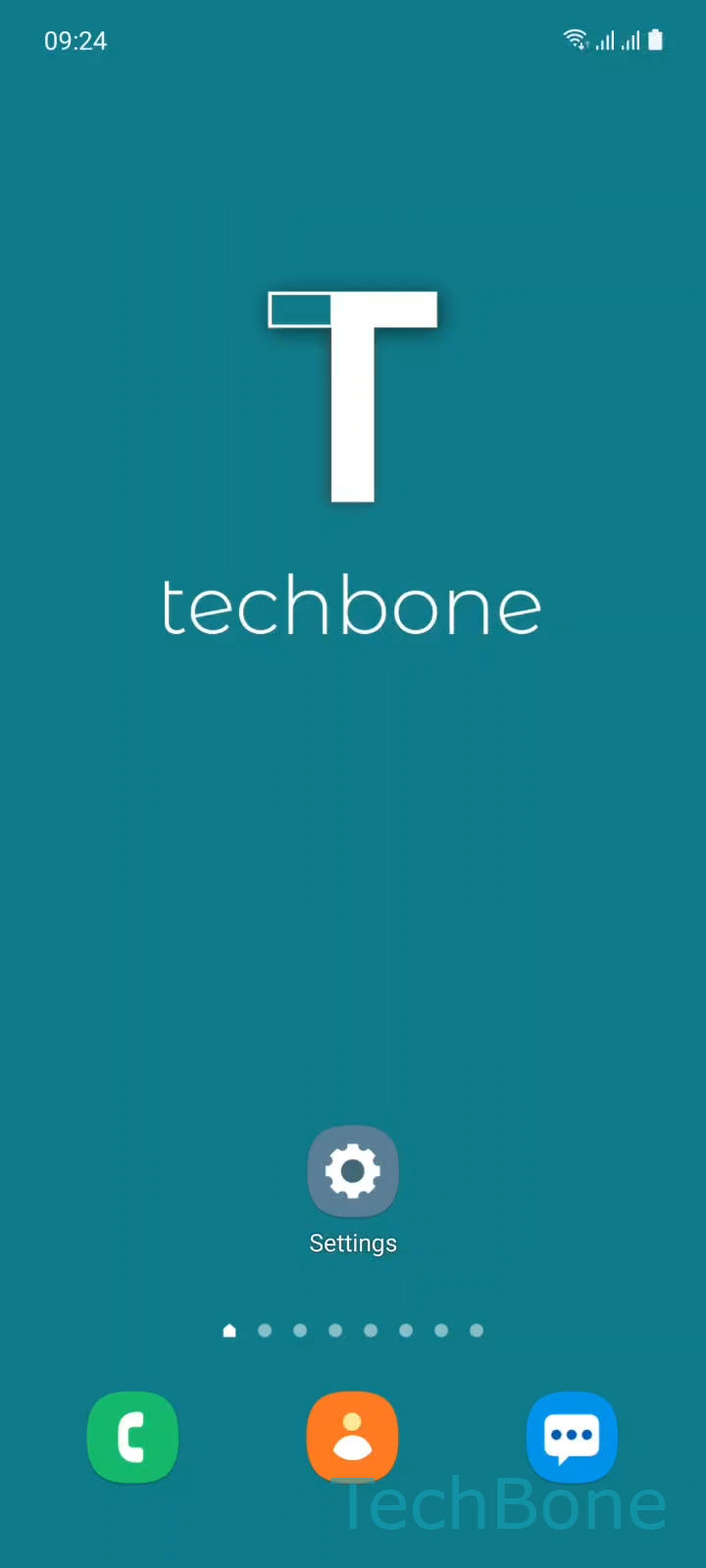
Step 1 of 7: Tap on **Settings**

1

Tap on Settings

Live simulator

Android 11 · One UI 3
Set a Custom Ringtone – One UI 3: step 1 – Tap on Settings
Tap on Settings
1 / 7

Scroll or use the buttons for the next step

Feedback

Was the guide correct?

Help others: confirm the path or report a problem.

63

Confirmations

Forum verified this path

Samsung

Set a Custom Ringtone auf Samsung

Samsung phones ship with a limited set of preloaded tones, but the Ringtone menu also reads any audio file stored on the device, including the memory card. If your own track does not appear, it usually means the file has not been indexed yet or it is saved in a format the picker does not list as a ringtone (some rare or corrupted audio files get filtered out automatically).

On dual SIM devices, Samsung lets you set a separate ringtone per SIM card, so the menu asks which line you want to change before showing the tone list.

To assign your own file:

Tap on SettingsTap on Sounds and vibrationTap on RingtoneChoose a SIM card (Dual SIM)Tap on AddSet a Custom ringtoneTap on Done

If the file you want is missing from the Add screen, move it into the main Music or Ringtones folder and reopen the picker, since a fresh scan usually solves that within seconds.

Frequently asked questions

Make sure the file is a standard audio format like mp3 or ogg and shorter than a few minutes. Move it to the Music or Ringtones folder on internal storage, then reopen Tap on SettingsTap on Sounds and vibrationTap on RingtoneTap on Add so the phone rescans storage.

Compatible devices

Tap your device — opens its hub with matching guides.

Android 11 · One UI 3

No compatible devices are listed for this version.