Skip to content
TechBone
Samsung

Samsung: Change the Default Browser App

If every link you tap opens in Samsung Internet instead of Chrome, Firefox, or whatever browser you actually prefer, your phone is still using Samsung Internet as the system default. This happens even after you install a new browser, because Samsung keeps the original default active until you switch it yourself. Once you know where that setting lives, moving to another browser only takes a few taps.

4 min5 steps
Version

Step by step

1 / 5

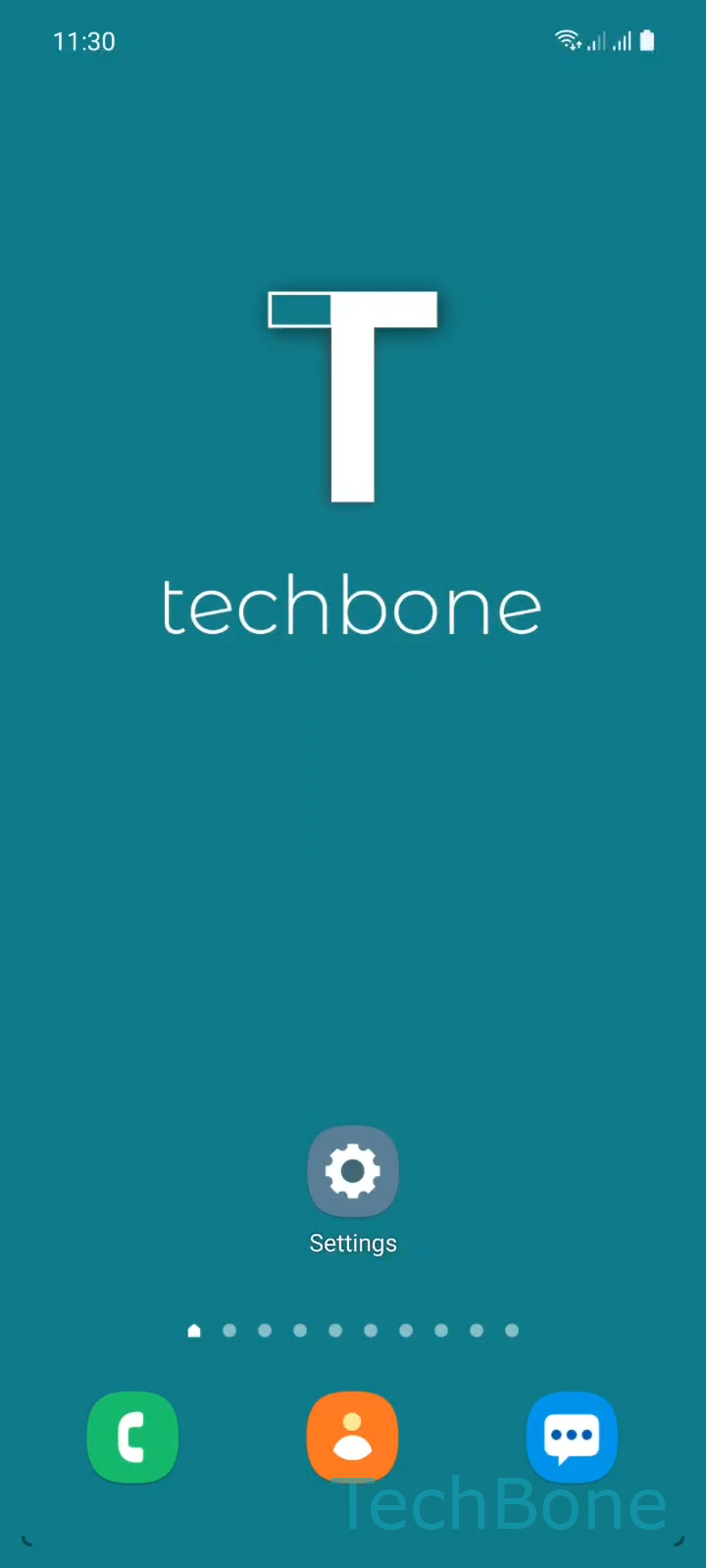
Step 1 of 5: Tap on **Settings**

1

Tap on Settings

Live simulator

Android 11 · One UI 3
Change Default Browser App – One UI 3: step 1 – Tap on Settings
Tap on Settings
1 / 5

Scroll or use the buttons for the next step

Feedback

Was the guide correct?

Help others: confirm the path or report a problem.

83

Confirmations

Forum verified this path

Samsung

Change Default Browser App auf Samsung

Installing Chrome, Firefox, or Opera does not automatically make it your default browser on a Samsung phone. Links from messages, emails, and other apps keep opening in Samsung Internet until you tell the system to use a different app instead.

This behavior comes from the default apps manager built into Samsung's settings. It controls which app handles web links system-wide, separate from which browser you happen to have open at any given moment.

To change it, go to Tap on SettingsTap on AppsTap on Choose default appsTap on Browser appSet the Default browser app. Pick the browser you want links to open in going forward.

Only browsers already installed on your phone show up in this list. If your preferred browser is missing, install it first, then repeat the steps above.

This setting affects every app that opens web links, not just your home screen shortcuts. If only one specific app keeps ignoring your choice, check that app's own in-app browser setting instead, since some apps override the system default for their internal links.

Frequently asked questions

Installing a browser does not change the system default automatically. Go to SettingsAppsChoose default appsBrowser app and select Chrome manually.

Compatible devices

Tap your device — opens its hub with matching guides.

Android 11 · One UI 3

No compatible devices are listed for this version.