Skip to content
TechBone
Samsung

Samsung: Set Default SIM Card for Mobile Data

If mobile data feels slow after inserting a second SIM, your Samsung phone is likely still pulling data through SIM card 1 by default. On some models only that first slot supports fast LTE, so calls or texts on SIM 2 work fine while data stays sluggish. Switching the active data SIM fixes this without removing either card.

4 min5 steps
Version

Step by step

1 / 5

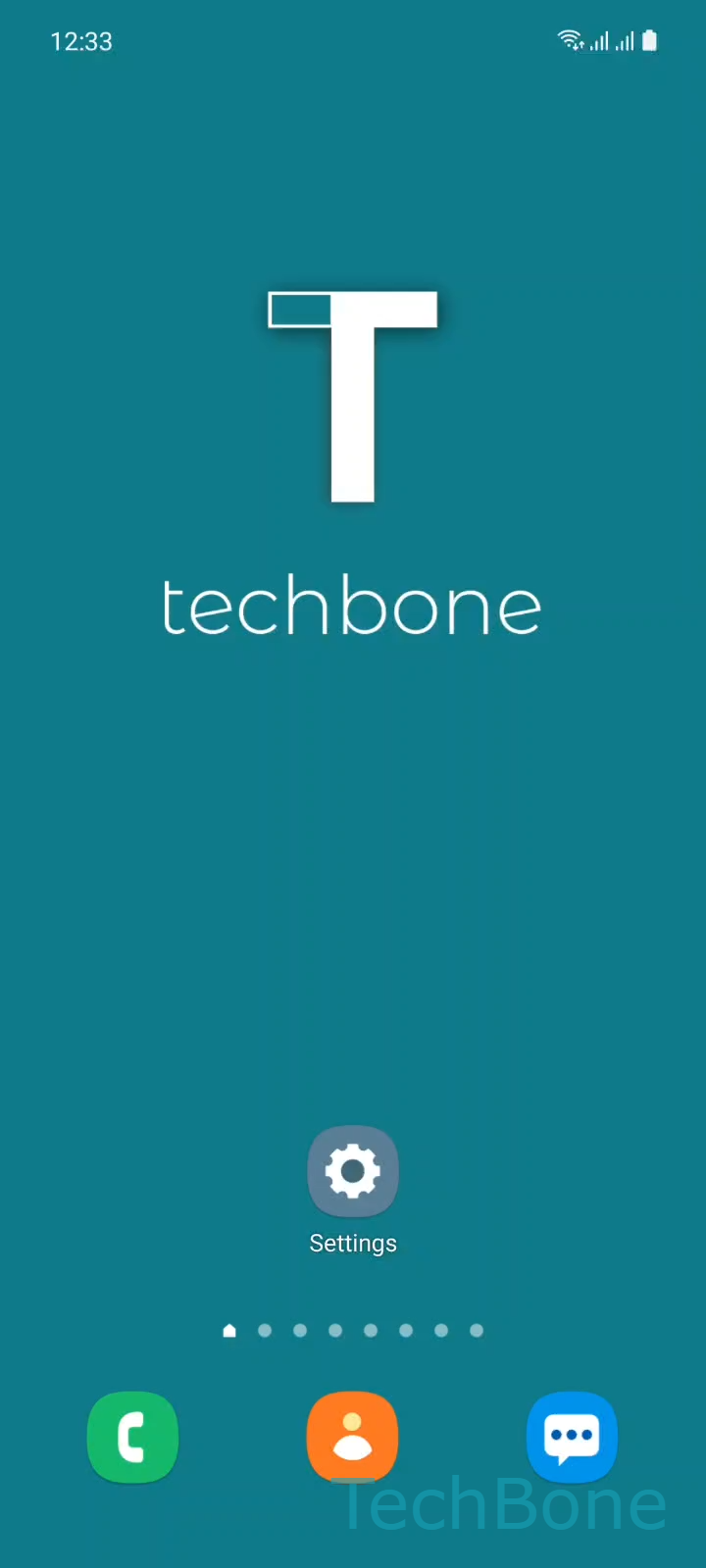
Step 1 of 5: Tap on **Settings**

1

Tap on Settings

Live simulator

Android 11 · One UI 3
Set Default SIM Card for Mobile Data – One UI 3: step 1 – Tap on Settings
Tap on Settings
1 / 5

Scroll or use the buttons for the next step

Feedback

Was the guide correct?

Help others: confirm the path or report a problem.

43

Confirmations

Forum verified this path

Samsung

Set Default SIM Card for Mobile Data auf Samsung

Samsung phones with dual SIM support assign mobile data to SIM card 1 by default. This happens even if SIM card 2 has a stronger signal or a data-only plan. On several Samsung models, fast LTE is only available on the first SIM slot, so leaving SIM 2 selected for data can mean noticeably slower browsing and downloads.

You control this setting in SIM card manager. Go to Tap on SettingsTap on ConnectionsTap on SIM card managerTap on Mobile data, then pick Choose SIM 1 / 2or OFF.

Setting mobile data to OFF disables data on both SIM cards, which is useful when you only need calls and texts or want to force a Wi-Fi-only connection to save your plan. If your phone constantly switches between SIM 1 and SIM 2 for data depending on location, check whether Dual SIM Always On or a similar feature is active, since that can override manual selections.

The same switch is also reachable directly from the status bar shortcut, which is faster if you change SIM cards often, for example when traveling between countries with separate travel and home SIMs.

Frequently asked questions

Several Samsung models only support fast LTE on the first SIM slot. SIM 2 may fall back to a slower network type even when signal strength looks the same, which is a hardware limitation rather than a settings issue.

Compatible devices

Tap your device — opens its hub with matching guides.

Android 11 · One UI 3

No compatible devices are listed for this version.