Skip to content
TechBone
Samsung

Samsung: Delete a Single Message from a Conversation

Sometimes only one message in a thread needs to go, not the whole conversation. Deleting the entire chat on a Samsung phone removes messages you might still need, and long-pressing the wrong bubble can select more than intended. It also helps to know that removing a message only clears it from your own device, not from the other person's phone.

5 min6 steps
Version

Step by step

1 / 6

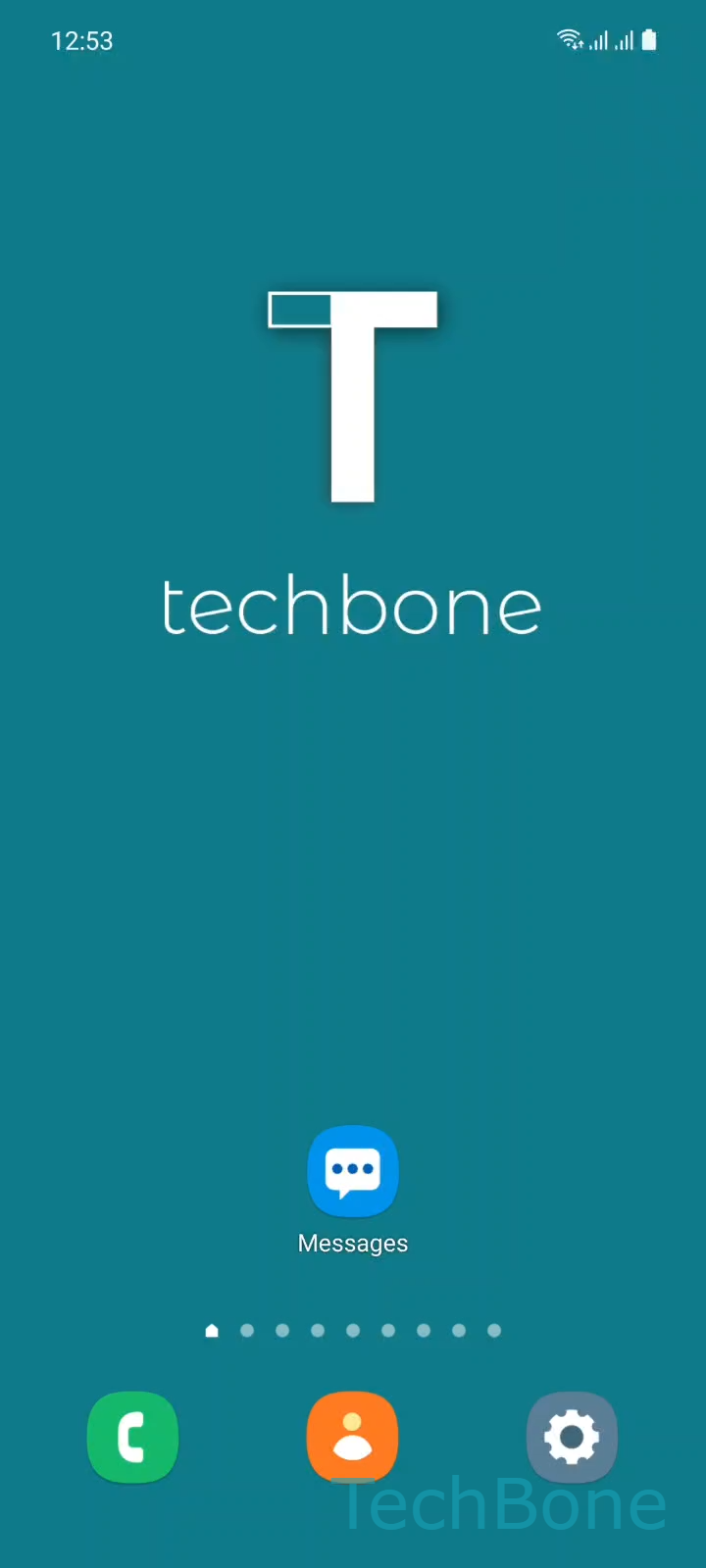
Step 1 of 6: Tap on **Messages**

1

Tap on Messages

Live simulator

Android 11 · One UI 3
Delete a Single Message from a Conversation – One UI 3: step 1 – Tap on Messages
Tap on Messages
1 / 6

Scroll or use the buttons for the next step

Feedback

Was the guide correct?

Help others: confirm the path or report a problem.

43

Confirmations

Forum verified this path

Samsung

Delete a Single Message from a Conversation auf Samsung

Samsung Messages lets you remove one message from a thread without touching the rest of the conversation. This is useful when a message was sent by mistake, contains outdated information, or you simply want to clean up a chat without losing older context.

Deleting a single message only removes it from the Messages app on your own device. It does not delete the message from the recipient's phone, and if you use message backup or sync across multiple Samsung devices, the message may still appear elsewhere until it syncs again.

To delete one message, go to Tap on MessagesChoose a ConversationTap and hold a MessageTap on DeleteTap on DeleteTap on Move to Trash. Confirming the deletion moves the message to the trash instead of erasing it immediately, which gives you a short window to recover it if you tapped the wrong bubble.

If you want to remove an entire chat instead, deleting the whole conversation from the message list is faster than selecting individual messages one by one. Use the single-message deletion when only part of the thread needs to disappear.

Frequently asked questions

No. Deleting a message through Tap and hold a MessageDelete only removes it from your own Samsung device. The recipient still has their copy of the message.

Compatible devices

Tap your device — opens its hub with matching guides.

Android 11 · One UI 3

No compatible devices are listed for this version.