Skip to content
TechBone
Samsung

Samsung: Erase Personalized Keyboard Predictions

If Samsung Keyboard keeps suggesting a typo, an old name, or a one-off phrase you never want to see again, the built-in prediction engine has stored it locally. This learned word history keeps growing the more you type and never clears itself. Wiping it does not touch your keyboard language, layout, or other typing settings.

5 min6 steps
VersionAndroid 11 · One UI 3

Step by step

1 / 6

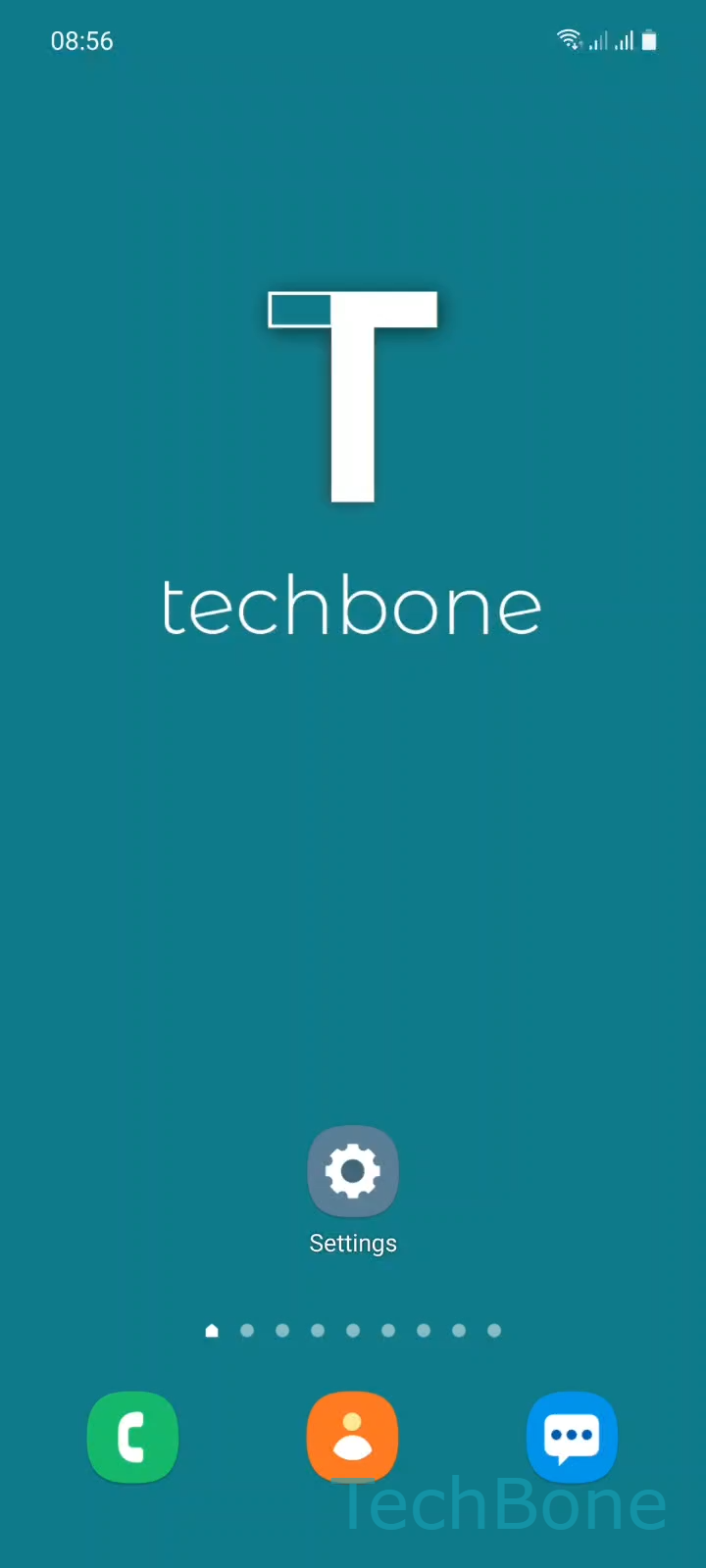
Step 1 of 6: Tap on **Settings**

1

Tap on Settings

Live simulator

Android 11 · One UI 3
Erase Personalized Keyboard Predictions – One UI 3: step 1 – Tap on Settings
Tap on Settings
1 / 6

Scroll or use the buttons for the next step

Feedback

Was the guide correct?

Help others: confirm the path or report a problem.

55

Confirmations

Forum verified this path

Samsung

Erase Personalized Keyboard Predictions auf Samsung

Samsung Keyboard studies every word you type and turns repeated patterns into instant suggestions. This local prediction file keeps growing with names, abbreviations, and typos, and it never resets on its own.

If a wrong spelling or a private term keeps popping up in the suggestion bar, that stored prediction data is the source, not the keyboard itself. Clearing it removes only the learned vocabulary and leaves your language packs, layout, and gesture typing untouched.

Open SettingsGeneral managementSamsung Keyboard settingsReset to default settingsErase personalized predictionsErase to wipe the stored word history.

Predictions start rebuilding from your next messages, so expect fewer or generic suggestions right after the reset. A full keyboard reset is only worth doing when settings like autocorrect strength or spacing behave oddly, not just to clean up predictions.

Frequently asked questions

No, entries you manually added to the custom dictionary stay in place. Only the automatically learned suggestions are removed through Erase personalized predictions.

Compatible devices

Tap your device — opens its hub with matching guides.

Android 11 · One UI 3

No compatible devices are listed for this version.