
Skip to content
TechBone
Samsung

Samsung: Delete Photos or Videos from Gallery

Storage warnings, an ex's photos, or a blurry shot that never should have been kept - there are plenty of reasons to clear out your Gallery. Deleting one file at a time works, but scrolling through dozens of photos or videos individually gets tedious fast. Samsung Gallery also routes deleted items into a Trash folder first, which confuses a lot of people expecting an instant, permanent delete.

4 min5 steps
Version

Step by step

1 / 5

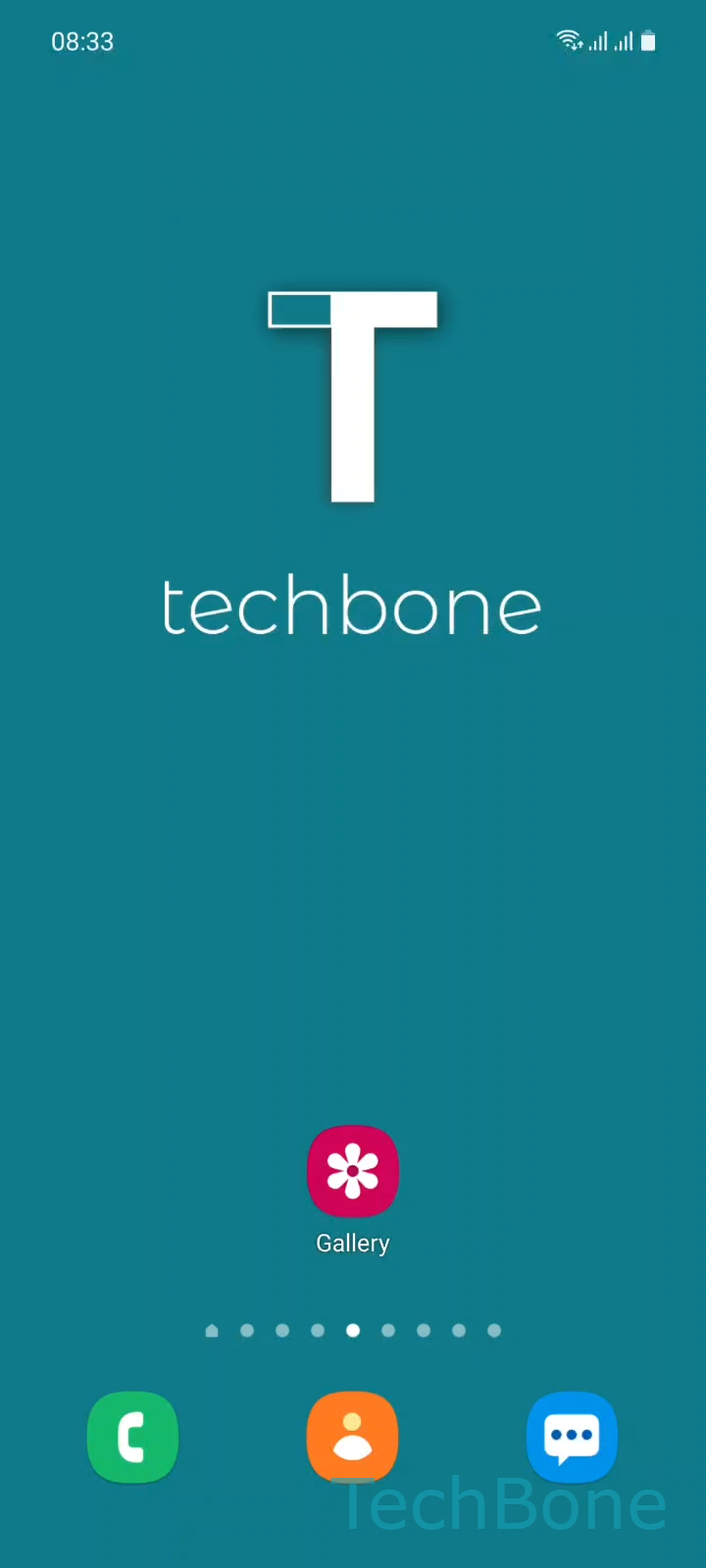
Step 1 of 5: Tap on **Gallery**

1

Tap on Gallery

Live simulator

Android 11 · One UI 3
Delete Photos or Videos in Gallery – One UI 3: step 1 – Tap on Gallery
Tap on Gallery
1 / 5

Scroll or use the buttons for the next step

Feedback

Was the guide correct?

Help others: confirm the path or report a problem.

104

Confirmations

Forum verified this path

Samsung

Delete Photos or Videos in Gallery auf Samsung

Deleting photos or videos on a Samsung phone does not immediately erase them. Gallery moves selected files into a Trash folder first, so the storage space is not freed right away.

To delete one or more files, open Tap on GalleryTap and hold a Photo/VideoSelect more Photos/VideosTap on DeleteTap on Move to Trash. Holding down the first item switches Gallery into selection mode, so you can tap additional photos or videos before confirming the deletion in one step.

Why files still take up storage after deleting

The Trash folder acts as a safety net against accidental deletions. Files sit there for a limited time before Gallery removes them automatically, and only clearing the Trash frees up the storage immediately.

If you are deleting media because of low storage, check the Trash folder afterwards and empty it manually instead of waiting. If you only want to hide certain photos from the main view without deleting them, moving files to a private folder is the better option, since it keeps the originals untouched.

Frequently asked questions

After following Tap on GalleryTap and hold a Photo/VideoSelect more Photos/VideosTap on DeleteTap on Move to Trash, open the Trash folder and delete the same files from there. This second deletion removes them for good and frees up storage right away.

Compatible devices

Tap your device — opens its hub with matching guides.

Android 11 · One UI 3

No compatible devices are listed for this version.