Skip to content
TechBone
Samsung

Samsung: Switch to Desktop Site in Internet Browser

Some websites hide download buttons, settings pages or entire tools when Samsung Internet loads the mobile version instead of the full site. If a page looks stripped down or a feature just will not work, the browser is likely serving you the mobile layout by default. Forcing the desktop version brings back the complete site as it appears on a computer.

3 min3 steps
Version

Step by step

1 / 3

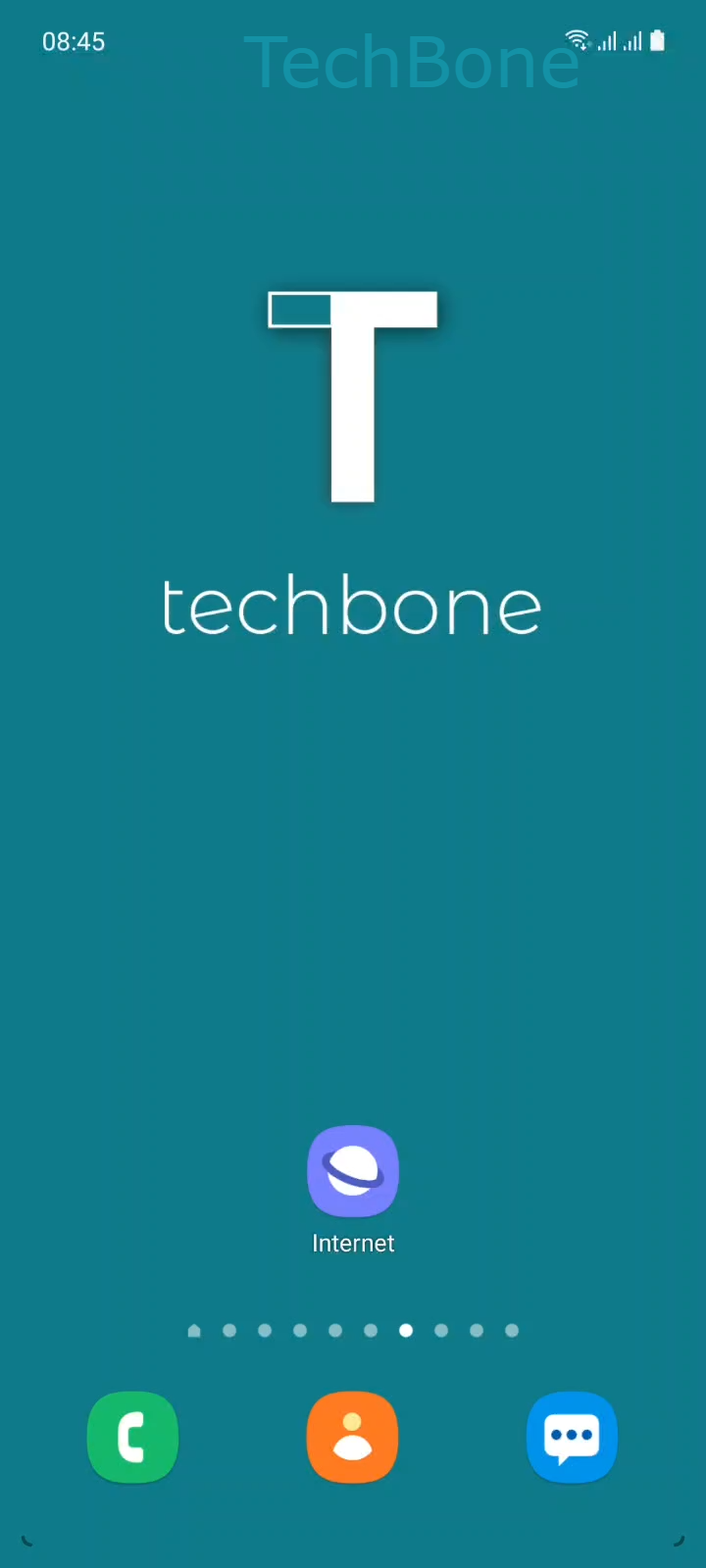
Step 1 of 3: Tap on **Internet**

1

Tap on Internet

Live simulator

Android 11 · One UI 3
Request Desktop Site in Samsung Internet – One UI 3: step 1 – Tap on Internet
Tap on Internet
1 / 3

Scroll or use the buttons for the next step

Feedback

Was the guide correct?

Help others: confirm the path or report a problem.

57

Confirmations

Forum verified this path

Samsung

Request Desktop Site in Samsung Internet auf Samsung

Samsung Internet automatically loads the mobile version of a website whenever one exists. That version trims down menus, removes advanced tools and sometimes blocks features that only exist on the full desktop layout.

Switching to the desktop site forces the browser to request the complete layout, the same one you would see on a computer. This helps whenever a site restricts downloads, hides settings pages or breaks certain buttons on the mobile version.

To switch, tap on Internet, then tap on Open the Menu. Tap on Desktop site and the page reloads instantly in the full layout.

Desktop pages are not optimized for small screens. Text can appear tiny and touch targets may sit close together. Switch back to the mobile version once you finish the task that required desktop access.

This setting applies per tab and resets when you open a new tab or restart the browser, unless the website itself remembers your choice through cookies.

Frequently asked questions

No. The Desktop site option only affects the tab you switched it on. Opening a new tab loads the mobile version again unless you repeat the steps.

Compatible devices

Tap your device — opens its hub with matching guides.

Android 11 · One UI 3

No compatible devices are listed for this version.