Skip to content
TechBone
Samsung

Samsung: Show or Hide Calendar Accounts

The Samsung Calendar app lists every signed-in account, including My phone, Gmail, your Samsung account, App Events and Reminder, whether you want to see them or not. There is no option to permanently delete one of these entries from the calendar list. The only control you have is switching each account's visibility on or off.

3 min4 steps
Version

Step by step

1 / 4

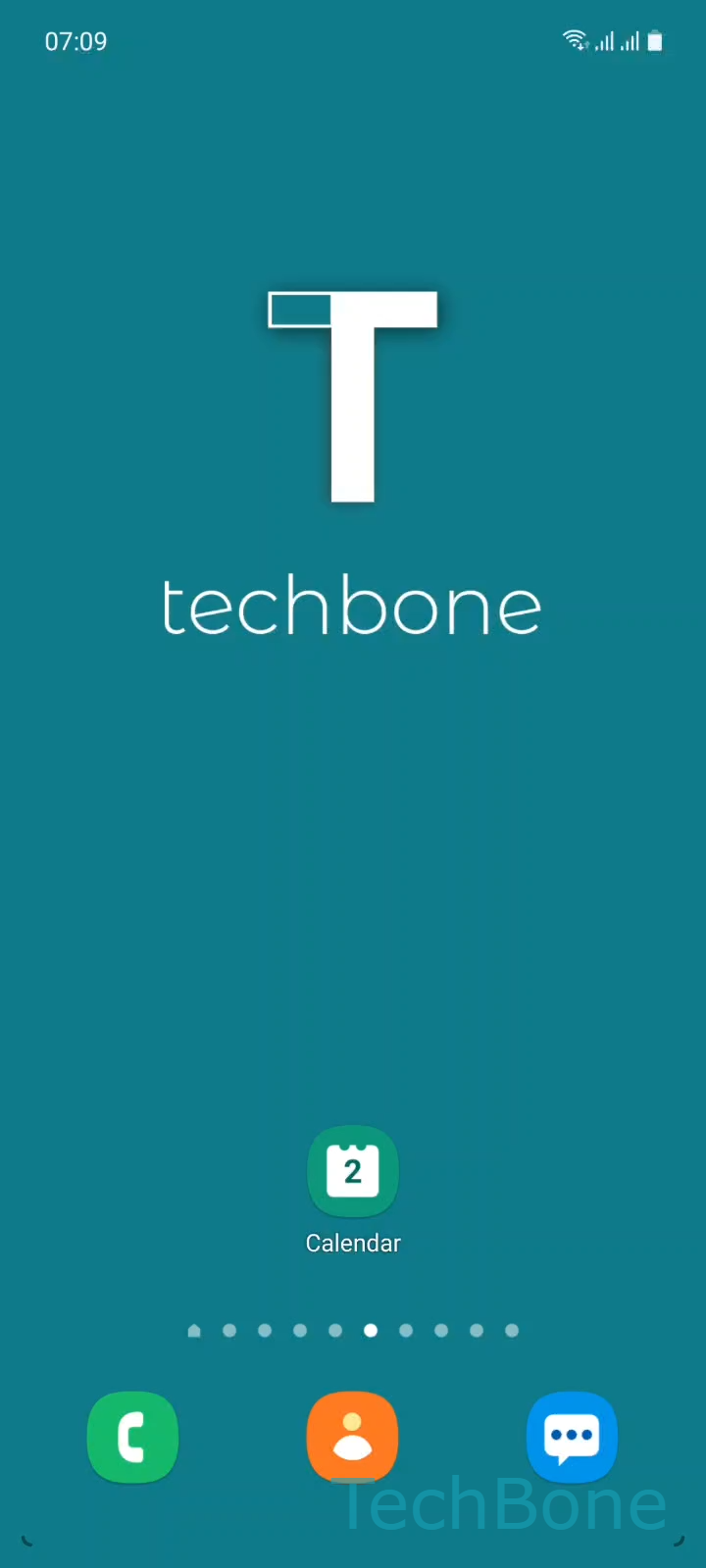
Step 1 of 4: Tap on **Calendar**

1

Tap on Calendar

Live simulator

Android 11 · One UI 3
Show or Hide Calendar Accounts – One UI 3: step 1 – Tap on Calendar
Tap on Calendar
1 / 4

Scroll or use the buttons for the next step

Feedback

Was the guide correct?

Help others: confirm the path or report a problem.

30

Confirmations

Forum verified this path

Samsung

Show or Hide Calendar Accounts auf Samsung

Samsung Calendar automatically lists every account linked to your device, including My phone, Gmail, your Samsung account, App Events and Reminder. This happens because One UI pulls in calendar data from all connected services by default, not because of an error.

You cannot remove an account entry from this list entirely, since each signed-in service keeps a permanent slot in the calendar app. What you can control is whether that account's events actually show up on your calendar view.

To adjust this, go to Tap on CalendarOpen the MenuChoose an AccountShow/Hide the Account. Repeat this for each account you want to hide from view.

Hiding an account only changes the calendar display. The account stays active for mail, contacts or other synced data unless you remove it from your general accounts settings.

If you want an account removed completely, including all its data on the device, do that through your accounts settings instead of the calendar menu.

Frequently asked questions

These accounts are built into One UI and always remain in the list. You can hide them using Tap on CalendarOpen the MenuChoose an AccountShow/Hide the Account, but the entry itself cannot be deleted.

Compatible devices

Tap your device — opens its hub with matching guides.

Android 11 · One UI 3

No compatible devices are listed for this version.