Skip to content
TechBone
Samsung

Samsung: Limit App Downloads to Wi-Fi Only

If your Samsung phone keeps burning through mobile data whenever the Play Store installs or updates apps, the Play Store network setting is probably still set to use any available connection. This gets expensive fast with large app updates on a limited data plan. The Play Store has a dedicated setting that forces downloads to wait for Wi-Fi instead of falling back to mobile data.

5 min6 steps
Version

Step by step

1 / 6

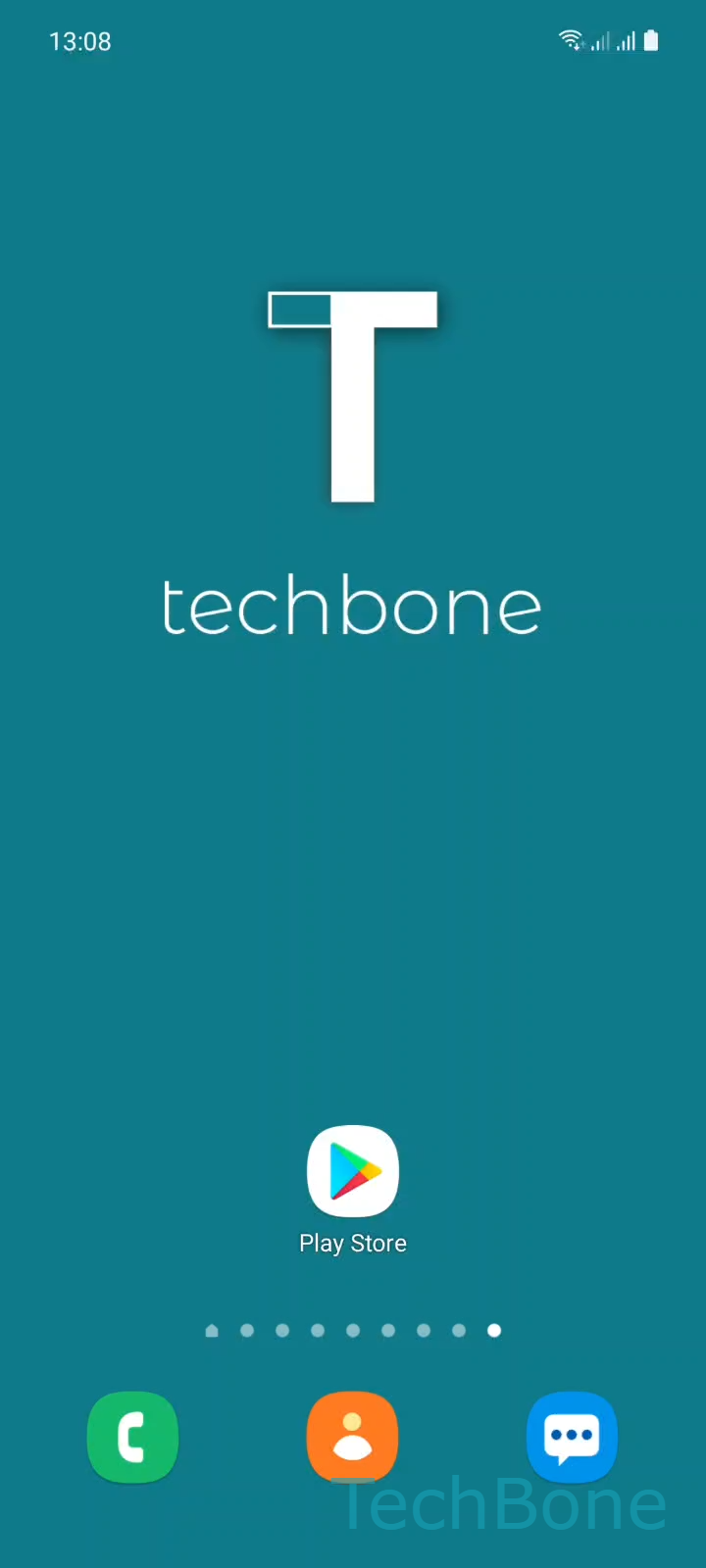
Step 1 of 6: Tap on **Play Store**

1

Tap on Play Store

Live simulator

Android 11 · One UI 3
App Download Preference (Wi-Fi Only) – One UI 3: step 1 – Tap on Play Store
Tap on Play Store
1 / 6

Scroll or use the buttons for the next step

Feedback

Was the guide correct?

Help others: confirm the path or report a problem.

37

Confirmations

Forum verified this path

Samsung

App Download Preference (Wi-Fi Only) auf Samsung

By default, the Play Store downloads and updates apps over whatever connection is available, including mobile data. This behavior is controlled by a Play Store setting called App download preference, not by a system-wide Android option.

If you never touched this setting, your phone falls back to mobile data automatically whenever Wi-Fi drops, which explains sudden data usage spikes right after app updates roll out.

To limit downloads to Wi-Fi only, open Play Store ➔ tap your Google account icon ➔ SettingsNetwork preferencesApp download preference. Pick the option that restricts downloads to Wi-Fi and confirm with Done.

This setting covers both new installs and automatic updates queued inside the Play Store. It has no effect on files downloaded through a browser or a third-party app store.

If you only want to pause automatic updates rather than block mobile data entirely, turning off auto-updates in the same Network preferences menu is a lighter option.

Keep in mind that Wi-Fi only downloads wait until you connect to a wireless network, which can delay security patches if you rarely use Wi-Fi.

Frequently asked questions

Yes. Once App download preference is set to Wi-Fi only, both manual installs and automatic updates queued through the Play Store wait for a Wi-Fi connection.

Compatible devices

Tap your device — opens its hub with matching guides.

Android 11 · One UI 3

No compatible devices are listed for this version.