Skip to content
TechBone
Samsung

Samsung: Set Up Dual Messenger for a Second WhatsApp Account

Switching between two WhatsApp or Facebook accounts on one phone usually means logging out and back in every time, which gets tedious fast on a dual-SIM device. Samsung's One UI includes a built-in function that installs a second, independent copy of supported messenger apps so both accounts stay logged in at once. Not every messenger app on your phone supports this, which is why the option sometimes seems to be missing.

4 min5 steps
Version

Step by step

1 / 5

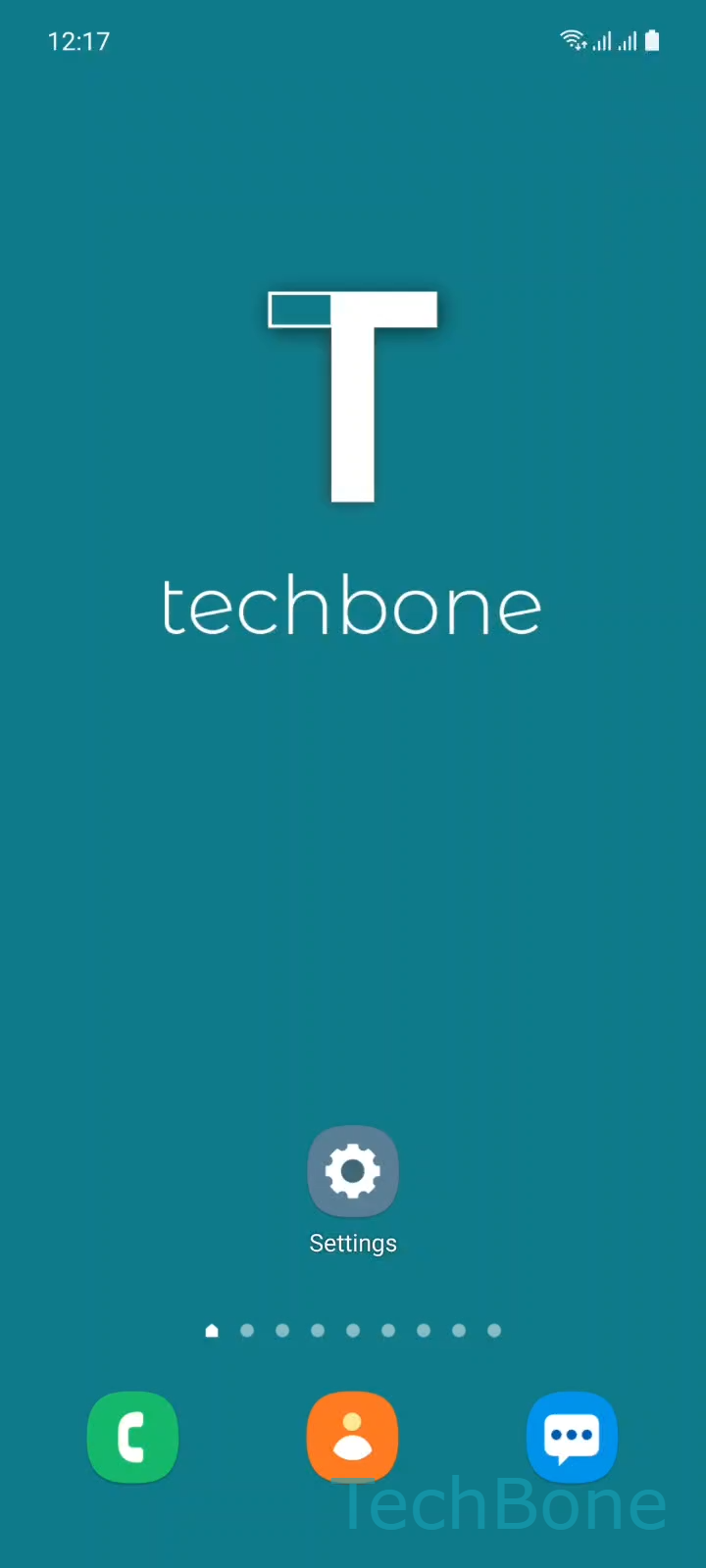
Step 1 of 5: Tap on **Settings**

1

Tap on Settings

Live simulator

Android 11 · One UI 3
Install Dual Messenger Apps – One UI 3: step 1 – Tap on Settings
Tap on Settings
1 / 5

Scroll or use the buttons for the next step

Feedback

Was the guide correct?

Help others: confirm the path or report a problem.

38

Confirmations

Forum verified this path

Samsung

Install Dual Messenger Apps auf Samsung

Dual Messenger is a One UI feature that creates a second, independent instance of a supported messenger app on the same Samsung device. Both copies run with separate accounts, separate notifications, and separate chat histories, so you no longer have to log out of one WhatsApp or Facebook account to use the other.

This is especially useful on dual-SIM Samsung phones, where each SIM slot can be tied to its own messenger account. Without Dual Messenger, only one account per app can stay active, forcing constant logins whenever you switch numbers or contexts.

To set it up, go to Tap on SettingsTap on Advanced featuresTap on Dual Messenger. There you see a list of supported apps already installed on your phone. Turn On/Off an Available app to enable the second instance, then confirm with Tap on Install. The second app icon appears on your home screen shortly after, marked with a small badge so you can tell the two apart.

If an app you need is missing from the list, it likely does not support Dual Messenger or needs an update first. In that case, using a separate work profile or a second device remains the only reliable alternative.

Frequently asked questions

Only apps that support running two instances appear under Tap on Dual Messenger. If a messenger is missing, update it from the Play Store first, since older versions are sometimes filtered out.

Compatible devices

Tap your device — opens its hub with matching guides.

Android 11 · One UI 3

No compatible devices are listed for this version.