Skip to content
TechBone
Samsung

Samsung: Edit a Contact Group

A contact group on your Samsung phone rarely stays useful forever. Team members change, a birthday club grows, and the group ringtone you picked months ago no longer matches the rest of your alerts. Renaming the group, swapping members, or changing its sound is not obvious if you have never opened the group settings before.

4 min5 steps
Version

Step by step

1 / 5

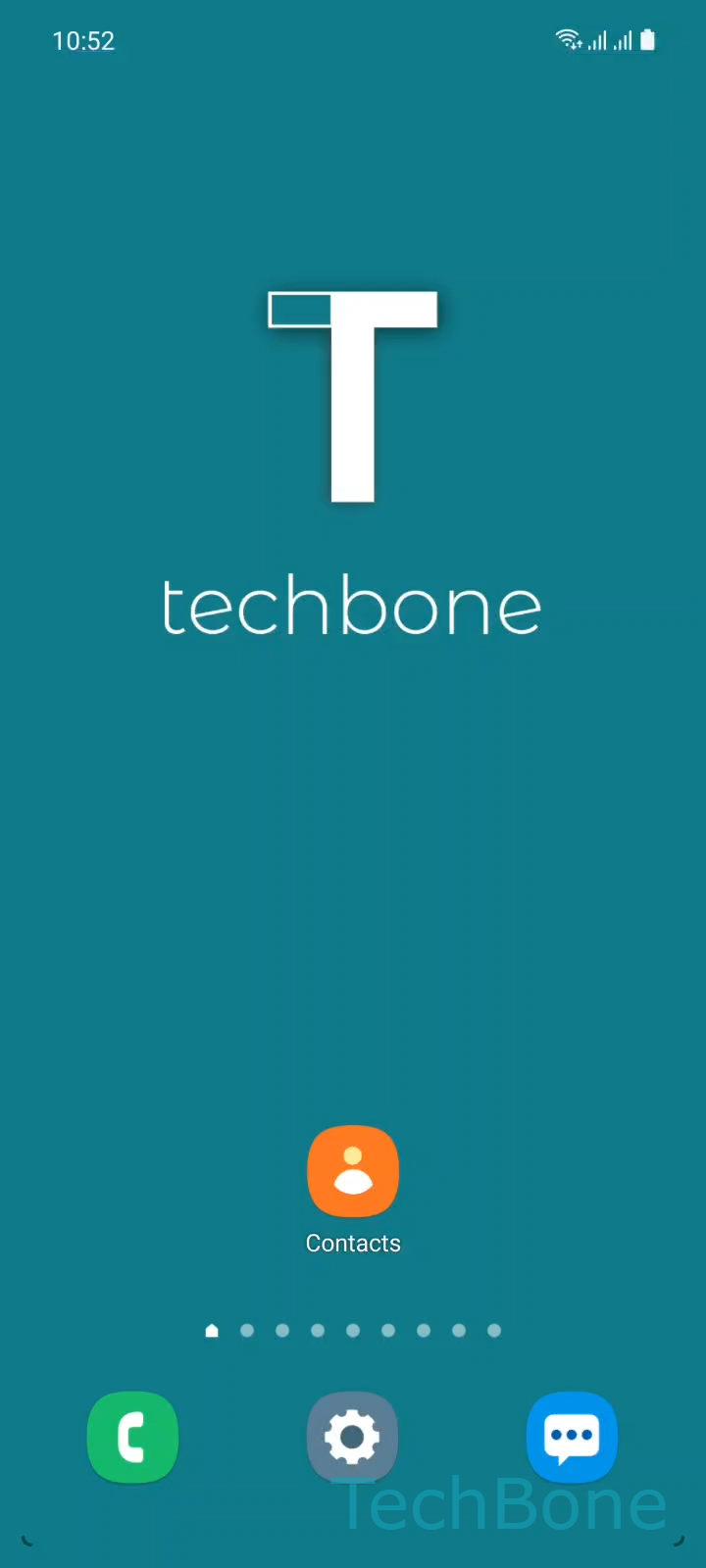
Step 1 of 5: Tap on **Contacts**

1

Tap on Contacts

Live simulator

Android 11 · One UI 3
Edit a Contact Group – One UI 3: step 1 – Tap on Contacts
Tap on Contacts
1 / 5

Scroll or use the buttons for the next step

Feedback

Was the guide correct?

Help others: confirm the path or report a problem.

41

Confirmations

Forum verified this path

Samsung

Edit a Contact Group auf Samsung

Contact groups on Samsung phones are meant to be adjusted over time. A group you set up for a project, a family, or a club will need new members, a different name, or another ringtone sooner or later. The edit option is built into the Contacts app itself, so you never need to delete and recreate a group just to update it.

To make changes, open Tap on Contacts and go to Open the Menu. From there, select Choose a Group to pick the group you want to update, then tap Tap on Edit. This screen lets you rename the group, add or remove members, and assign a different group sound.

Once you are done, confirm with Make the desired changes and tap on Save. Changes apply immediately and affect only the selected group, not individual contact settings outside it.

If you only want to send one message or call to a subset of a group rather than change its structure permanently, selecting contacts manually is faster than editing the group.

Frequently asked questions

No. A group sound only plays for calls or messages sent through that group, unless a contact also has a personal ringtone set, which will still take priority.

Compatible devices

Tap your device — opens its hub with matching guides.

Android 11 · One UI 3

No compatible devices are listed for this version.