Skip to content
TechBone
Samsung

Samsung: Change Edge Lighting Effects and Colors

By default, Edge lighting shows new notifications with a blue spotlight effect no matter which app sends them. That makes it hard to tell notifications apart without unlocking the screen. Samsung One UI offers several alternative effects and a full color picker to fix that.

4 min5 steps
Version

Step by step

1 / 5

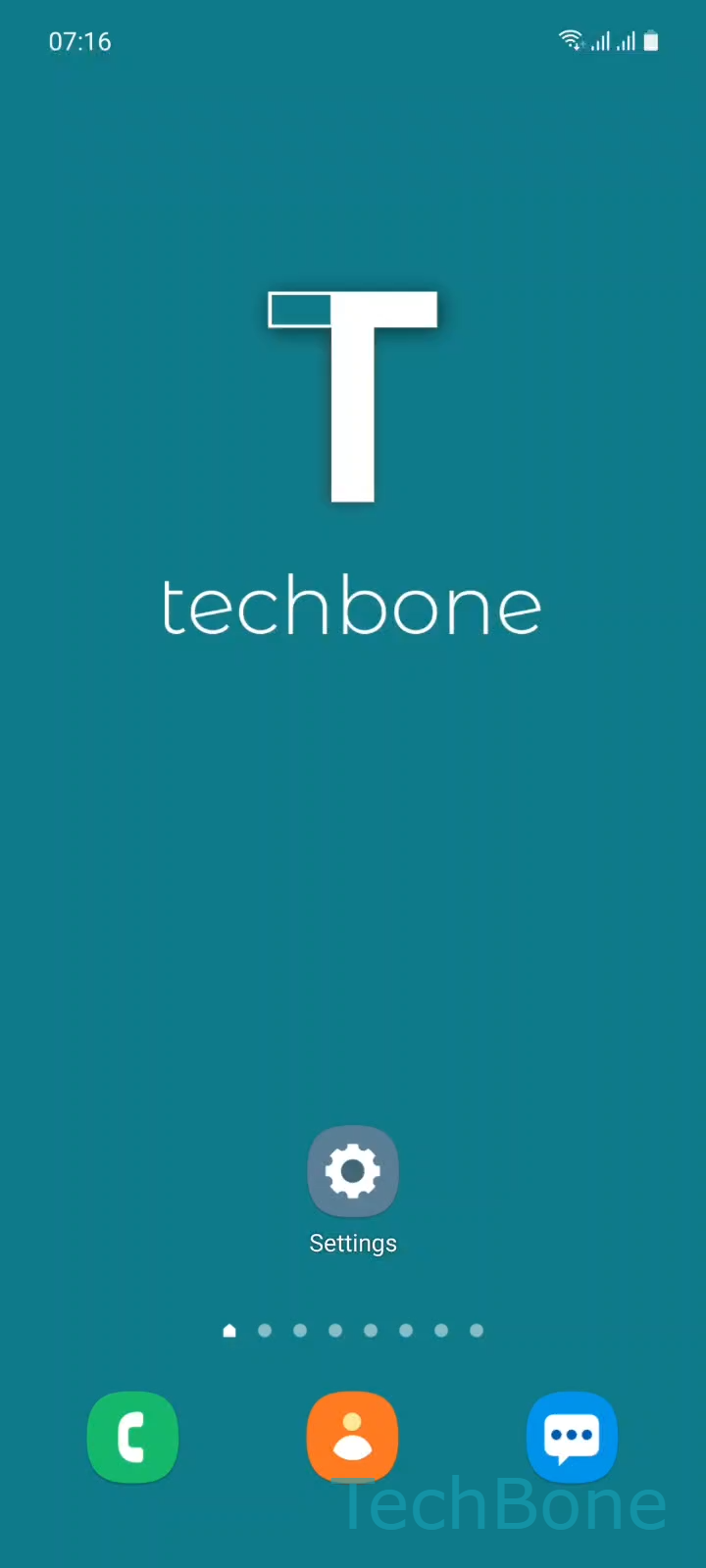
Step 1 of 5: Tap on **Settings**

1

Tap on Settings

Live simulator

Android 11 · One UI 3
Change Edge Lighting Effects and Colors – One UI 3: step 1 – Tap on Settings
Tap on Settings
1 / 5

Scroll or use the buttons for the next step

Feedback

Was the guide correct?

Help others: confirm the path or report a problem.

19

Confirmations

Forum verified this path

Samsung

Change Edge Lighting Effects and Colors auf Samsung

Edge lighting only ships with the spotlight effect in blue by default. Every notification looks the same, which makes it hard to spot who is messaging without unlocking the screen.

The style options sit inside Samsung's notification settings, not in the display menu where most people look first. That's why the effect and color settings stay hidden until you open the pop-up style panel.

To change it, go to Tap on SettingsTap on NotificationsTap on Brief pop-up settingsTap on Edge lighting style. From there, Set the Effect and/or Color and tap Done to save.

Effects like eclipse, heart, fireworks, echo, and bubble replace the plain spotlight animation. Combined with a custom color, this makes it easier to recognize urgent notifications without picking up the phone.

If Edge lighting does not trigger at all, check whether it's disabled entirely in the notification settings before adjusting effect and color, since a disabled feature will not show any changes.

Frequently asked questions

Samsung offers eclipse, heart, fireworks, echo, and bubble as alternatives to the default spotlight animation. You can preview each one before saving by opening Tap on SettingsTap on NotificationsTap on Brief pop-up settingsTap on Edge lighting style.

Compatible devices

Tap your device — opens its hub with matching guides.

Android 11 · One UI 3

No compatible devices are listed for this version.