Skip to content
TechBone
Samsung

Samsung: Turn Emoji Suggestions On or Off

If your Samsung keyboard keeps swapping words for emoji while you type, the built-in suggestion feature is working overtime. Samsung Keyboard scans what you write and offers a matching emoji you can drop in with a tap, right next to the usual word predictions. If that behavior gets in your way, you can turn it off without losing normal word suggestions.

3 min4 steps
VersionAndroid 11 · One UI 3

Step by step

1 / 4

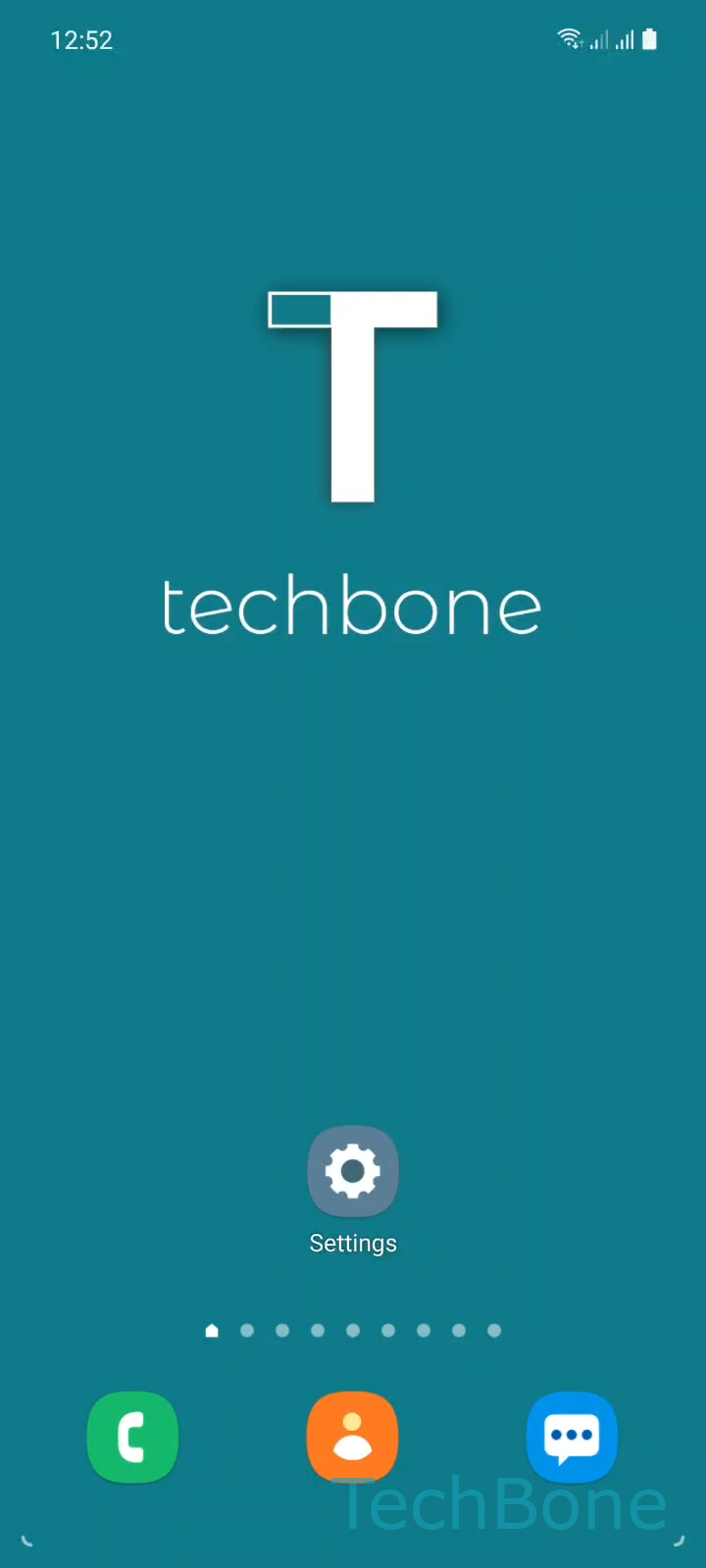
Step 1 of 4: Tap on **Settings**

1

Tap on Settings

Live simulator

Android 11 · One UI 3
Turn Emoji Suggestions On or Off – One UI 3: step 1 – Tap on Settings
Tap on Settings
1 / 4

Scroll or use the buttons for the next step

Feedback

Was the guide correct?

Help others: confirm the path or report a problem.

97

Confirmations

Forum verified this path

Samsung

Turn Emoji Suggestions On or Off auf Samsung

Emoji suggestions are part of Samsung Keyboard, not a separate app. As you type, the keyboard compares your words against a list of known terms and phrases that have a matching emoji.

When it finds a match, it shows the emoji above the suggestion bar so you can tap it instead of finishing the word. This runs alongside normal word suggestions and, on supported models, sticker suggestions, but each of these three features has its own switch.

Turning off emoji suggestions does not affect autocorrect or word prediction. You keep getting text suggestions as usual, just without the emoji popping in.

Where to change it

The setting lives in the keyboard configuration, not in the general Language and input menu. Go to SettingsGeneral managementSamsung Keyboard settings and enable or disable Suggest emojis there.

If emoji still show up after disabling this option, check whether you switched a third-party keyboard on by mistake, since each installed keyboard app manages its own suggestion settings separately.

Frequently asked questions

This usually means a different keyboard app is active instead of Samsung Keyboard. Open SettingsGeneral managementKeyboard list and default and confirm Samsung Keyboard is selected before checking Suggest emojis again.

Compatible devices

Tap your device — opens its hub with matching guides.

Android 11 · One UI 3

No compatible devices are listed for this version.