Skip to content
TechBone
Samsung

Samsung: Turn Bluetooth On or Off

If your Samsung phone keeps reconnecting to a car stereo or speaker you did not want right now, Bluetooth is still active in the background. Leaving the radio running also uses a small amount of battery even with nothing paired. Switching it off stops these automatic reconnections until you turn it back on.

3 min3 steps
Version

Step by step

1 / 3

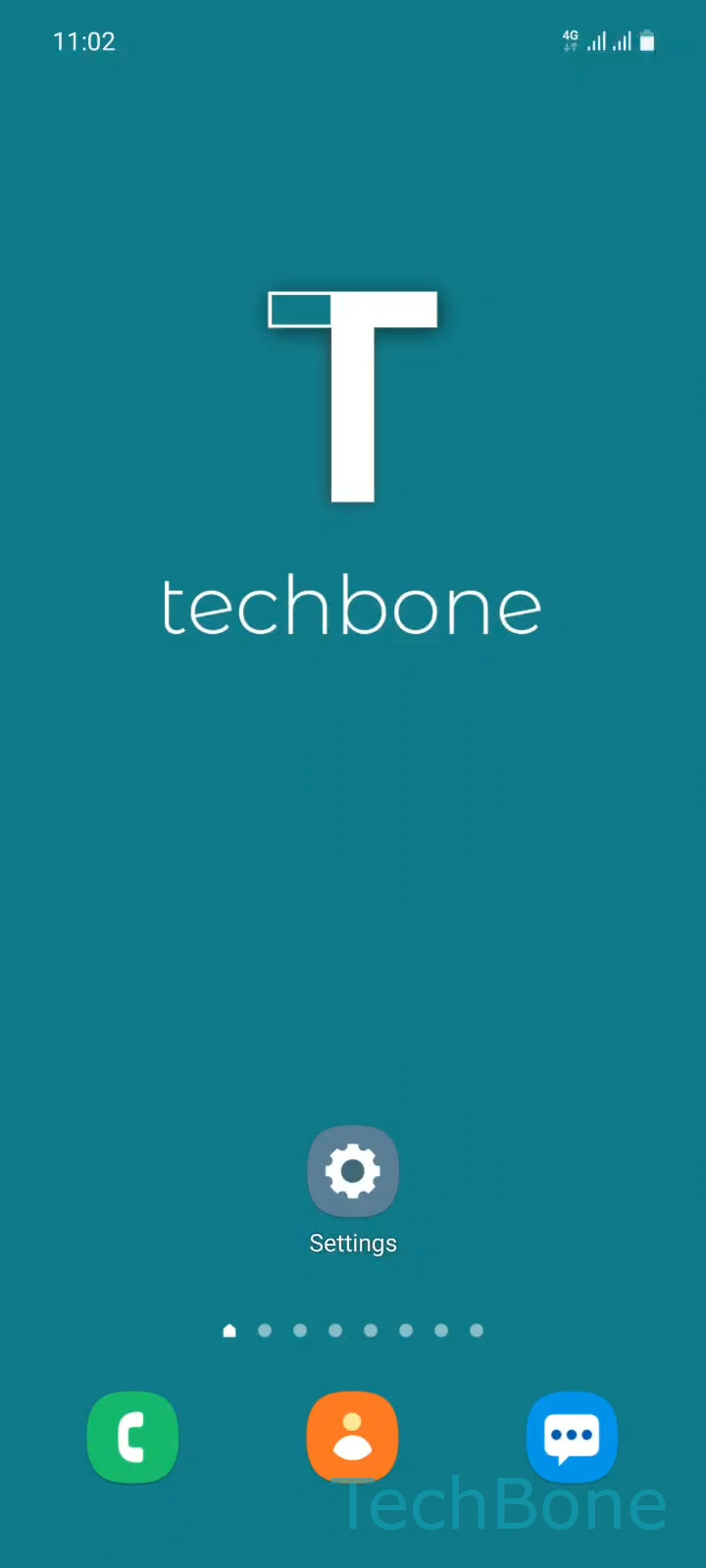
Step 1 of 3: Tap on **Settings**

1

Tap on Settings

Live simulator

Android 11 · One UI 3
Turn Bluetooth On or Off – One UI 3: step 1 – Tap on Settings
Tap on Settings
1 / 3

Scroll or use the buttons for the next step

Feedback

Was the guide correct?

Help others: confirm the path or report a problem.

95

Confirmations

Forum verified this path

Samsung

Turn Bluetooth On or Off auf Samsung

Bluetooth on a Samsung phone works as a background radio that keeps scanning for paired accessories, such as a car system, headphones, or a smart speaker. As soon as one of those devices comes into range, the phone reconnects automatically, even without opening any app.

To reach the control, tap SettingsConnections, then use the switch next to Bluetooth to enable or disable it. Turning the switch off stops all scanning and ends any active connection right away.

Leaving Bluetooth on with nothing paired only uses a small amount of battery on current Samsung chipsets. Switching it off matters more when you want to stop one specific automatic reconnection, for example a car you no longer want triggering hands-free mode, or a speaker in a shared room.

If Bluetooth turns back on by itself after you disable it, check whether a companion app for connected earbuds or a watch is forcing it on through its own background service. In that case, turn off the auto-reconnect option inside that app instead of relying on the system switch alone.

Frequently asked questions

A companion app for a paired wearable, such as earbuds or a watch, can re-enable the radio through its own background service. Check that app's connection settings if the SettingsConnections switch keeps flipping back on.

Compatible devices

Tap your device — opens its hub with matching guides.

Android 11 · One UI 3

No compatible devices are listed for this version.