Skip to content
TechBone
Samsung

Samsung: Turn Lock Screen Notifications On or Off

If notification icons keep showing up on your Samsung lock screen even though you want more privacy, or they suddenly stopped appearing at all, the Notifications setting under Lock screen controls that behavior. This single switch decides whether senders, message previews, or just small icons appear before you unlock the phone. Getting it wrong can mean missing calls or messages, or exposing content you would rather keep hidden.

3 min3 steps
Version

Step by step

1 / 3

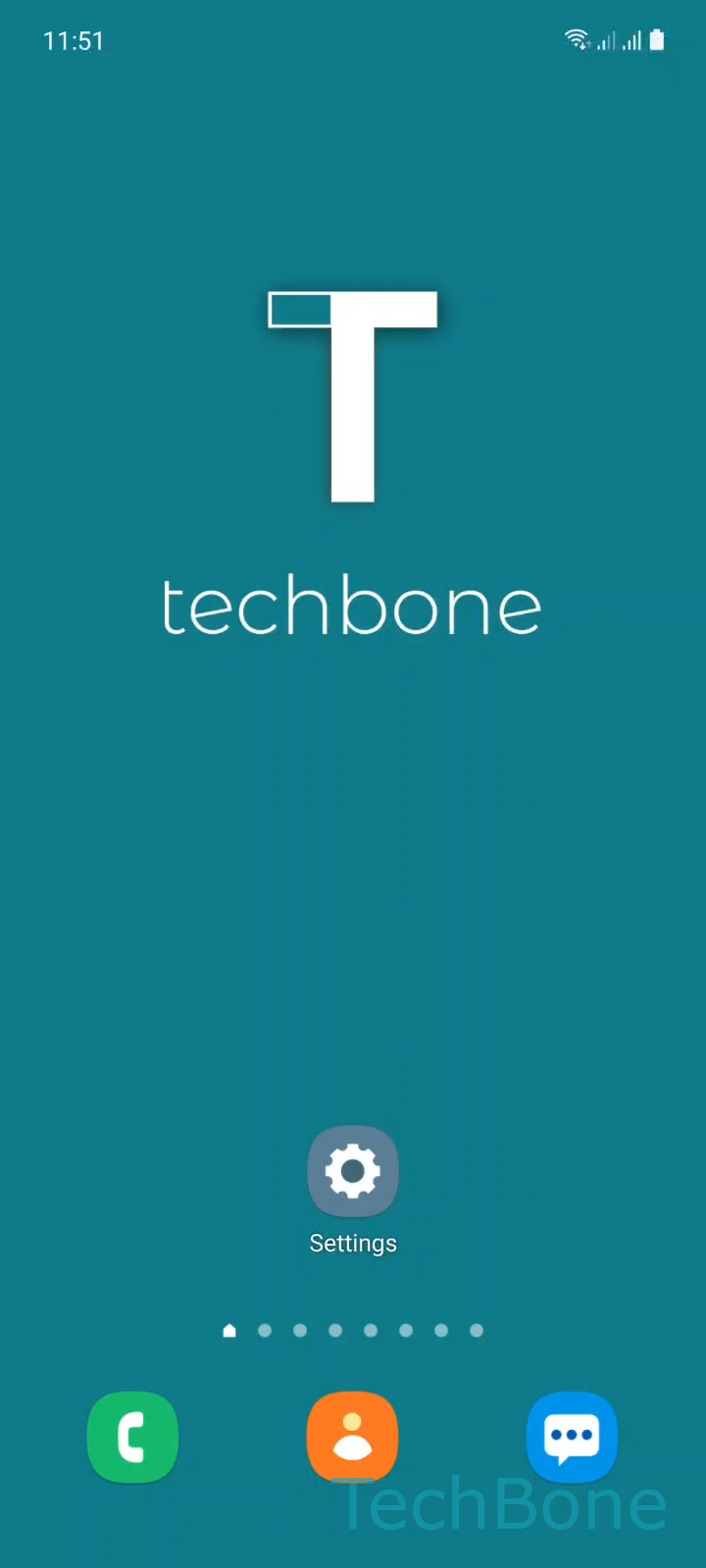
Step 1 of 3: Tap on **Settings**

1

Tap on Settings

Live simulator

Android 11 · One UI 3
Turn Lock Screen Notifications On or Off – One UI 3: step 1 – Tap on Settings
Tap on Settings
1 / 3

Scroll or use the buttons for the next step

Feedback

Was the guide correct?

Help others: confirm the path or report a problem.

25

Confirmations

Forum verified this path

Samsung

Turn Lock Screen Notifications On or Off auf Samsung

Samsung phones show incoming notifications as small icons on the lock screen by default. This is controlled by a dedicated toggle inside the lock screen settings, separate from the general notification permissions of individual apps.

To change it, go to SettingsLock screenNotifications. Turning this off removes all notification icons and previews from the lock screen, even if the apps themselves are still allowed to send notifications. Turning it back on restores the icons immediately for any notification that arrives afterward.

When to use this setting

Disable it if you share your phone often or unlock it in public and do not want message content or app icons visible before authentication. Keep it enabled if you rely on glancing at the lock screen to check calls or messages without unlocking.

This setting affects the lock screen only. It does not silence apps, does not stop notifications from appearing in the notification panel after unlocking, and does not replace Do Not Disturb or Focus mode, which control sound and vibration instead of visibility.

If only specific apps are the problem, adjust their individual notification settings rather than turning off lock screen notifications entirely.

Frequently asked questions

No. Turning off Notifications under Lock screen only hides icons and previews before you unlock the phone. Once unlocked, all notifications still appear normally in the notification panel.

Compatible devices

Tap your device — opens its hub with matching guides.

Android 11 · One UI 3

No compatible devices are listed for this version.