
Skip to content
TechBone
Samsung

Samsung: Turn Wi-Fi On or Off

If your Samsung phone refuses to connect to your router or keeps burning through battery searching for networks, the Wi-Fi toggle might simply be off or stuck on. Wi-Fi handles both local file sharing and your main path to the internet, so a wrong setting here blocks every online app at once. Switching it on or off from the system settings usually clears up connection drops and unwanted background scanning.

3 min3 steps
Version

Step by step

1 / 3

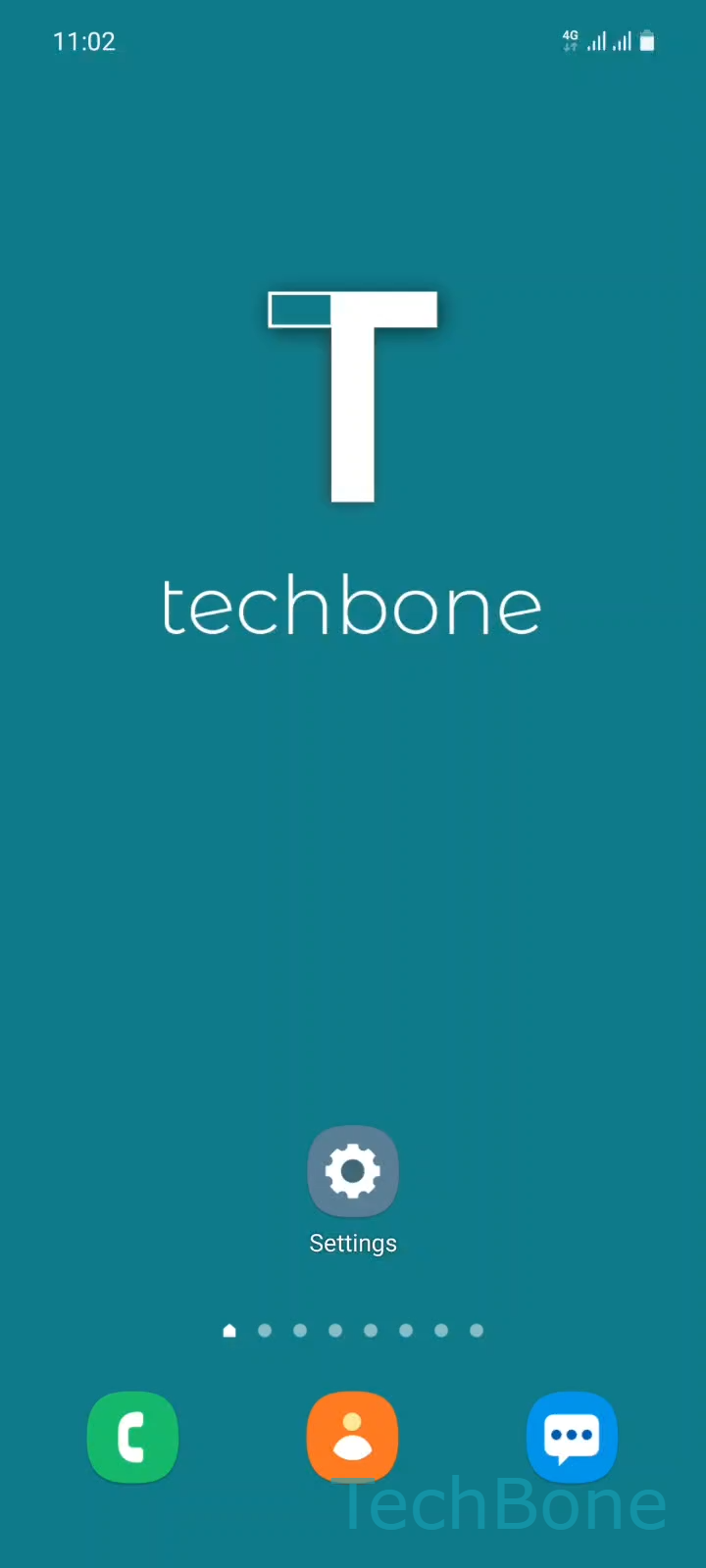
Step 1 of 3: Tap on **Settings**

1

Tap on Settings

Live simulator

Android 11 · One UI 3
Turn Wi-Fi On or Off – One UI 3: step 1 – Tap on Settings
Tap on Settings
1 / 3

Scroll or use the buttons for the next step

Feedback

Was the guide correct?

Help others: confirm the path or report a problem.

84

Confirmations

Forum verified this path

Samsung

Turn Wi-Fi On or Off auf Samsung

Wi-Fi on a Samsung phone controls two things at once: local data exchange with nearby devices and, more importantly, your connection to the internet through a router. If the toggle is off, no app can reach the network, even though mobile data might still work as a fallback.

You find the switch under SettingsConnections, where the Wi-Fi toggle sits at the top of the list. Tapping it flips Wi-Fi on or off immediately, no restart required.

Leaving Wi-Fi on all the time can drain the battery slightly faster, since the radio keeps scanning for known networks in the background. Turning it off manually helps when you are far from any trusted network or want to force mobile data for a specific app.

If Wi-Fi is on but you still cannot connect, the issue is usually the router or a saved network profile, not the toggle itself. In that case, check the password or forget the network before you troubleshoot further.

Airplane mode disables Wi-Fi automatically along with mobile data and Bluetooth, so check that mode first if the toggle appears greyed out.

Frequently asked questions

Yes. Since Wi-Fi Direct and mobile hotspot both rely on the same radio, switching off the main toggle under SettingsConnectionsWi-Fi stops those features until you switch it back on.

Compatible devices

Tap your device — opens its hub with matching guides.

Android 11 · One UI 3

No compatible devices are listed for this version.