Skip to content
TechBone
Samsung

Samsung: Turn Find My Mobile On or Off

If your Samsung phone gets lost or stolen and you cannot see its location or lock it remotely, Find My Mobile is likely switched off or was never activated. This built-in locator works alongside Google Find My Device but also allows remote control of the phone, including unlocking it in specific cases. Knowing where the toggle lives makes the difference when you need to act fast.

3 min3 steps
Version

Step by step

1 / 3

Step 1 of 3: Tap on **Settings**

1

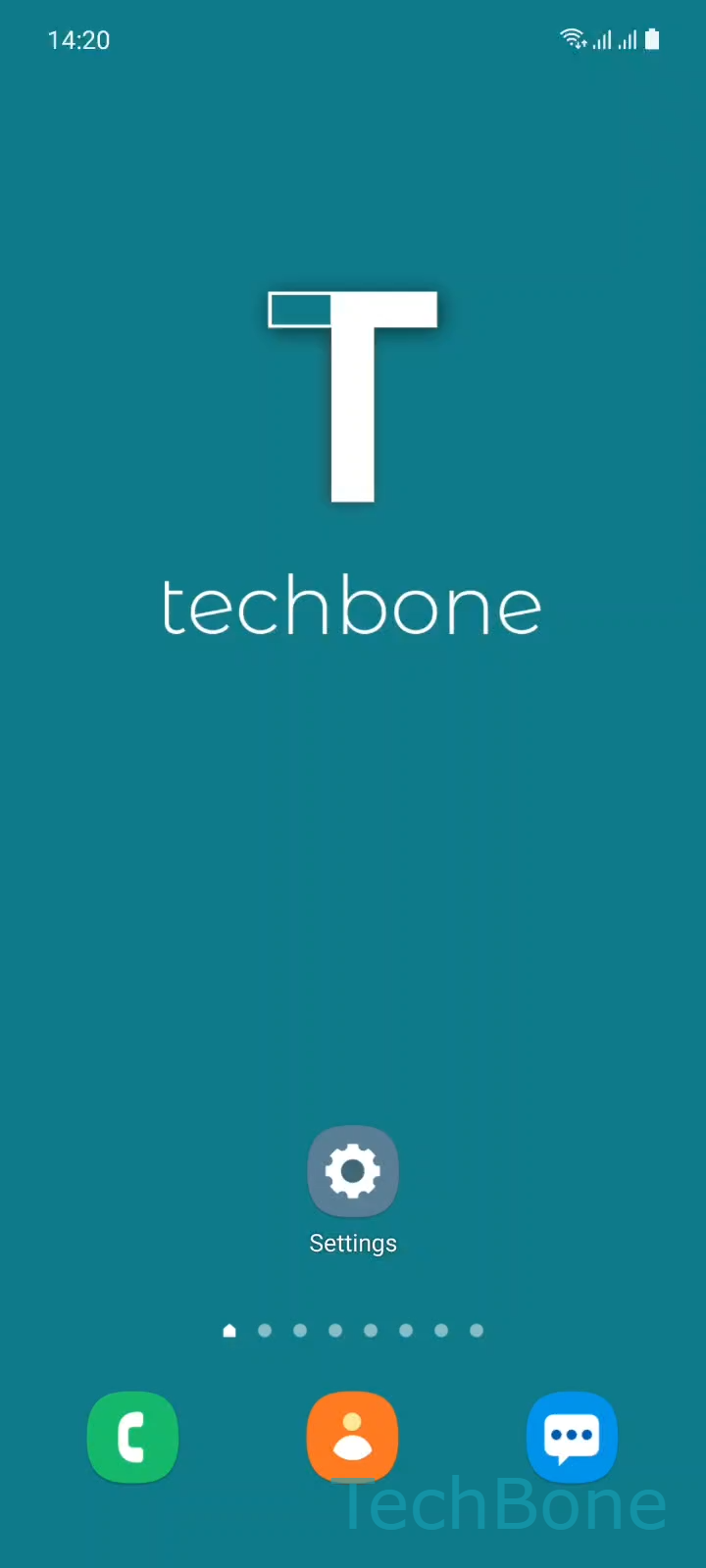
Tap on Settings

Live simulator

Android 11 · One UI 3
Turn Find My Mobile On or Off – One UI 3: step 1 – Tap on Settings
Tap on Settings
1 / 3

Scroll or use the buttons for the next step

Feedback

Was the guide correct?

Help others: confirm the path or report a problem.

54

Confirmations

Forum verified this path

Samsung

Turn Find My Mobile On or Off auf Samsung

Find My Mobile is Samsung's own device locator, running in parallel to Google Find My Device. It reports the phone's location to your Samsung account and lets you lock, ring, or erase the device remotely if it goes missing.

The setting sits inside the security section of the system, not inside the account app itself, which is why many users never notice it until they need it. On most Samsung phones it ships enabled by default, but a system reset, a carrier update, or a manual change can turn it off without you noticing.

Where to find the toggle

Go to Tap on SettingsTap on Biometrics and securityEnable or disable Find My Mobile. From there you can switch the feature on or off directly, and the same screen usually shows whether your Samsung account is properly linked.

If location still fails after turning the toggle on, check that background location access is allowed and that the phone has an active internet connection. Turning Find My Mobile off removes the remote lock and locate options, so only disable it if you rely exclusively on Google Find My Device or a separate mobile device management tool.

Frequently asked questions

This usually means you are not signed into a Samsung account on the device. Sign in first, then return to Tap on SettingsTap on Biometrics and securityEnable or disable Find My Mobile to activate the toggle.

Compatible devices

Tap your device — opens its hub with matching guides.

Android 11 · One UI 3

No compatible devices are listed for this version.