Skip to content
TechBone
Samsung

Samsung: Add a Fingerprint for Screen Unlock

Trying to unlock your Samsung phone with your fingerprint but the option in Settings stays greyed out? Samsung always requires a backup PIN, password, or pattern before the Fingerprints menu becomes available. Without that secondary lock set first, you cannot enrol a new fingerprint at all.

4 min5 steps
Version

Step by step

1 / 5

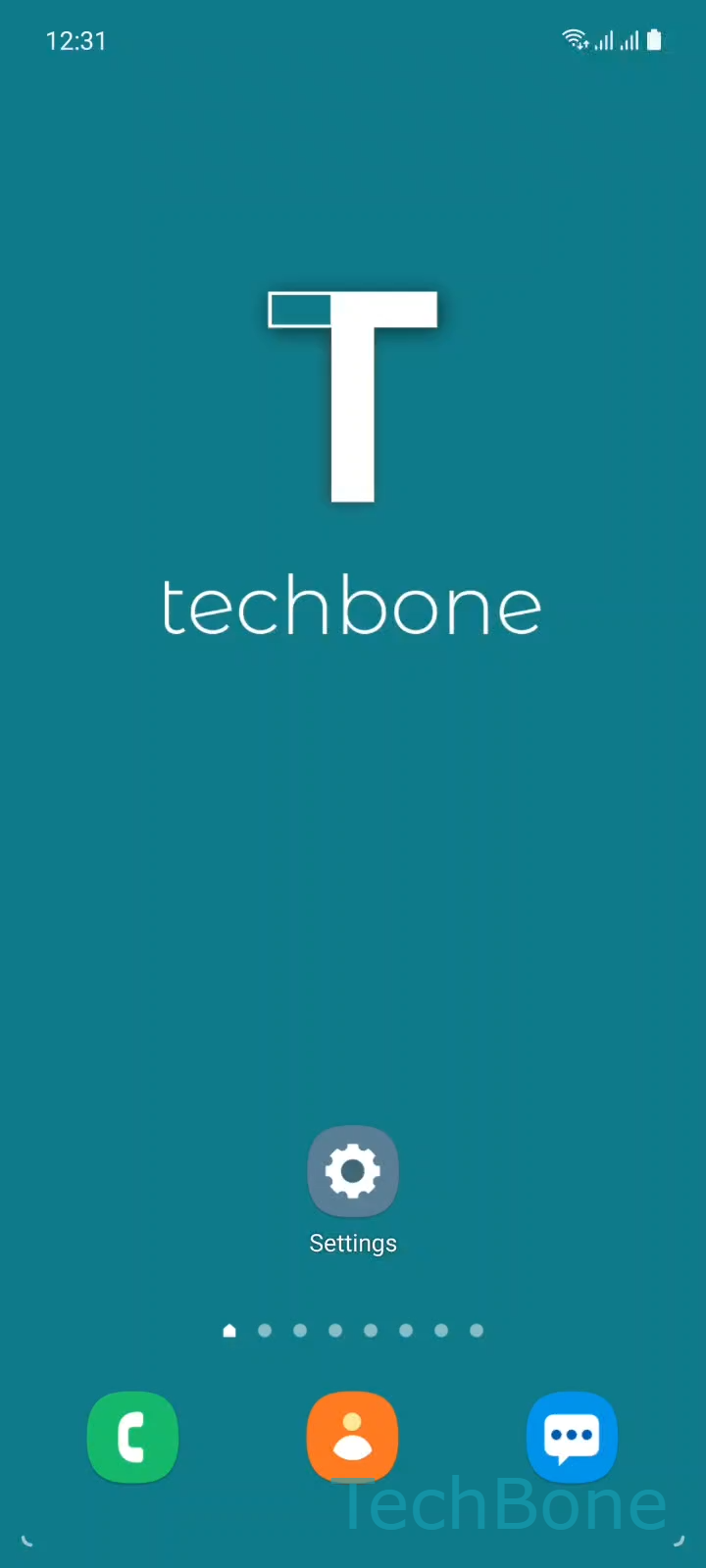
Step 1 of 5: Tap on **Settings**

1

Tap on Settings

Live simulator

Android 11 · One UI 3
Add a Fingerprint on Samsung – One UI 3: step 1 – Tap on Settings
Tap on Settings
1 / 5

Scroll or use the buttons for the next step

Feedback

Was the guide correct?

Help others: confirm the path or report a problem.

69

Confirmations

Forum verified this path

Samsung

Add a Fingerprint on Samsung auf Samsung

Fingerprint unlock speeds up daily use, but Samsung always treats it as a secondary method only.

Before you can enrol a print, the phone needs an active pattern, PIN, or password as a fallback lock. This backup lock kicks in whenever the sensor fails to read your finger, after a restart, or once too many failed attempts trigger a temporary lockout.

To add a fingerprint, open SettingsBiometrics and securityFingerprints. Enter your current pattern, PIN, or password to confirm it is you. Then tap Add fingerprint and follow the on-screen instructions, lifting and placing your finger repeatedly until the sensor captures the full print.

If the Fingerprints menu stays greyed out, no secondary lock is set yet. Go back, choose a pattern, PIN, or password first, then return to the biometrics menu to continue.

Screen protectors, wet fingers, or a dirty sensor area are the most common reasons enrollment stalls midway. Clean the sensor and your finger, then restart the enrollment from the same menu.

Frequently asked questions

Samsung requires an active backup lock before it lets you register a fingerprint. Go to SettingsBiometrics and securityFingerprints and set a pattern, PIN, or password first, then the fingerprint option unlocks.

Compatible devices

Tap your device — opens its hub with matching guides.

Android 11 · One UI 3

No compatible devices are listed for this version.