Skip to content
TechBone
Samsung

Samsung: Change Font Size in the Internet Browser

Some websites display text so small you have to zoom in constantly, while others fill the whole screen with oversized headlines. Samsung Internet lets you scale the browser's text size independently from what each page defines, somewhere between 50 and 200 percent. If pages still look off after adjusting brightness or display settings, this browser option is usually the one you missed.

4 min5 steps
Version

Step by step

1 / 5

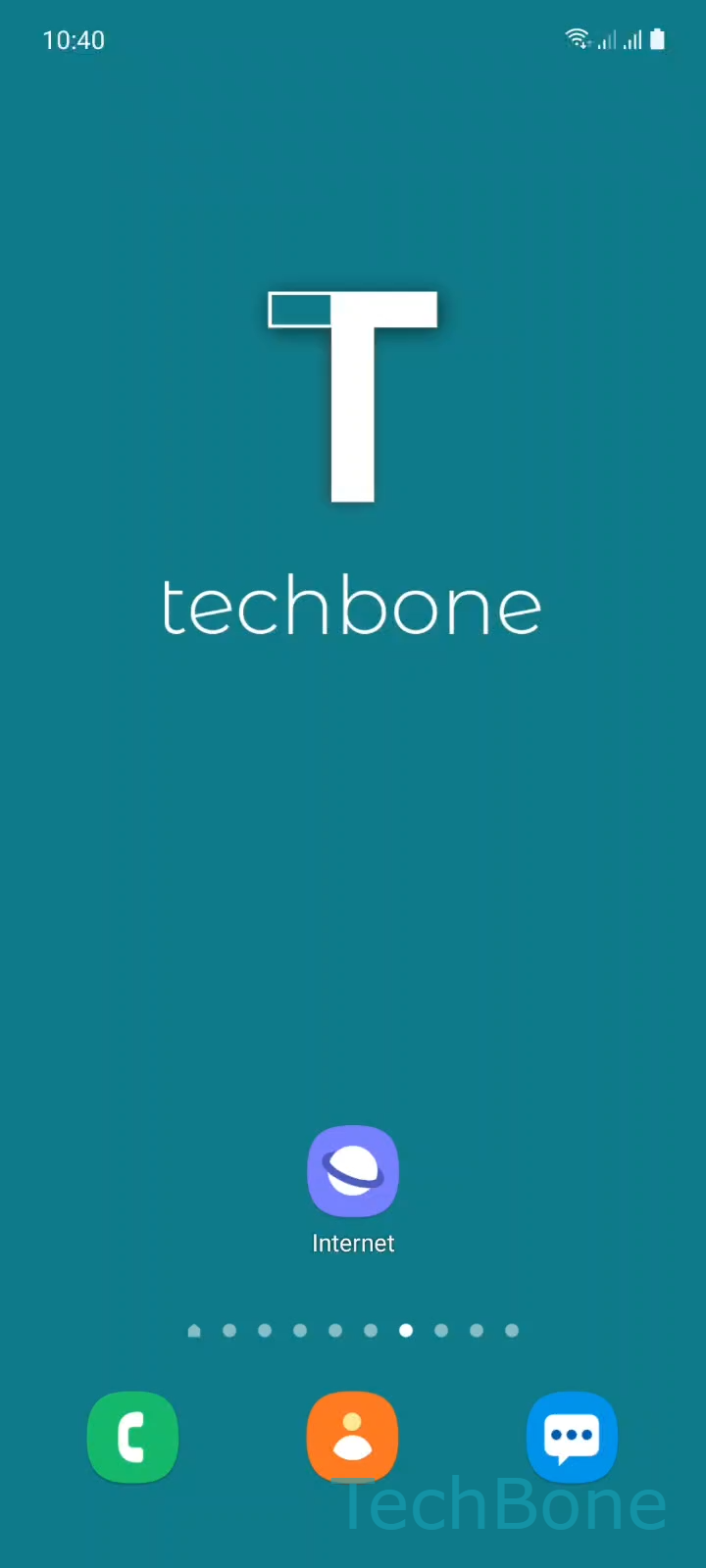
Step 1 of 5: Tap on **Internet**

1

Tap on Internet

Live simulator

Android 11 · One UI 3
Change Text Size in Samsung Internet Browser – One UI 3: step 1 – Tap on Internet
Tap on Internet
1 / 5

Scroll or use the buttons for the next step

Feedback

Was the guide correct?

Help others: confirm the path or report a problem.

84

Confirmations

Forum verified this path

Samsung

Change Text Size in Samsung Internet Browser auf Samsung

Website text size is normally set by the page itself, not by your phone. That is why the same article can look tiny on one site and oversized on another, even though your system font settings did not change.

Samsung Internet includes its own scaling option that sits on top of whatever a page defines. It lets you shrink or enlarge all browser text by a percentage, independent of the website's own styling.

To change it, open Tap on InternetOpen the MenuTap on Text size. A slider appears where you can Swipe left or right to adjust the Text size between 50 and 200 percent. Confirm with Tap on OK to apply the change immediately.

A value of 100 percent keeps the page's original sizing. Lower values shrink dense text-heavy pages so more content fits on screen, while higher values help on pages with small fixed fonts that ignore zoom gestures.

This setting only affects Samsung Internet. If text also looks wrong in other apps or on your home screen, the issue sits in the system-wide font size under your phone's display or accessibility settings instead, not in the browser.

Frequently asked questions

No. The Text size slider inside InternetMenu only affects pages opened in Samsung Internet. Other apps follow the system font size set separately in your phone's display settings.

Compatible devices

Tap your device — opens its hub with matching guides.

Android 11 · One UI 3

No compatible devices are listed for this version.