Skip to content
TechBone
Samsung

Samsung: Change the Font Size in Display Settings

If text on your Samsung phone looks too small to read comfortably, the issue is not the screen but the default font size in One UI. The display settings let you scale text up or down, but this only changes the text itself, not the size of app icons.

3 min4 steps
Version

Step by step

1 / 4

Step 1 of 4: Tap on **Settings**

1

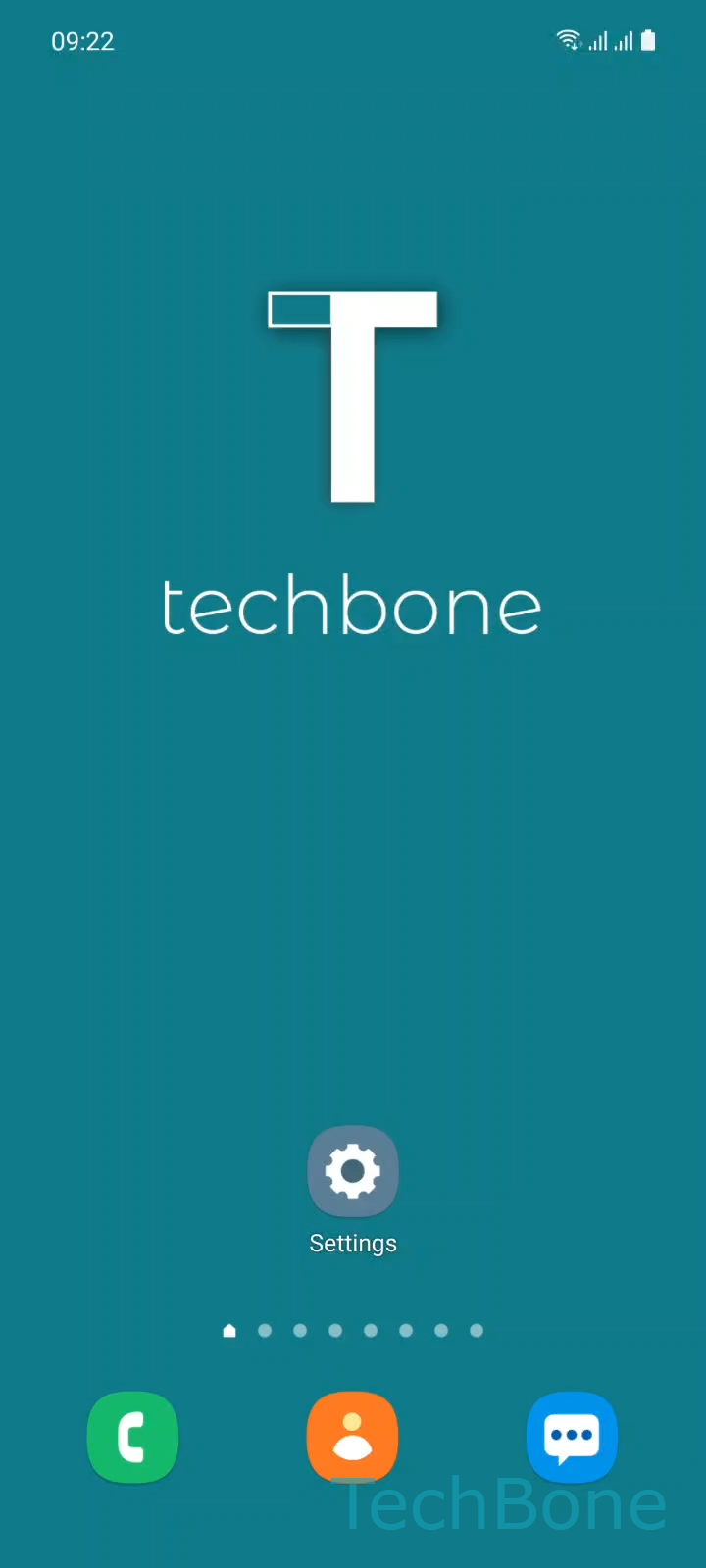
Tap on Settings

Live simulator

Android 11 · One UI 3
Change Font Size – One UI 3: step 1 – Tap on Settings
Tap on Settings
1 / 4

Scroll or use the buttons for the next step

Feedback

Was the guide correct?

Help others: confirm the path or report a problem.

34

Confirmations

Forum verified this path

Samsung

Change Font Size auf Samsung

Text that looks too small on a Samsung phone is usually a system setting, not a display defect. Samsung's One UI ships with a compact default font size that keeps more content visible on screen, which can strain your eyes if you are used to larger text.

You can adjust this directly from the display menu. Go to SettingsDisplayFont size and style, then Swipe left or right to set the Font size. The change applies immediately across menus, notifications, and most apps that rely on the system font.

This setting only changes the size of text. App icons, widgets, and other on-screen elements keep their original size. If you also want everything on screen to appear larger, look for the separate Screen zoom option inside the same Display menu.

If some apps still show tiny text after adjusting this slider, they likely draw their own interface instead of using the system font. In that case, check whether the app itself has a text size option in its own settings.

Frequently asked questions

The font size slider under SettingsDisplayFont size and style only scales text. To also change the size of icons and layout elements, use the separate Screen zoom option in the same Display menu.

Compatible devices

Tap your device — opens its hub with matching guides.

Android 11 · One UI 3

No compatible devices are listed for this version.