Skip to content
TechBone
Samsung

Samsung: Change the System Font Style

If every menu, notification, and app on your Galaxy phone still shows the same default typeface, the system font hasn't been changed yet. Samsung ships built-in alternatives like 'SamsungOne' and 'Gothic Bold', and the Galaxy Store offers more fonts to download or buy. Until you adjust this setting in Display, the interface keeps the factory look everywhere.

4 min5 steps
Version

Step by step

1 / 5

Step 1 of 5: Tap on **Settings**

1

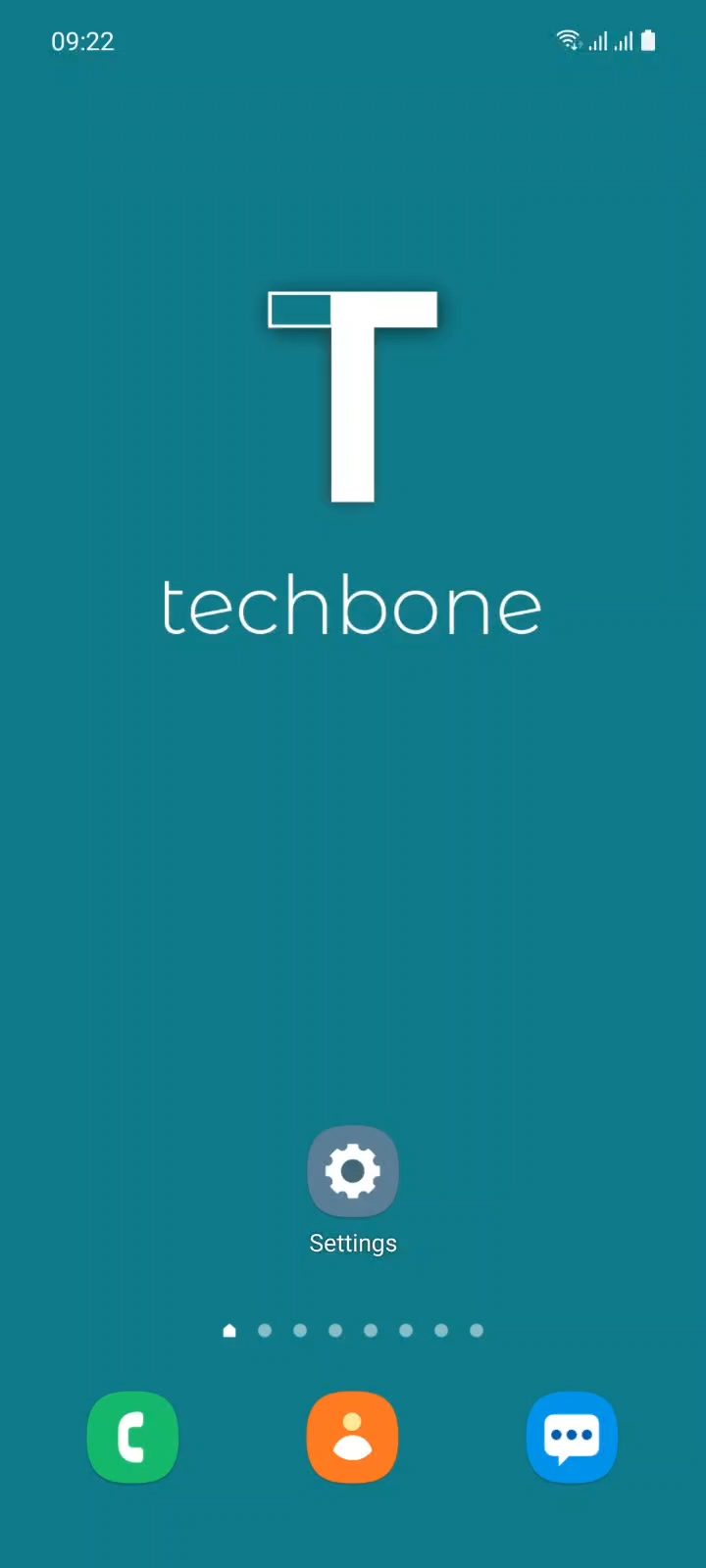
Tap on Settings

Live simulator

Android 11 · One UI 3
Change Font Style – One UI 3: step 1 – Tap on Settings
Tap on Settings
1 / 5

Scroll or use the buttons for the next step

Feedback

Was the guide correct?

Help others: confirm the path or report a problem.

105

Confirmations

Forum verified this path

Samsung

Change Font Style auf Samsung

The font style on a Samsung Galaxy phone is a system-wide setting, not something individual apps control. Changing it affects menus, notifications, and most third-party apps at once, since they inherit the typeface from One UI rather than defining their own.

By default, Galaxy phones use the standard Android font. Samsung adds two alternatives out of the box, SamsungOne and Gothic Bold, and the Galaxy Store offers additional free and paid fonts if neither fits.

To switch the font, go to Tap on SettingsTap on DisplayTap on Font size and styleTap on Font styleSet the Font style. Any font installed from the Galaxy Store appears in the same list once downloaded.

A font change is purely visual and reversible at any time through the same menu. It has no effect on performance, battery life, or storage beyond the small size of the font file itself. If text still looks unchanged after switching, some apps with custom-built interfaces may render their own typography regardless of the system setting.

Frequently asked questions

Apps with a fully custom interface can define their own typography and ignore the system font set under Tap on SettingsTap on DisplayTap on Font size and style. This is rare, but it happens with a few third-party apps.

Compatible devices

Tap your device — opens its hub with matching guides.

Android 11 · One UI 3

No compatible devices are listed for this version.