Skip to content
TechBone
Samsung

Samsung: Force Stop a Frozen App

When an app on your Samsung phone stops responding, swiping it away from the recent apps overview usually does not help. That gesture only tells the app to wrap up background tasks, it does not kill a stuck process. If a software glitch is blocking the app, it keeps running in the background, drains battery, or leaves the screen frozen.

4 min5 steps
Version

Step by step

1 / 5

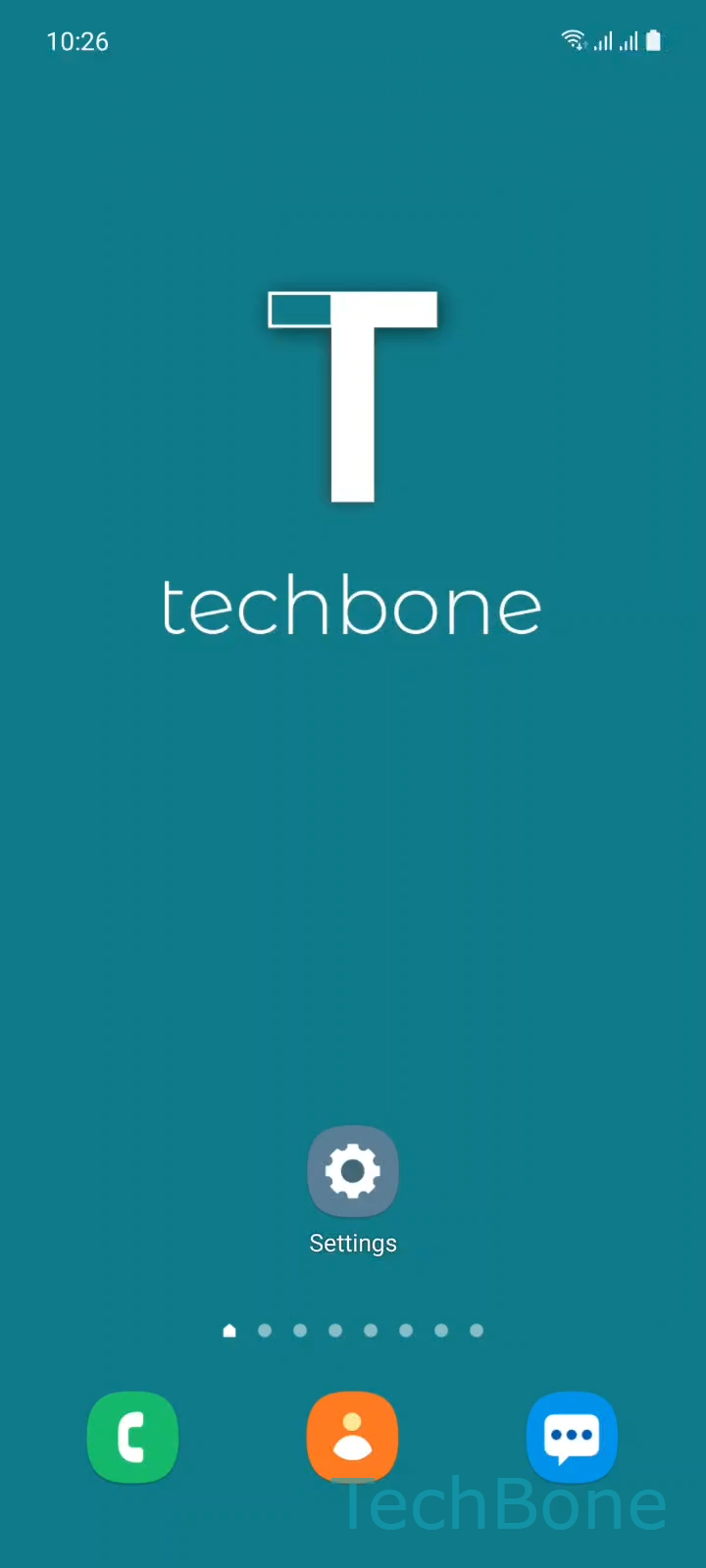
Step 1 of 5: Tap on **Settings**

1

Tap on Settings

Live simulator

Android 11 · One UI 3
Force Stop an App – One UI 3: step 1 – Tap on Settings
Tap on Settings
1 / 5

Scroll or use the buttons for the next step

Feedback

Was the guide correct?

Help others: confirm the path or report a problem.

28

Confirmations

Forum verified this path

Samsung

Force Stop an App auf Samsung

Closing an app from the recent apps screen sends a soft signal. The app finishes saving data and stops background work on its own schedule, but a frozen or crashed process often ignores that signal completely.

Force stop works differently. It kills the app process immediately at the system level, without waiting for the app to respond. This is the fix you need when an app is stuck on a black screen, spinning endlessly, or refusing to open at all.

How to force stop an app on Samsung

Go to Tap on SettingsTap on AppsChoose an AppTap on Force stopTap on OK.

Confirming with Tap on OK ends every running process of that app immediately. Any unsaved input inside the app is lost, since there is no graceful shutdown.

Force stop is not the same as clearing cache or uninstalling. The app and its stored data stay untouched, only the running process is terminated. If force stopping does not solve the issue, clearing the app cache or restarting the phone are the next steps to try.

Frequently asked questions

No. Force stop only ends the running process. Your logins, saved files, and app settings stay exactly as they were, since nothing is removed from storage.

Compatible devices

Tap your device — opens its hub with matching guides.

Android 11 · One UI 3

No compatible devices are listed for this version.