Skip to content
TechBone
Samsung

Samsung: Forget a Saved Wi-Fi Network

If your Samsung phone keeps trying to reconnect to a Wi-Fi network you no longer use, an old saved profile is still stored on the device. This forces constant background scanning for that network and can slow down how quickly your phone switches to a stronger signal nearby. Removing the outdated entry stops the automatic search for good.

6 min8 steps
Version

Step by step

1 / 8

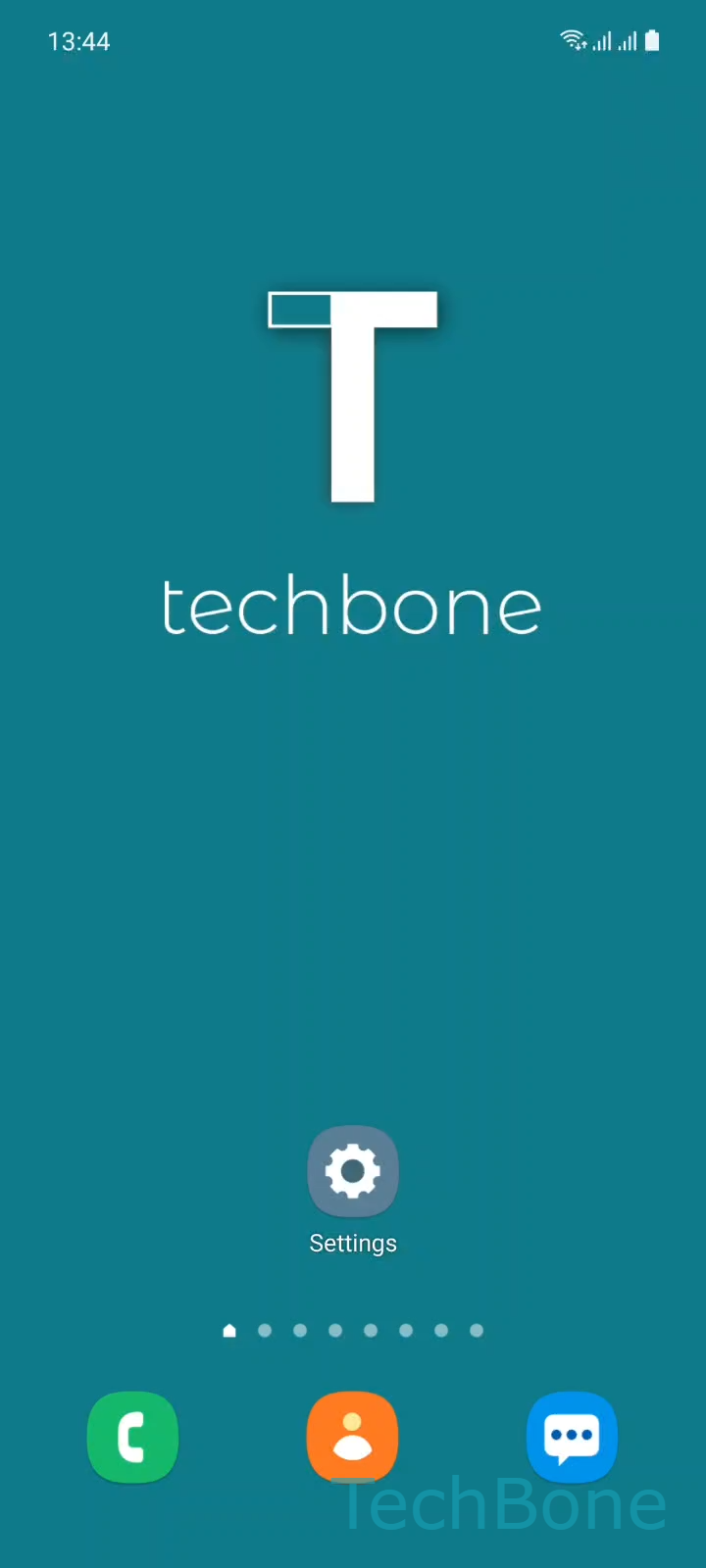
Step 1 of 8: Tap on **Settings**

1

Tap on Settings

Live simulator

Android 11 · One UI 3
Forget a Saved Wi-Fi Network – One UI 3: step 1 – Tap on Settings
Tap on Settings
1 / 8

Scroll or use the buttons for the next step

Feedback

Was the guide correct?

Help others: confirm the path or report a problem.

57

Confirmations

Forum verified this path

Samsung

Forget a Saved Wi-Fi Network auf Samsung

Every Wi-Fi network your Samsung device has ever joined stays saved in the connection list, even after you move away or no longer need it. The phone keeps scanning for these stored networks whenever Wi-Fi is turned on, which can slow down how fast it locks onto a network that is actually in range.

Removing an old entry clears this background search and can also fix issues where the phone auto-connects to a weak or outdated network instead of a better one nearby.

To remove a saved network, go to SettingsConnectionsWi-Fi, open the Menu, then tap AdvancedManage networks. Select the saved network you want to remove and tap Forget.

This only deletes the saved profile and password. It does not affect the router itself, and you can rejoin the same network later by entering the password again. If you plan to reconnect soon, changing the network priority instead of forgetting it can be the better option.

Frequently asked questions

Yes. Once you tap Forget under Manage networks, the saved password is removed from the device. You need to enter it again the next time you connect to that network.

Compatible devices

Tap your device — opens its hub with matching guides.

Android 11 · One UI 3

No compatible devices are listed for this version.