Skip to content
TechBone
Samsung

Samsung: Forward a Message in the Messages App

Copying and pasting the text of an SMS only grabs the words, not the attachments, photos, or links that came with it. If you want to send the whole message along with everything it contains, Samsung's Messages app has a dedicated forward option built into every conversation.

5 min6 steps
Version

Step by step

1 / 6

Step 1 of 6: Tap on **Messages**

1

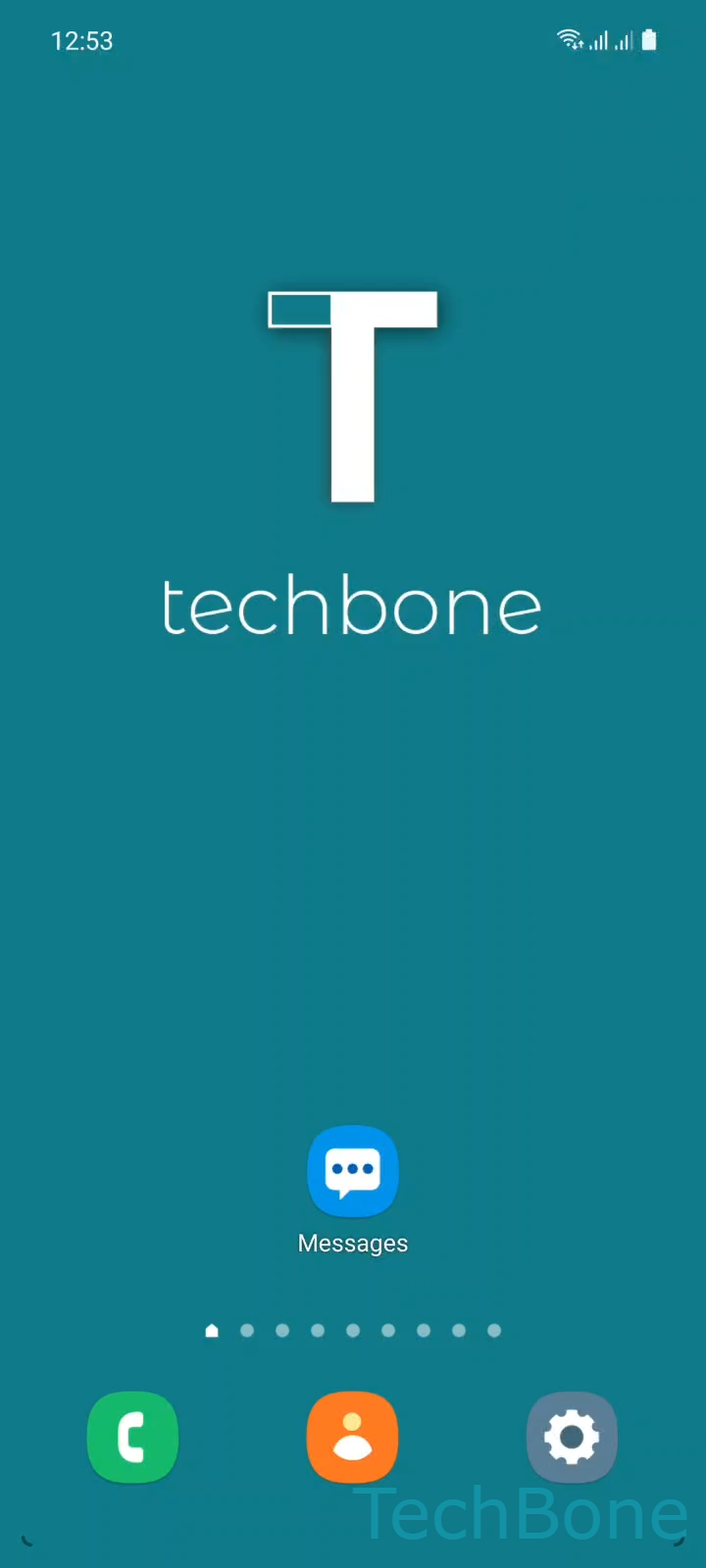
Tap on Messages

Live simulator

Android 11 · One UI 3
Forward a Message – One UI 3: step 1 – Tap on Messages
Tap on Messages
1 / 6

Scroll or use the buttons for the next step

Feedback

Was the guide correct?

Help others: confirm the path or report a problem.

40

Confirmations

Forum verified this path

Samsung

Forward a Message auf Samsung

Marking, copying, and pasting text only keeps the words of a message. Photos, videos, links, and the original formatting get lost in the process.

Samsung's Messages app includes a dedicated forward option that sends the entire message, attachments included, to one or more new recipients without retyping anything.

Forwarding a message step by step

Open MessagesChoose a ConversationTap and hold a MessageTap on ForwardSelect the desired Contacts and tap DoneTap on Send.

You can select several contacts at once, so the forwarded message reaches multiple people in a single action. The content lands in each new conversation exactly as it appeared in the original chat.

This forward function covers both SMS and MMS on Samsung One UI. Copying and pasting still makes sense for a short line of text you want to quote inside your own message. For everything else, especially messages with attachments, forwarding keeps the content intact and saves you from retyping it manually.

Frequently asked questions

Yes. On the Select the desired Contacts and tap Done screen you can tick several contacts before tapping Done, so the message goes out to everyone in one action.

Compatible devices

Tap your device — opens its hub with matching guides.

Android 11 · One UI 3

No compatible devices are listed for this version.