
Skip to content
TechBone
Samsung

Samsung: Manage Full Screen App Display

When an app stretches oddly across the screen or crops content at the top and bottom, Samsung's full screen scaling is usually the reason. You cannot switch off full screen display system-wide, since it is tied to the display aspect ratio itself. What you can do is tell individual apps to render in the older, non-stretched format instead. This mainly affects apps that were never updated for taller Samsung displays and end up with distorted buttons or misplaced UI elements.

3 min4 steps
Version

Step by step

1 / 4

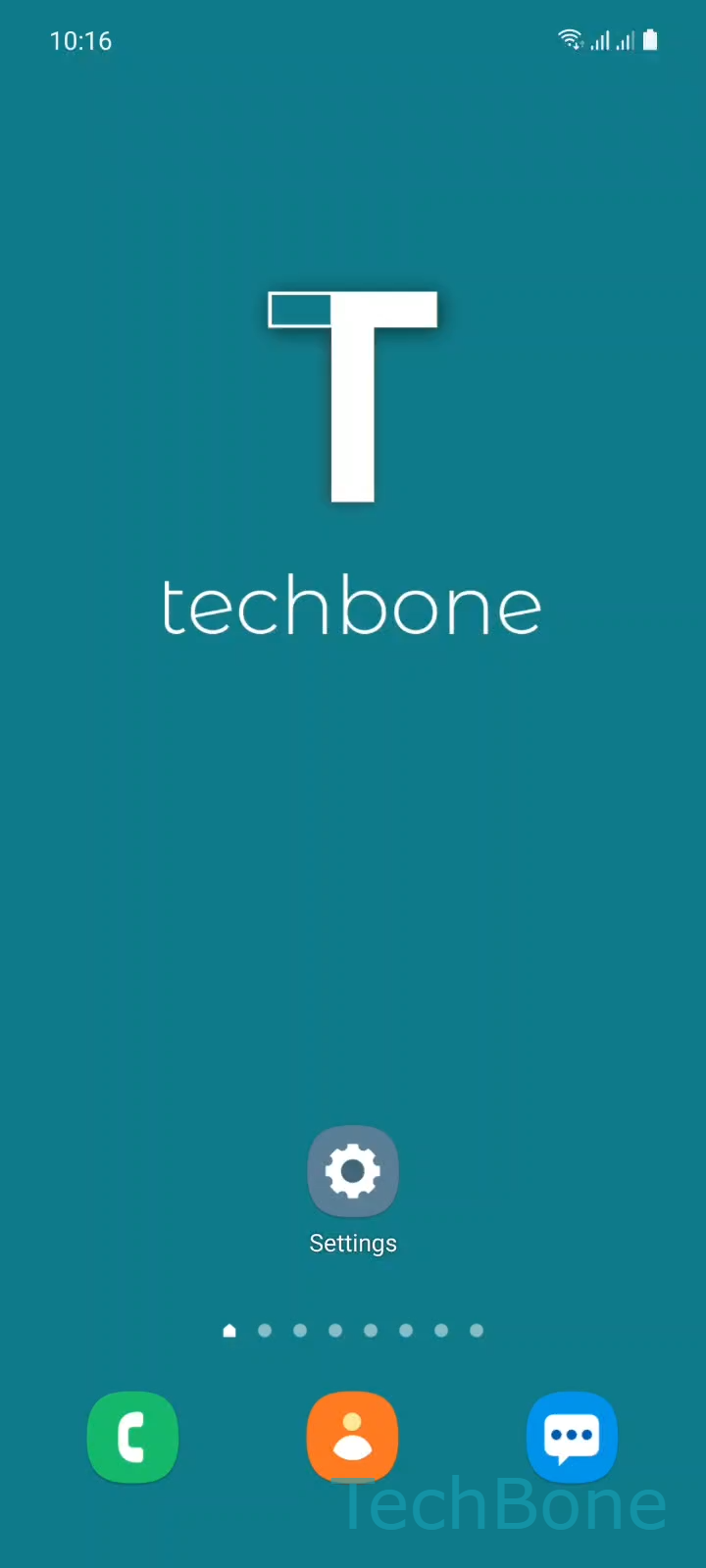
Step 1 of 4: Tap on **Settings**

1

Tap on Settings

Live simulator

Android 11 · One UI 3
Manage Full Screen App Display – One UI 3: step 1 – Tap on Settings
Tap on Settings
1 / 4

Scroll or use the buttons for the next step

Feedback

Was the guide correct?

Help others: confirm the path or report a problem.

55

Confirmations

Forum verified this path

Samsung

Manage Full Screen App Display auf Samsung

Samsung phones render most apps across the entire display by default. This works fine for apps built for the current aspect ratio, but older or poorly updated apps can end up with stretched icons, cut-off buttons, or a zoomed-in layout that hides part of the interface.

You cannot turn off full screen rendering for the whole system. Samsung only lets you set this per app, which is enough to fix the apps that actually cause problems without affecting everything else.

Where to find the setting

Open SettingsDisplayFull screen apps. This list shows every installed app that supports the toggle. Switch individual entries on or off depending on whether the app should fill the screen or use the classic 16:9 format.

If an app still looks stretched after turning the toggle off, close it completely from the recent apps list and reopen it. Some apps only apply the new scaling on a fresh launch, not while running in the background.

This setting is mainly useful for older games and business apps that were never updated for taller screens. Apps built with current design guidelines usually look correct either way, so leave those on the default full screen setting.

Frequently asked questions

Samsung only lists apps that declare support for the aspect ratio toggle. If an app is missing from SettingsDisplayFull screen apps, it either always renders at native resolution or has no scaling option built in, so there is nothing to switch.

Compatible devices

Tap your device — opens its hub with matching guides.

Android 11 · One UI 3

No compatible devices are listed for this version.