Skip to content
TechBone
Samsung

Samsung: Turn Game Launcher On or Off

If your installed games sit scattered across the home screen and app drawer instead of being grouped in one place, Game Launcher is probably switched off. Turning it on also starts tracking your play time and unlocks Game Booster tools for blocking notifications while you play. Some people switch it back off when the extra overlay or usage tracking gets in the way during normal app use.

3 min3 steps
Version

Step by step

1 / 3

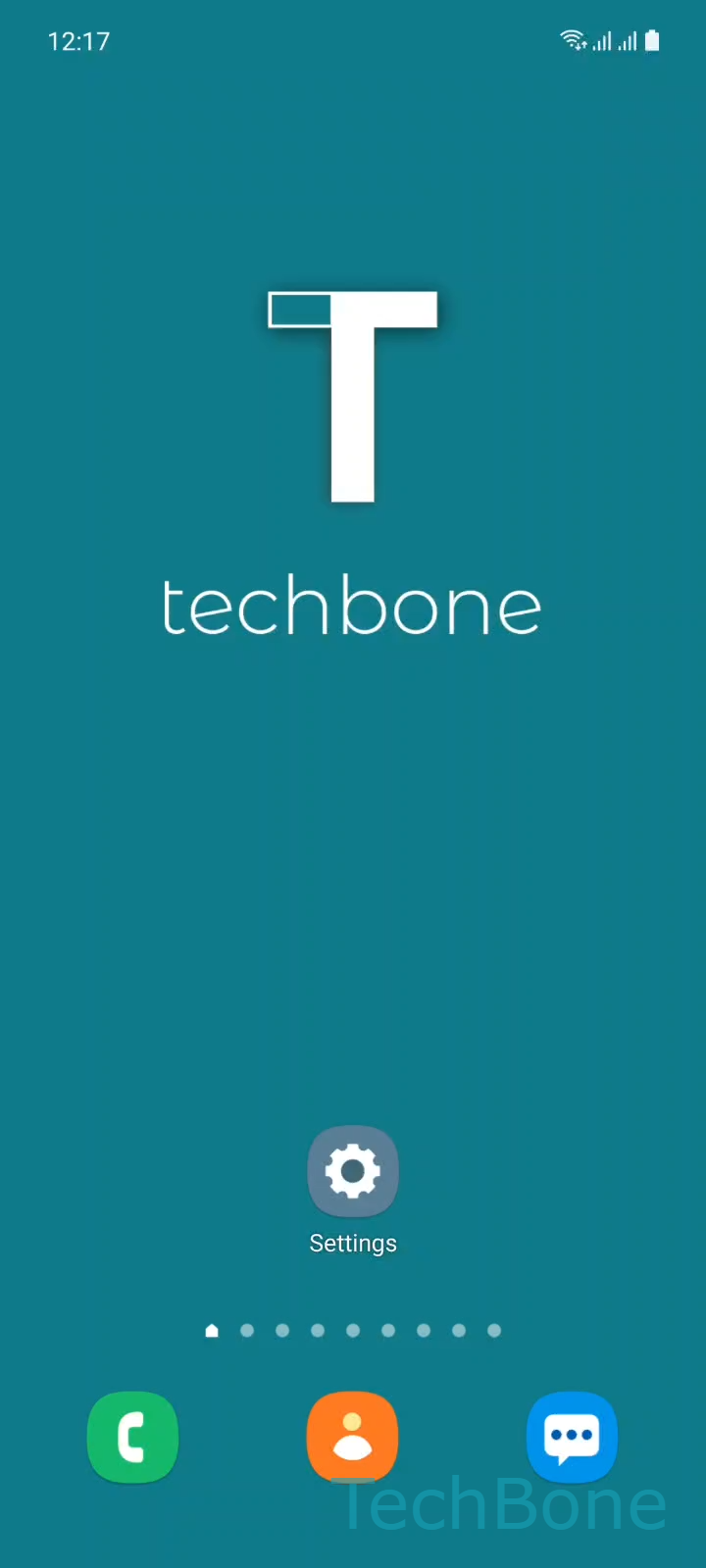
Step 1 of 3: Tap on **Settings**

1

Tap on Settings

Live simulator

Android 11 · One UI 3
Turn Game Launcher On or Off – One UI 3: step 1 – Tap on Settings
Tap on Settings
1 / 3

Scroll or use the buttons for the next step

Feedback

Was the guide correct?

Help others: confirm the path or report a problem.

95

Confirmations

Forum verified this path

Samsung

Turn Game Launcher On or Off auf Samsung

Game Launcher is a Samsung feature that collects every installed game into one dedicated space instead of leaving them spread across the home screen and app drawer. Once it is active, games can be set to launch only from this space, and the device starts logging how long each game runs.

The toggle sits under a single system setting. Open Tap on SettingsTap on Advanced featuresEnable or disable Game Launcher to switch the feature on or off. Turning it on reorganizes your existing games automatically, no manual sorting needed.

Switching it on also brings along Game Booster, an overlay that appears while a game is running. It can block incoming notifications and adjust performance settings during a session. If that overlay pops up too often or you do not want play time recorded, disabling Game Launcher removes both the grouping and the Booster overlay at once.

Disabling it is the better choice if you only have one or two games installed and prefer them to behave like any other app on the home screen. Re-enabling later restores the grouped view without losing any installed games.

Frequently asked questions

No. Disabling Game Launcher only removes the grouped view. Every game stays installed and reappears as a normal app on the home screen or in the app drawer.

Compatible devices

Tap your device — opens its hub with matching guides.

Android 11 · One UI 3

No compatible devices are listed for this version.