Skip to content
TechBone
Samsung

Samsung: Install a Print Service Plugin

If your printer does not show up when you try to print from your Samsung phone, the built-in print service most likely does not cover your printer model. Samsung ships with a standard print service that works with popular brands, but many manufacturers require their own plugin to print files correctly. Without that plugin, print jobs either fail or the printer never appears as an option.

6 min7 steps
Version

Step by step

1 / 7

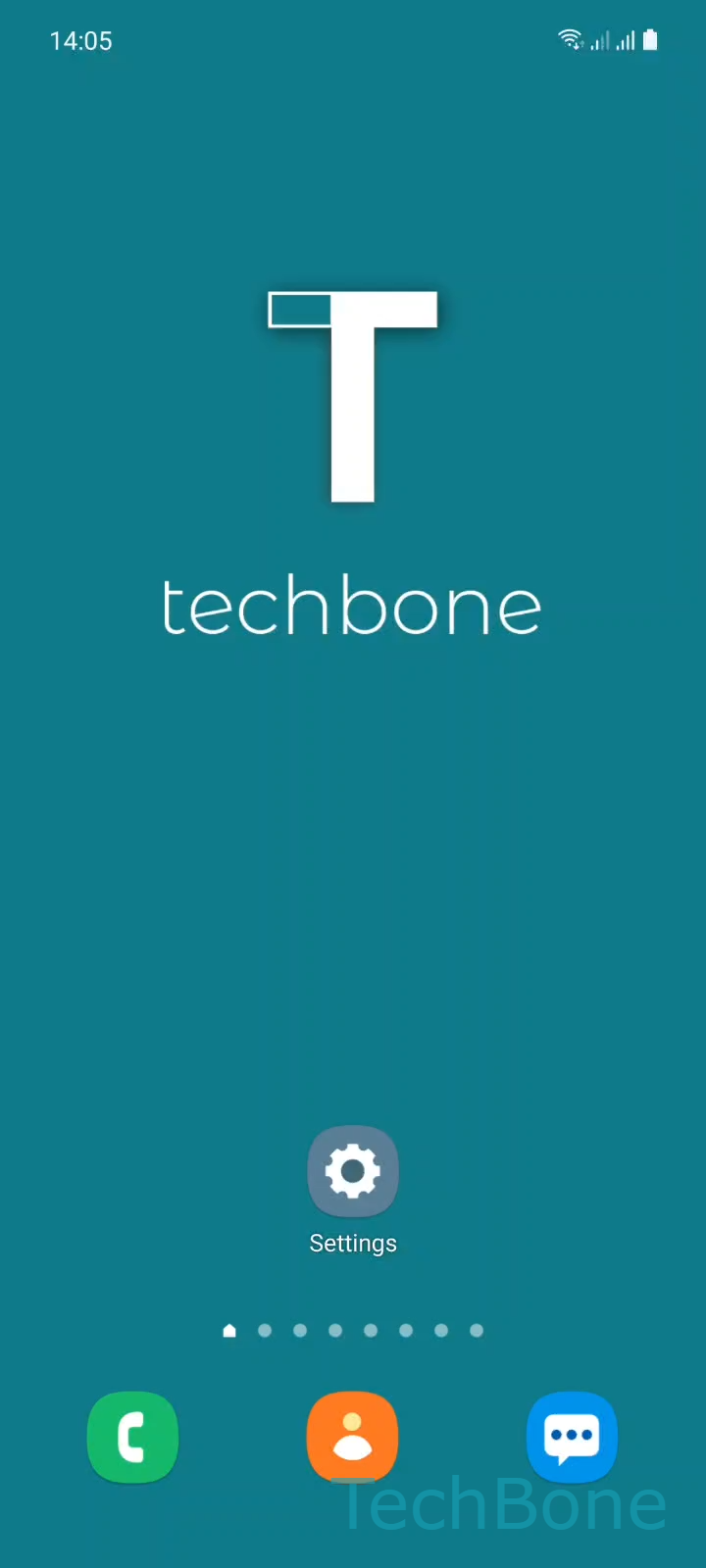
Step 1 of 7: Tap on **Settings**

1

Tap on Settings

Live simulator

Android 11 · One UI 3
Install Print Service Plugin – One UI 3: step 1 – Tap on Settings
Tap on Settings
1 / 7

Scroll or use the buttons for the next step

Feedback

Was the guide correct?

Help others: confirm the path or report a problem.

86

Confirmations

Forum verified this path

Samsung

Install Print Service Plugin auf Samsung

Samsung phones include a default print service that recognizes many common printer brands automatically. This built-in service is not universal: it only supports a limited set of manufacturers and models out of the box.

If your printer is not covered, the print menu either shows no available printer or the print job fails silently. The fix is to download and install a dedicated print service plugin for your printer brand, which acts as a driver between your phone and the printer.

To install it, go to SettingsConnectionsMore connection settingsPrintingDownload plugin. From the list, tap Choose a Print Service, select your printer manufacturer, then tap Install.

Once installed, the plugin runs in the background and handles communication with your printer whenever you print from apps like Gallery, Chrome, or a document viewer.

If your printer still does not appear after installing the plugin, check that it is connected to the same Wi-Fi network as your phone, or that Bluetooth is active if you are pairing directly. Some plugins also require you to add the printer manually inside their own settings screen after installation.

Frequently asked questions

Make sure your phone and printer are on the same Wi-Fi network. Some plugins need you to open their own app once and add the printer manually before it shows up in Printing.

Compatible devices

Tap your device — opens its hub with matching guides.

Android 11 · One UI 3

No compatible devices are listed for this version.