Skip to content
TechBone
Samsung

Samsung: Turn On or Off Keyboard Character Preview

Every tap on the Samsung keyboard pops up an enlarged copy of the key you just pressed. That preview bubble can slow you down when typing fast or block the line above on smaller screens, and it is tied to a single setting inside the keyboard's touch feedback options.

5 min6 steps
VersionAndroid 11 · One UI 3

Step by step

1 / 6

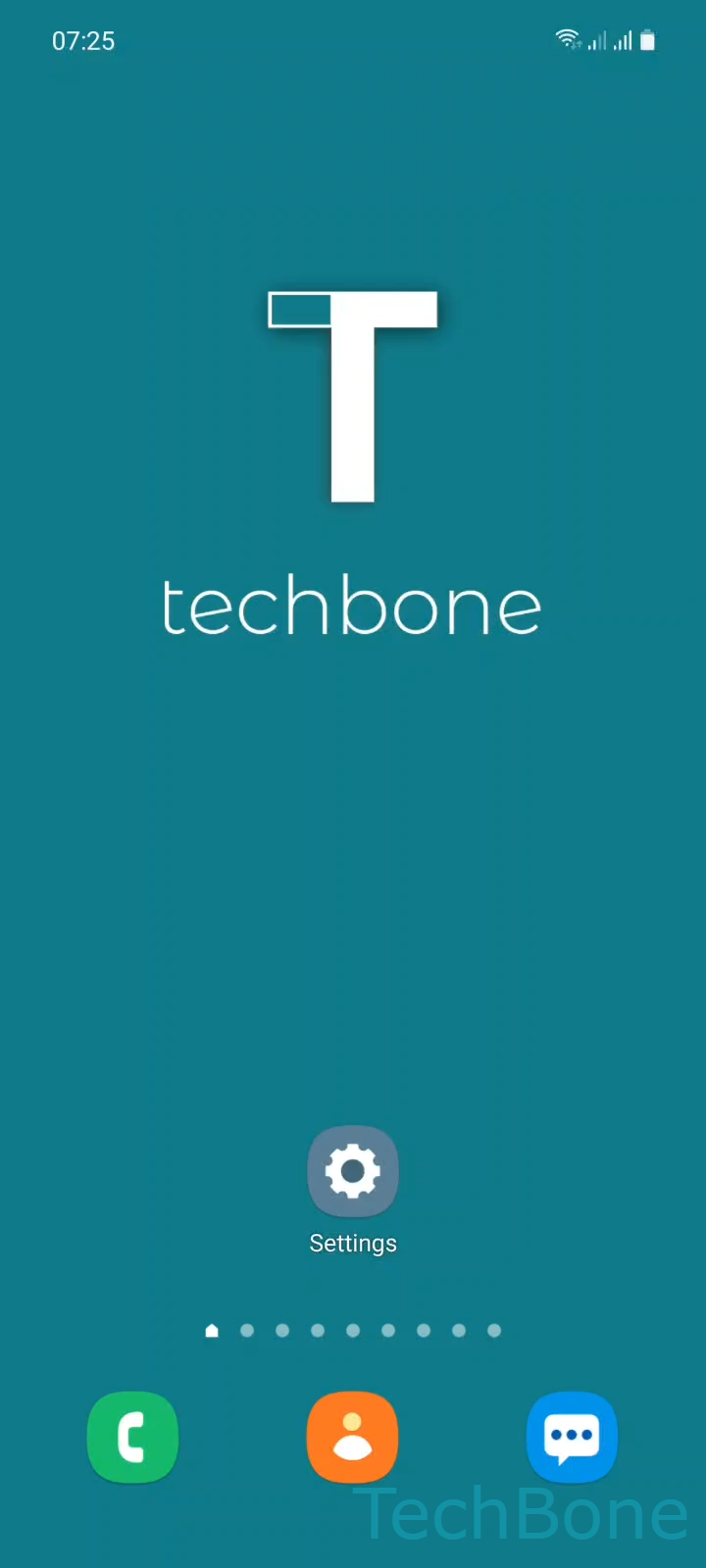
Step 1 of 6: Tap on **Settings**

1

Tap on Settings

Live simulator

Android 11 · One UI 3
Turn Keyboard Character Preview On or Off – One UI 3: step 1 – Tap on Settings
Tap on Settings
1 / 6

Scroll or use the buttons for the next step

Feedback

Was the guide correct?

Help others: confirm the path or report a problem.

42

Confirmations

Forum verified this path

Samsung

Turn Keyboard Character Preview On or Off auf Samsung

The Samsung Keyboard shows an enlarged copy of every key you tap by default. This character preview is meant to confirm your input, but on smaller phones or during fast typing it can cover the text field or slow down the rhythm of typing.

The setting lives inside the keyboard's touch feedback options, separate from sound and vibration feedback. Turning it off removes the pop-up entirely, while typing itself works the same way.

Menu path

Tap on SettingsTap on General managementTap on Samsung Keyboard settingsTap on Swipe, touch, and feedbackTap on Touch feedbackEnable or disable Character preview

If you still want visual feedback but without the enlarged key, check the other options under Touch feedback, such as key highlighting. If typing feels inaccurate after disabling the preview, re-enable it temporarily to check finger placement, then turn it off again once you are used to the keyboard layout.

Frequently asked questions

No. Character preview only controls the enlarged key pop-up. Autocorrect and predictive text are separate settings under Samsung Keyboard settings and keep working the same way regardless of this toggle.

Compatible devices

Tap your device — opens its hub with matching guides.

Android 11 · One UI 3

No compatible devices are listed for this version.