Skip to content
TechBone
Samsung

Samsung: Change the Keyboard Layout

Typing on the Samsung keyboard feels off when the layout does not match your language, or when you expected QWERTY but got QWERTZ. On German keyboards you can also switch between the standard layout and a compact 3x4 keyboard, and the wrong choice makes typing slower and more error-prone.

5 min6 steps
Version

Step by step

1 / 6

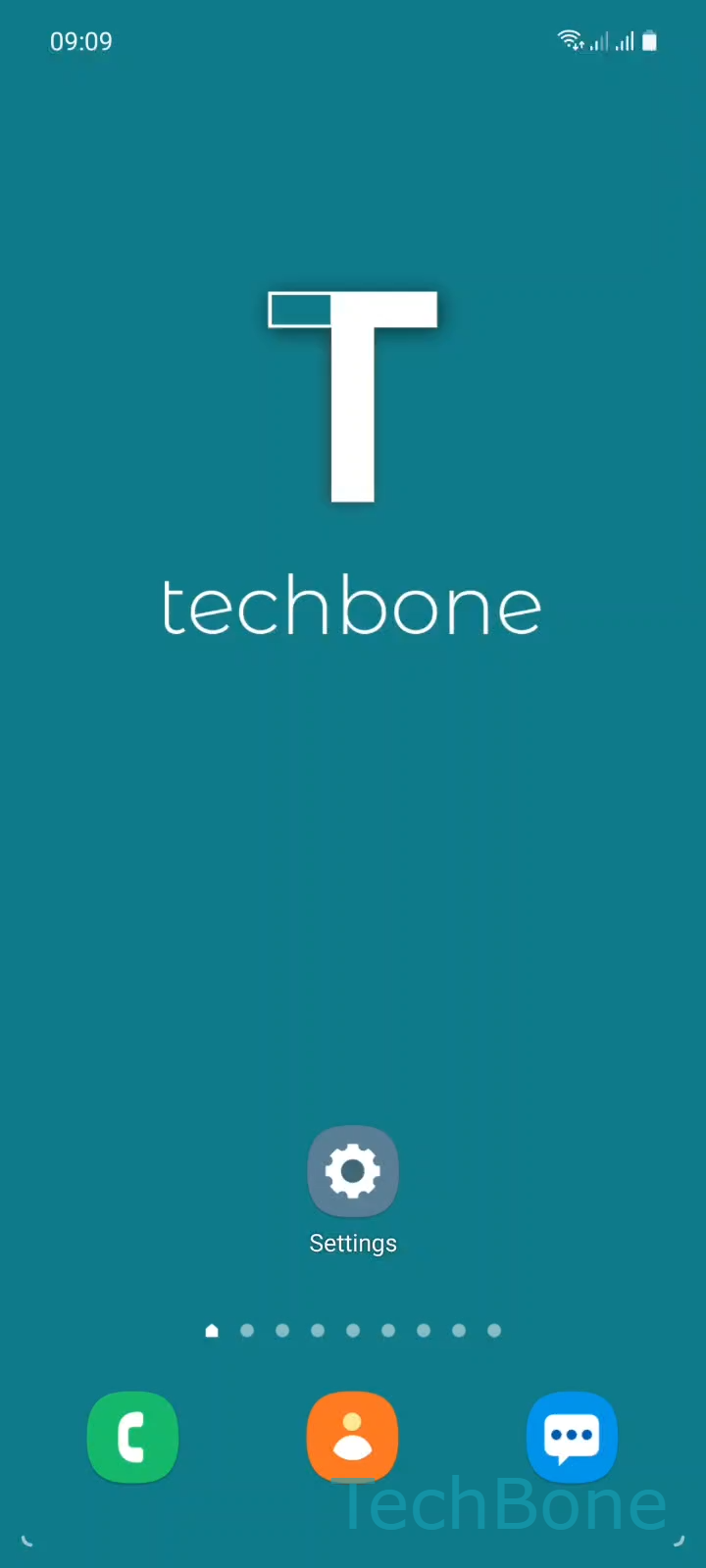
Step 1 of 6: Tap on **Settings**

1

Tap on Settings

Live simulator

Android 11 · One UI 3
Change Keyboard Layout – One UI 3: step 1 – Tap on Settings
Tap on Settings
1 / 6

Scroll or use the buttons for the next step

Feedback

Was the guide correct?

Help others: confirm the path or report a problem.

83

Confirmations

Forum verified this path

Samsung

Change Keyboard Layout auf Samsung

The Samsung keyboard offers separate layout settings for every installed language. If the layout does not match what you expect, typing accuracy drops, especially with punctuation and special characters placed differently between QWERTY and QWERTZ.

On the German keyboard specifically, One UI lets you switch between the standard full layout, a QWERTY variant, and a compact 3x4 keyboard built for one-handed typing. Each option repositions keys and changes which symbols are directly accessible, so picking the wrong one after switching languages is a common cause of typos.

To change the layout, open SettingsGeneral managementSamsung Keyboard settingsLanguages and types. Tap the language you want to adjust, then pick the layout you need from the available options for that language.

Not every language offers all three layouts. If an option is missing, the keyboard for that language only supports the standard layout, and no other setting will bring back QWERTY or the 3x4 keyboard.

Frequently asked questions

The 3x4 layout is only available where Samsung provides a dedicated input method for that language, mainly German and a few others. If it is missing under Languages and types, that language keyboard does not support it.

Compatible devices

Tap your device — opens its hub with matching guides.

Android 11 · One UI 3

No compatible devices are listed for this version.