Skip to content
TechBone
Samsung

Samsung: Turn Keyboard Sounds On or Off

Every tap on the Samsung keyboard triggers a click sound that can get annoying, especially in quiet rooms or during calls. This tone runs independently from your ringtone, notification and media volume, so lowering those won't silence it. Two separate settings areas manage the keypad tone, and mixing them up is the usual reason one toggle does not seem to work.

3 min4 steps
Version

Step by step

1 / 4

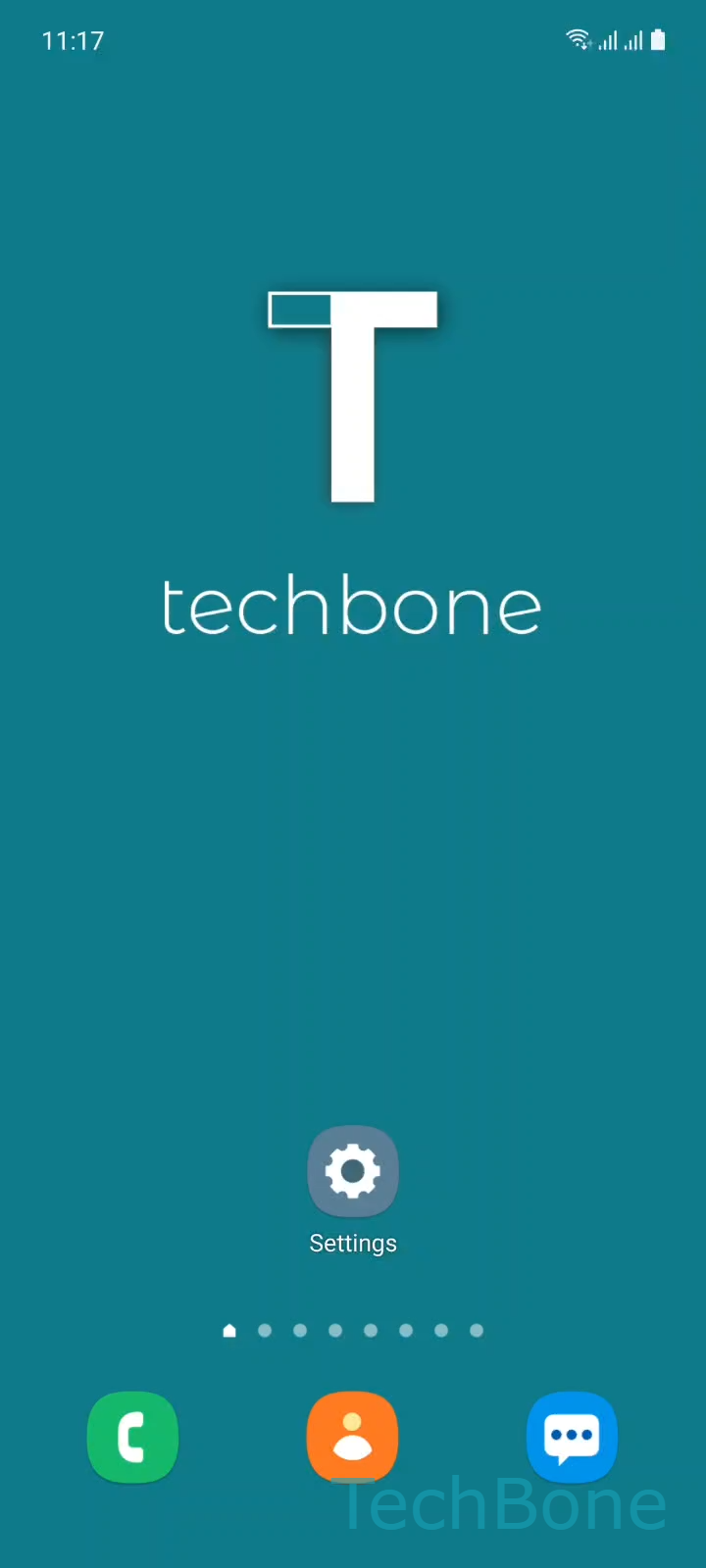
Step 1 of 4: Tap on **Settings**

1

Tap on Settings

Live simulator

Android 11 · One UI 3
Turn Keyboard Sounds On or Off – One UI 3: step 1 – Tap on Settings
Tap on Settings
1 / 4

Scroll or use the buttons for the next step

Feedback

Was the guide correct?

Help others: confirm the path or report a problem.

28

Confirmations

Forum verified this path

Samsung

Turn Keyboard Sounds On or Off auf Samsung

Samsung phones play a short click sound for every key you tap on the Samsung Keyboard. This tone is separate from ringtones, notification sounds and media volume, which explains why muting those does not always stop the clicking.

Two places control this behavior. One is the general sound control panel in the system settings, the other sits inside the keyboard app itself. If you switch one off and the sound keeps playing, check the other one too.

To turn keypad tones on or off through the system sound settings, use this path: Tap on SettingsTap on Sounds and vibrationTap on System sound/vibration controlEnable or disable Samsung Keyboard. This switch acts as the main control for the keyboard sound at the system level.

The Samsung Keyboard app also carries its own sound toggle inside its own settings menu, independent from the system-wide switch above. If keypad tones return after a software update or after reinstalling the keyboard, this second toggle is usually the reason.

Turning off keypad tones does not affect other system sounds like notification chimes or call ringtones. If you only want silence during certain hours, a scheduled Do Not Disturb or Focus mode fits better than disabling the keyboard sound for good.

Frequently asked questions

The keypad tone is controlled separately from ringtone, notification and media volume. Muting those sliders leaves the keyboard sound untouched, so you need to switch it off through Tap on SettingsTap on Sounds and vibrationTap on System sound/vibration controlEnable or disable Samsung Keyboard.

Compatible devices

Tap your device — opens its hub with matching guides.

Android 11 · One UI 3

No compatible devices are listed for this version.