Skip to content
TechBone
Samsung

Samsung: Enable Landscape Mode for the Home Screen

Turning your Samsung phone sideways usually rotates apps, but the home screen itself often stays locked in portrait. That happens because the general 'Rotate to landscape mode' toggle only affects certain screens, not the home screen grid. A separate setting controls whether your app icons and widgets actually follow the rotation.

3 min3 steps
Version

Step by step

1 / 3

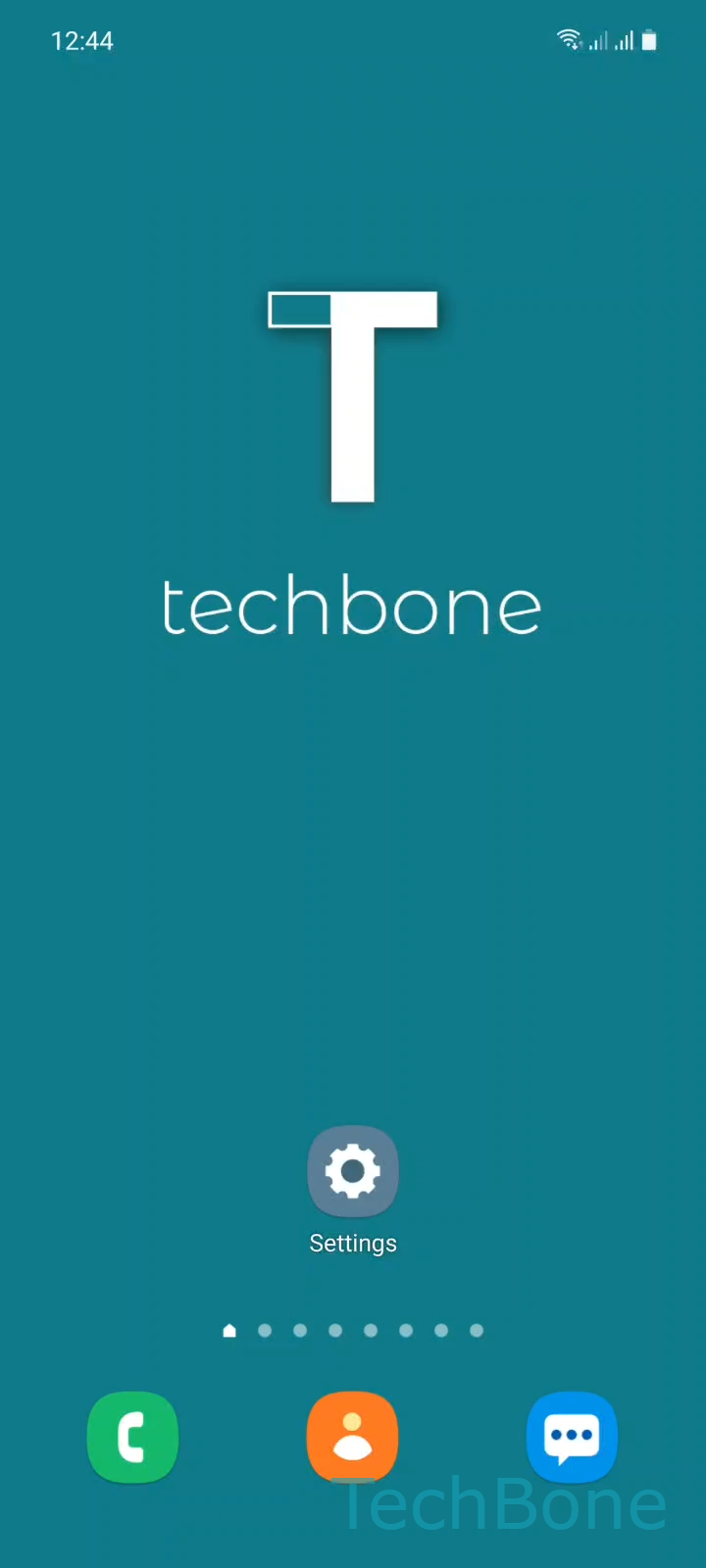
Step 1 of 3: Tap on **Settings**

1

Tap on Settings

Live simulator

Android 11 · One UI 3
Home Screen Landscape Mode – One UI 3: step 1 – Tap on Settings
Tap on Settings
1 / 3

Scroll or use the buttons for the next step

Feedback

Was the guide correct?

Help others: confirm the path or report a problem.

99

Confirmations

Forum verified this path

Samsung

Home Screen Landscape Mode auf Samsung

On Samsung phones, the system-wide rotation toggle and the home screen rotation setting are handled separately. Even with auto-rotate active, the home screen grid can stay fixed in portrait because it uses its own switch inside the home screen settings.

This separation exists because widgets and icon layouts often look cramped or misaligned in landscape. Samsung disables landscape mode for the home screen by default to avoid rearranged icons and inconsistent widget sizing after every rotation.

To allow the home screen to rotate along with the rest of the interface, go to Tap on SettingsTap on Home screenEnable or disable Rotate to landscape mode. Switching this on lets the grid and widgets follow the phone orientation.

After enabling it, check how your widgets resize in landscape. Some third-party widgets do not scale cleanly and may overlap icons until you rearrange them manually.

If the home screen still refuses to rotate afterward, confirm that the general auto-rotate control in the quick settings panel is also active, since both switches need to be on at the same time.

Frequently asked questions

The general auto-rotate toggle controls apps and system screens, while the home screen has its own separate switch under Tap on SettingsTap on Home screenEnable or disable Rotate to landscape mode. Both need to be active for the home screen to rotate.

Compatible devices

Tap your device — opens its hub with matching guides.

Android 11 · One UI 3

No compatible devices are listed for this version.