Skip to content
TechBone
Samsung

Samsung: Turn Lock Instantly with Side Key On or Off

If your Samsung locks the moment you press the side key, but the screen also re-locks itself after a short delay once you turn it back on, two separate settings are working against each other. Lock instantly with Side key forces an immediate lock on every power button press, while Lock automatically runs its own independent timer. Mixing both can make your device ask for your PIN, pattern or password far more often than you expect.

4 min5 steps
Version

Step by step

1 / 5

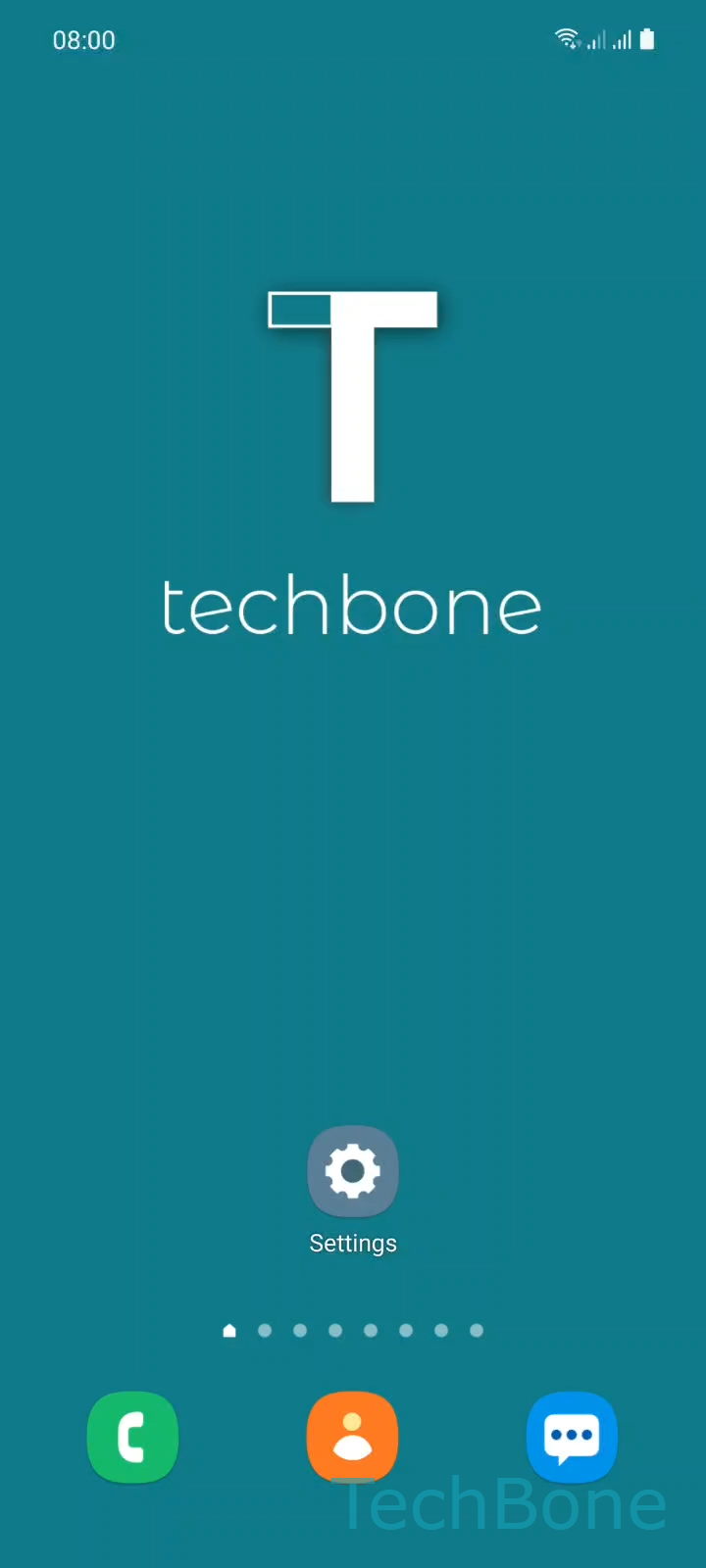
Step 1 of 5: Tap on **Settings**

1

Tap on Settings

Live simulator

Android 11 · One UI 3
Turn Lock Instantly with Side Key On or Off – One UI 3: step 1 – Tap on Settings
Tap on Settings
1 / 5

Scroll or use the buttons for the next step

Feedback

Was the guide correct?

Help others: confirm the path or report a problem.

50

Confirmations

Forum verified this path

Samsung

Turn Lock Instantly with Side Key On or Off auf Samsung

Lock instantly with Side key is a separate setting from Lock automatically, even though both control when your screen locks. The side key option forces an immediate lock every time you press the power button, no matter what delay is set elsewhere.

Lock automatically works on a timer that starts after the screen turns off by itself. If that timer is set to a short delay, you can still unlock the phone briefly after pressing the side key before the pattern, PIN or password screen appears. Turning off Lock instantly with Side key removes the forced lock on button press and leaves only the automatic timer in control.

Where to find the setting

Go to Tap on SettingsTap on Lock screenTap on Secure lock settingsEnter the current Pattern,PIN or PasswordEnable or disable Lock instantly with Side key.

You only see this option once a secure lock screen method is active. Disabling it does not remove your lock screen, it only changes how quickly the lock engages after you press the side key.

If you want the screen to stay unlocked briefly after pressing the button, turning this off is the right fix. If you want maximum security regardless of timers, keep it enabled.

Frequently asked questions

No. Lock automatically keeps running on its own timer in Lock screen settings. The side key option only removes the forced instant lock on button press.

Compatible devices

Tap your device — opens its hub with matching guides.

Android 11 · One UI 3

No compatible devices are listed for this version.