Skip to content
TechBone
Samsung

Samsung: Lock Secure Folder manually anytime

If Secure Folder stays open after you close it, the automatic lock timer or restart-only setting is probably still active. That leaves private apps and files reachable until the timer runs out or the phone reboots. A manual lock option inside the folder closes it right away, without waiting for either condition.

3 min3 steps
Version

Step by step

1 / 3

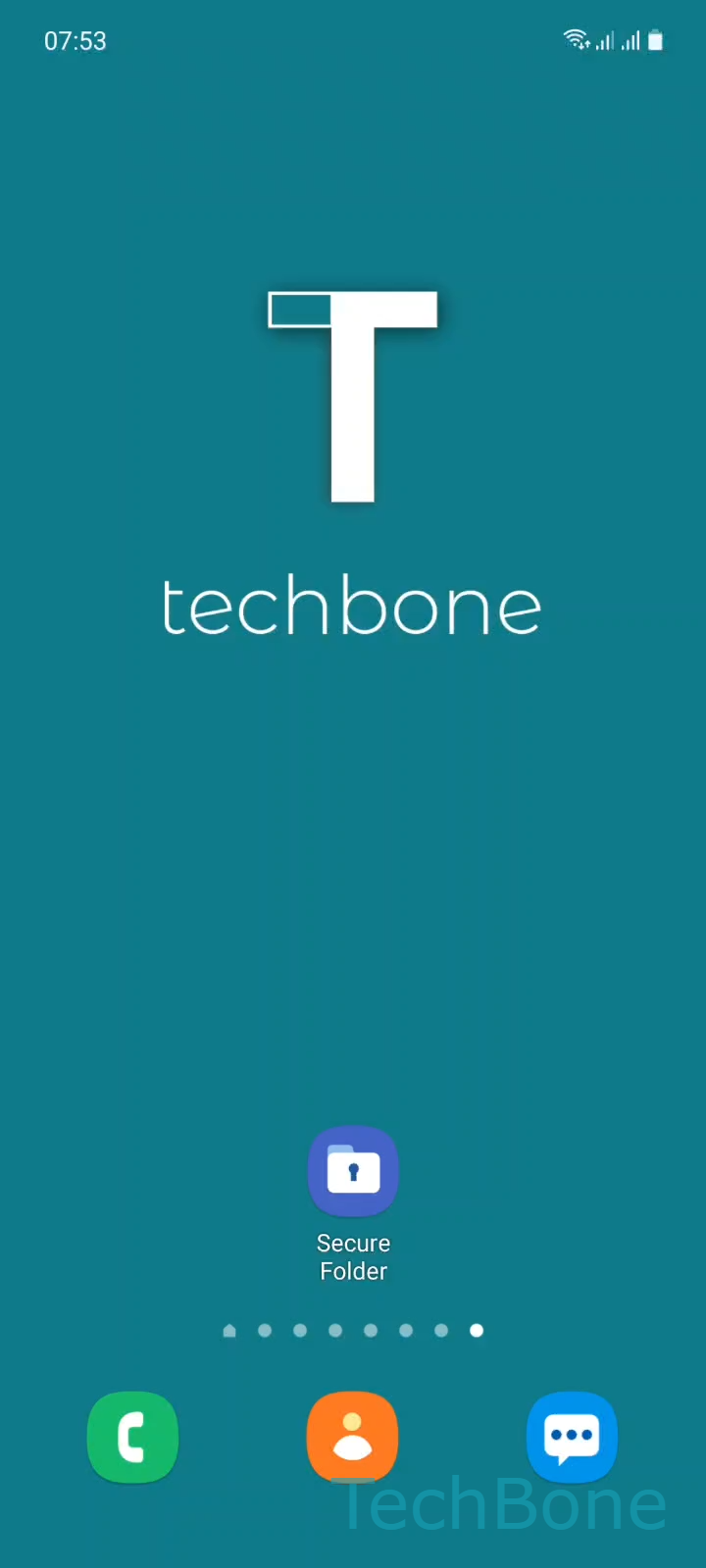
Step 1 of 3: Tap on **Secure Folder**

1

Tap on Secure Folder

Live simulator

Android 11 · One UI 3
Lock Secure Folder Manually – One UI 3: step 1 – Tap on Secure Folder
Tap on Secure Folder
1 / 3

Scroll or use the buttons for the next step

Feedback

Was the guide correct?

Help others: confirm the path or report a problem.

60

Confirmations

Forum verified this path

Samsung

Lock Secure Folder Manually auf Samsung

Secure Folder on Samsung phones does lock itself automatically, but only once a condition you set beforehand is met. Depending on that setting, the folder stays accessible until a timer expires or you restart the device, not the moment you actually leave it.

That delay matters if someone else picks up your phone right after you close Secure Folder. The content inside stays reachable for as long as the automatic condition is still pending, even though the folder looks closed on screen.

Close it on the spot

Secure Folder has its own menu with a direct lock command, independent of your timer setting. Go to Tap on Secure FolderOpen the MenuTap on Lock and exit. This closes the folder immediately and requires the usual PIN, pattern, or biometric check the next time you open it.

Use this whenever you hand the phone to someone else or step away in public, even briefly. Keep the automatic timer active as a backup for the times you forget the manual step, since both methods work independently of each other.

Frequently asked questions

No. The timer or restart-only setting stays exactly as configured. Manually locking only closes Secure Folder for this session; the same automatic rule applies again next time.

Compatible devices

Tap your device — opens its hub with matching guides.

Android 11 · One UI 3

No compatible devices are listed for this version.