Skip to content
TechBone
Samsung

Samsung: Make Phone Calls with the Dialer App

If you are not sure how to start a call on your Samsung phone, the process runs through the dialer keypad, not just the contacts list. A missing or inactive SIM card is the most common reason a call will not connect, even when the number is entered correctly. Once the SIM is active, both manually typed numbers and saved contacts work the same way.

3 min4 steps
VersionAndroid 10 · One UI 2

Step by step

1 / 4

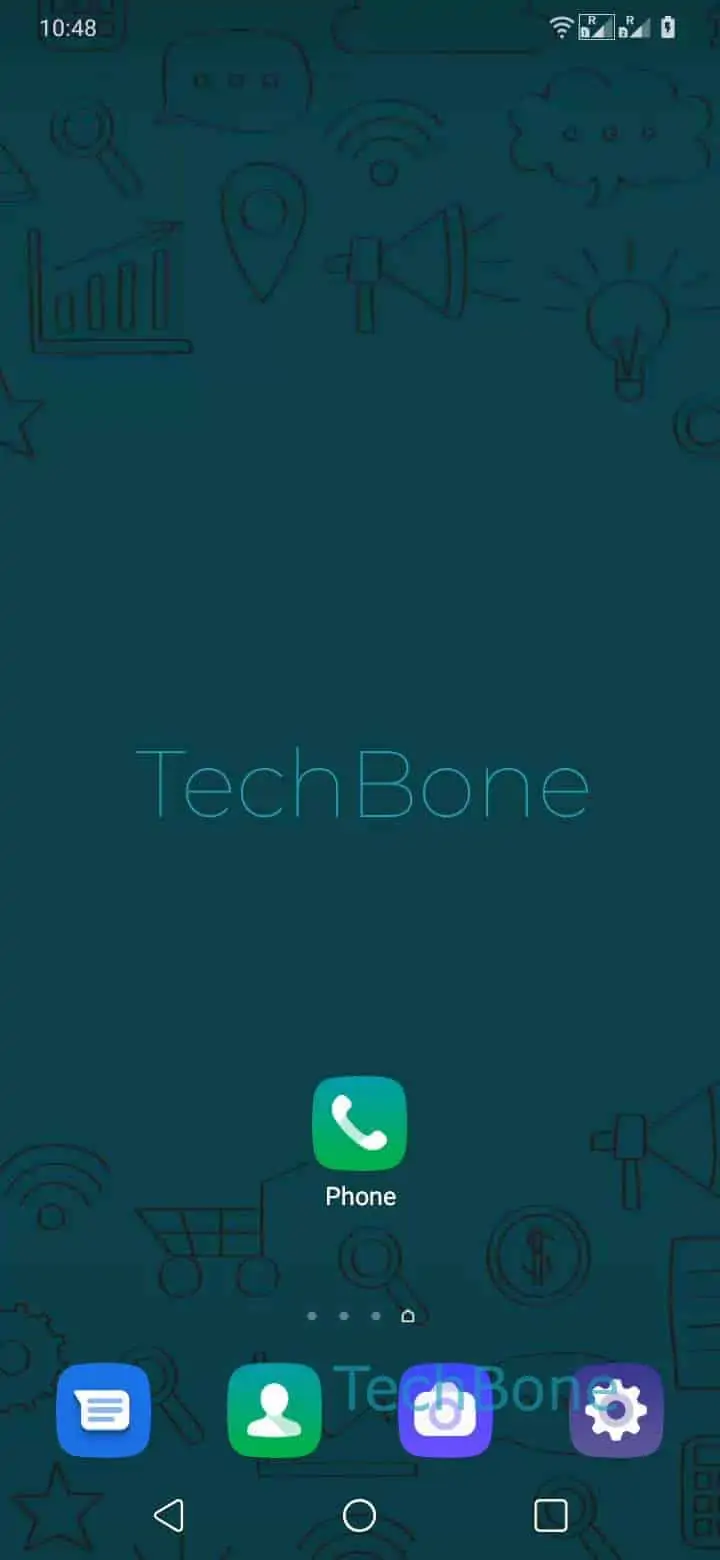
Step 1 of 4: Open the **Phone-App**

1

Open the Phone-App

Live simulator

Android 10 · One UI 2
Make a Phone Call from the Dialer – One UI 2: step 1 – Open the Phone-App
Open the Phone-App
1 / 4

Scroll or use the buttons for the next step

Feedback

Was the guide correct?

Help others: confirm the path or report a problem.

88

Confirmations

Forum verified this path

Samsung

Make a Phone Call from the Dialer auf Samsung

Placing a call on a Samsung phone requires an active SIM card. Without a detected SIM, the dialer keypad still opens, but the Call button will not connect any number, saved or unsaved.

Once the SIM is active, calls run through the Phone app rather than the contacts list alone. Open Open the Phone-App and use the keypad to enter a number directly, or start typing to search for a saved name.

Follow this path: Open the Phone-AppEnter the Phone numberIf the phone number is saved as a contact, you can tap on the contactTap on Call.

Entering digits manually and selecting a saved contact both lead to the same Call action at the end. If the number belongs to a saved contact, tapping the suggested name skips manual entry and goes straight to the call screen.

If the Call button stays greyed out or the screen shows no signal, the SIM slot, network registration, or airplane mode is usually the cause rather than the dialer itself.

Frequently asked questions

Check that a SIM card is inserted and shows a network signal. If the SIM is missing or not registered on the network, the Call button in the Phone-App will not start the connection even after you tap it.

Compatible devices

Tap your device — opens its hub with matching guides.

Android 10 · One UI 2

No compatible devices are listed for this version.